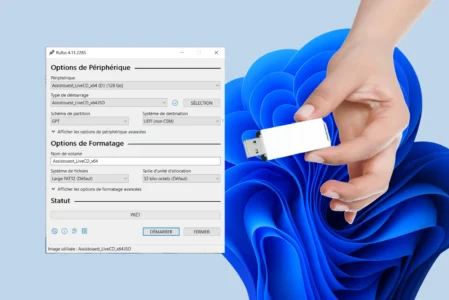
Create a bootable USB drive to clean install Windows 11 on a PC
7 March 2025
Create a bootable Windows USB installation key in just a few minutes and prepare your PC for a new Windows installation.

Discover tips and tutorials to optimize your Windows experience: performance, customization, solutions to common issues, and more.
Create a bootable Windows USB installation key in just a few minutes and prepare your PC for a new Windows installation.
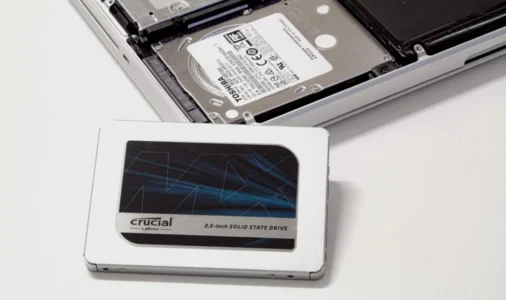
Discover the best ways to migrate your system and files without reinstalling.
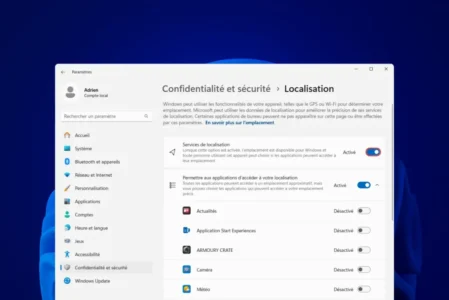
Find out how to disable geolocation on Windows to protect your privacy. Follow our guide to block access to your location for the whole system or just for certain applications.
Microsoft Store won't open on Windows? Find out how to reset and repair the application on Windows 11 and 10.
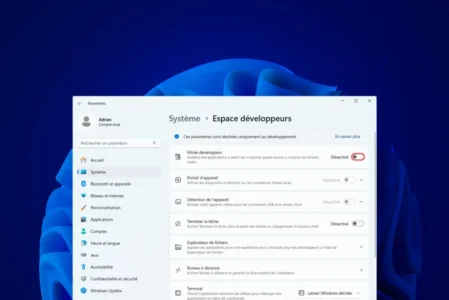
Find out how to activate Developer Mode in Windows 11 and unlock advanced features for installing unsigned applications and accessing debugging tools.
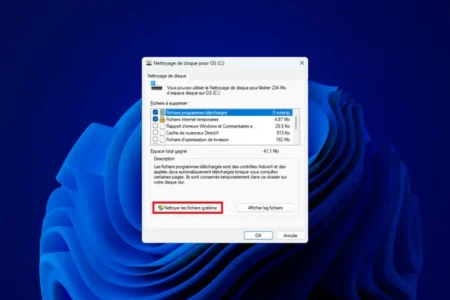
Learn how to easily delete temporary files in Windows with our practical guide. Free up space and optimize your PC's performance.
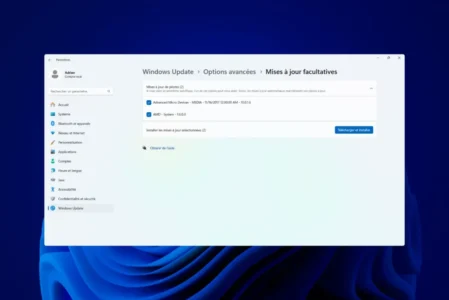
Update your Windows PC drivers to improve performance and avoid system errors. Discover the best methods: Windows Update and other specialized software.
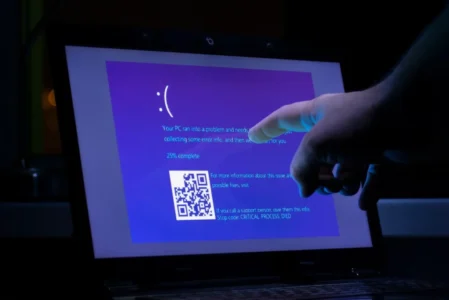
Are you experiencing the DRIVER_IRQL_NOT_LESS_OR_EQUAL error on your Windows PC? Driver problem, defective RAM, overheating... Follow our guide to identify and solve the problem.
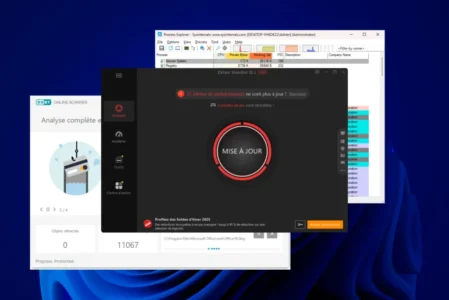
Discover the best Windows troubleshooting and maintenance software to resolve system errors, clean up your disk and boost your computer's performance.
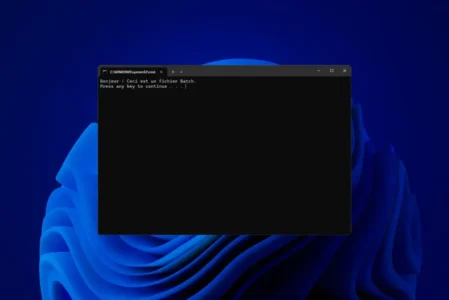
Learn how to create a Windows batch file (.bat or .cmd) to automate tasks. Complete guide with explanations and practical examples.
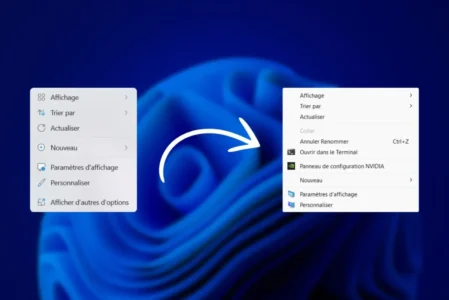
Do you find Windows 11's new context menu a little inconvenient? Find out how to restore the old classic right-click menu in just a few simple steps.
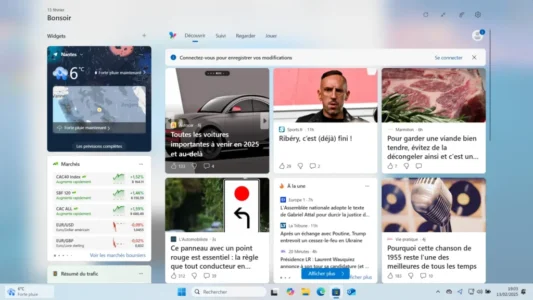
Windows 11 widgets bothering you? Learn how to hide them, prevent them from opening unintentionally and remove them completely by uninstalling the Windows Web Experience Pack.