Testing hard disk speed and wear under Windows (HDD, SSD and NVMe M.2.)
Find out how to test the speed and wear of your HDD, SSD or SSD NVMe under Windows. Complete guide with integrated tools and specialized software.
Discover tips and tutorials to optimize your Windows experience: performance, customization, solutions to common issues, and more.
Find out how to test the speed and wear of your HDD, SSD or SSD NVMe under Windows. Complete guide with integrated tools and specialized software.

Find out how to take screenshots in Windows 11 and 10. Keyboard shortcuts, built-in tools, practical tips: master every technique.
Find out how to install AnyDesk to set up remote access and exploit all its advanced options for remote control.
Easily activate hibernation mode in Windows. Find out how to add it to the shutdown menu and optimize your PC's power management.
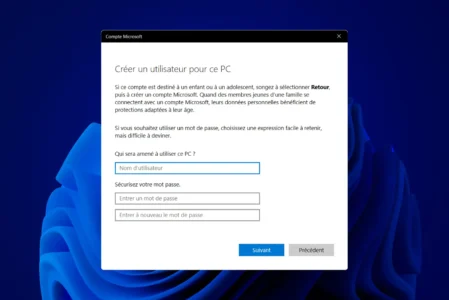
Find out how to create a local user account on Windows without a Microsoft account. Follow our step-by-step guide for a quick and secure installation.
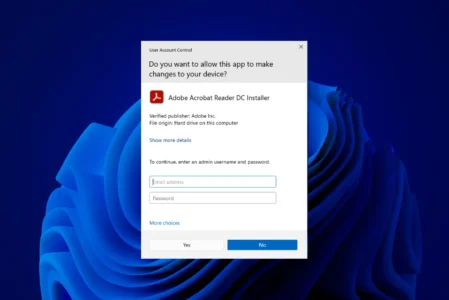
How do I enable or disable UAC in Windows? Follow our step-by-step tutorial to adjust this security feature and manage program authorization notifications.
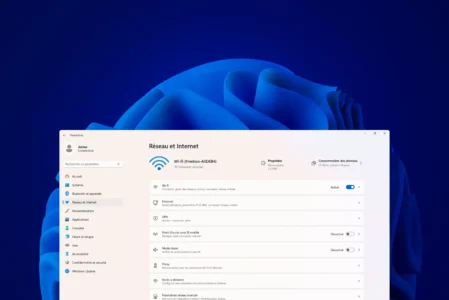
Access Wi-Fi passwords stored in Windows! Find out how to easily view your network security keys via your Wi-Fi connection settings.
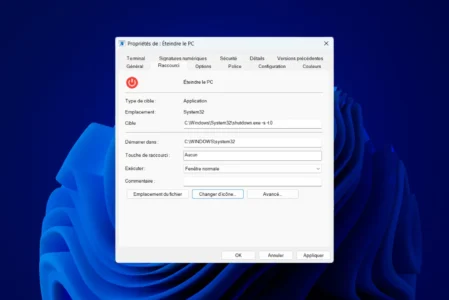
Follow our guide to create a quick shutdown button on the desktop and simplify your computer's shutdown.
Prevent unintentional activation of your webcam! Follow our practical guide to easily disable the built-in webcam on your Windows laptop.
Do you have to turn off your computer every day? Discover the effects on your hardware and the best practices to adopt.
Want to replace Microsoft Edge with Chrome, Firefox or another browser on Windows 11? Follow our step-by-step tutorial to change your default browser.
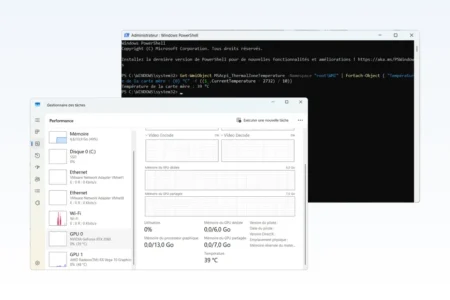
Learn how to check your PC's temperature without software, using native Windows tools like PowerShell.