
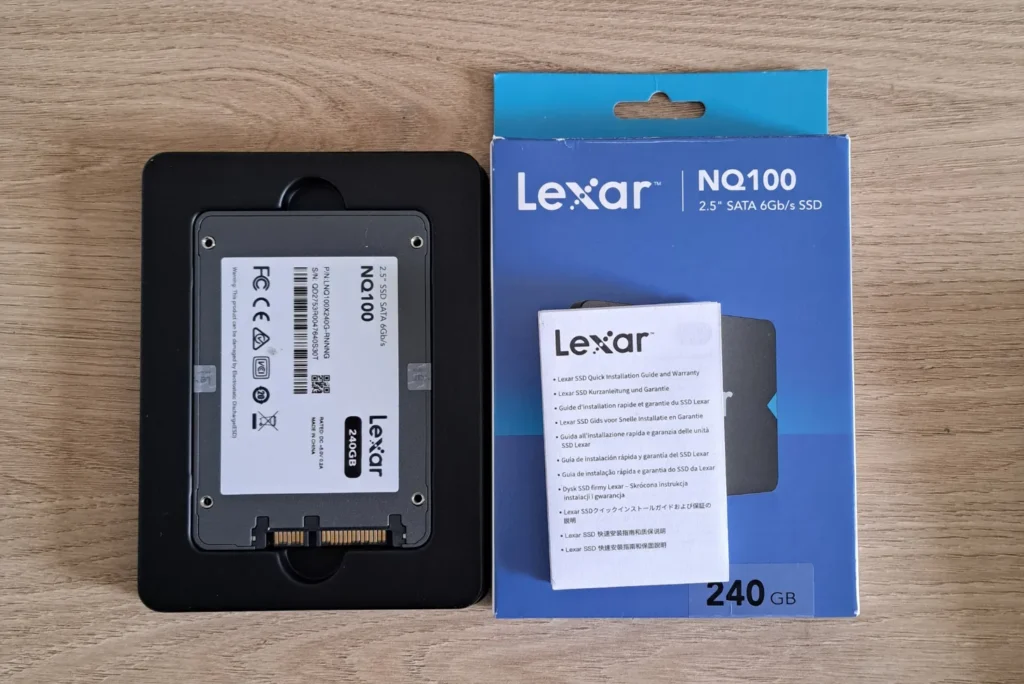
Among the many affordable SATA SSDs on the market, the Lexar NQ100 is one of the most accessible models. Presented as a reliable, easy-to-install solution, it’s clearly aimed at those who want to swap their hard disk for faster storage, without blowing their budget. In this comprehensive test of the Lexar NQ100 240GB, we review its performance, strengths and limitations to determine whether it deserves a place in your PC.
LEXAR NQ100 SSD test: an entry-level drive for PC upgrades
- Lexar NQ100 (240 GB): full specifications and analysis
- Unpacking and presentation of the Lexar NQ100 SATA SSD
- An SSD that’s fast on reads but limited on writes
- Lexar DiskMaster: management software for the NQ100 SSD
- Lexar NQ100: our verdict after testing
Lexar NQ100 (240 GB): full specifications and analysis
The Lexar NQ100 is a 2.5-inch SSD using the SATA III (6 Gb/s) interface, a classic choice compatible with most notebook and desktop PCs. It comes in three capacities: 240 GB, 480 GB and 960 GB.
Under the hood is a Lexar DM928 controller designed to operate without dedicated DRAM memory. This reduces manufacturing costs, but limits random access performance compared to higher-end models. The flash memory used is 3D TLC NAND (confirmed on several versions tested, although Lexar does not officially communicate on the exact type of NAND used on each batch).
In terms of performance, the manufacturer claims sequential read speeds of up to 550 MB/s, the theoretical limit of the SATA interface. Write speeds are more modest and vary according to capacity, with no precise official figures, but they remain sufficient for office and multimedia use.
Lexar accompanies its SSDs with a software utility called Lexar DiskMaster, which allows you to check the health of the disk (S.M.A.R.T.), check the temperature, perform a secure erase and update the firmware. The whole package is covered by a 3-year limited warranty, which is now standard in this product range.
Unpacking and presentation of the Lexar NQ100 SATA SSD
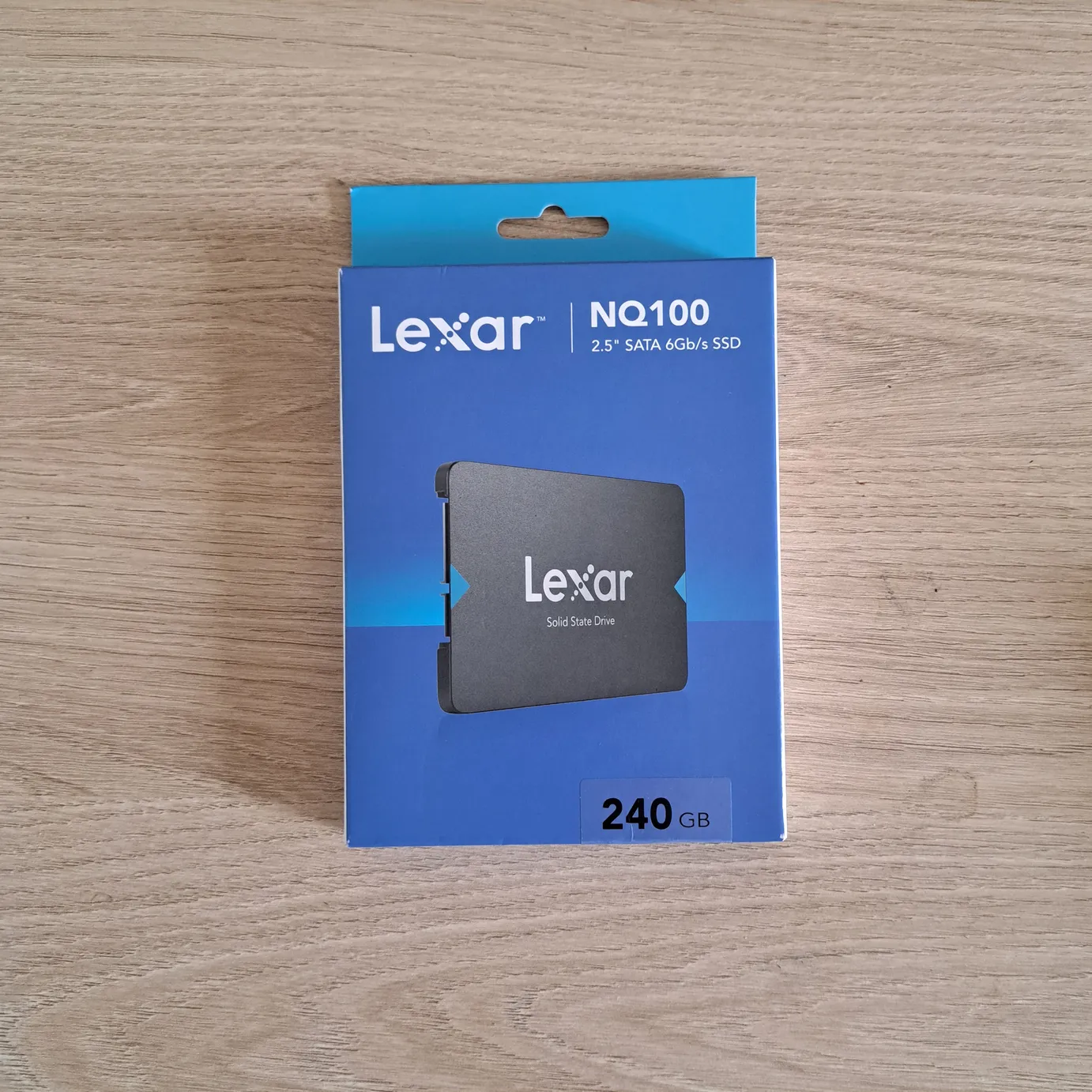
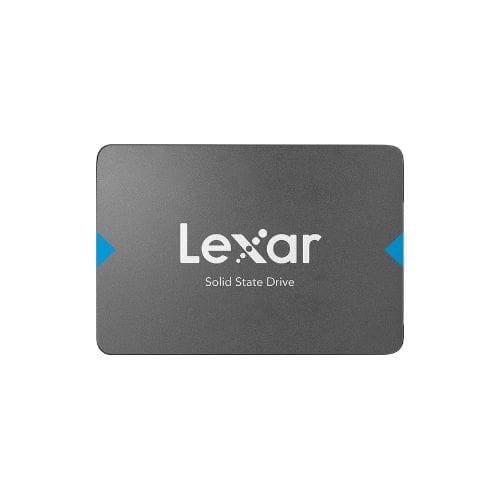
The Lexar NQ100 arrives in a simple, compact package, reflecting its entry-level positioning. The box presents the SSD with its main features highlighted. Inside, we find only the well-protected SSD, with no screws or adapters supplied.
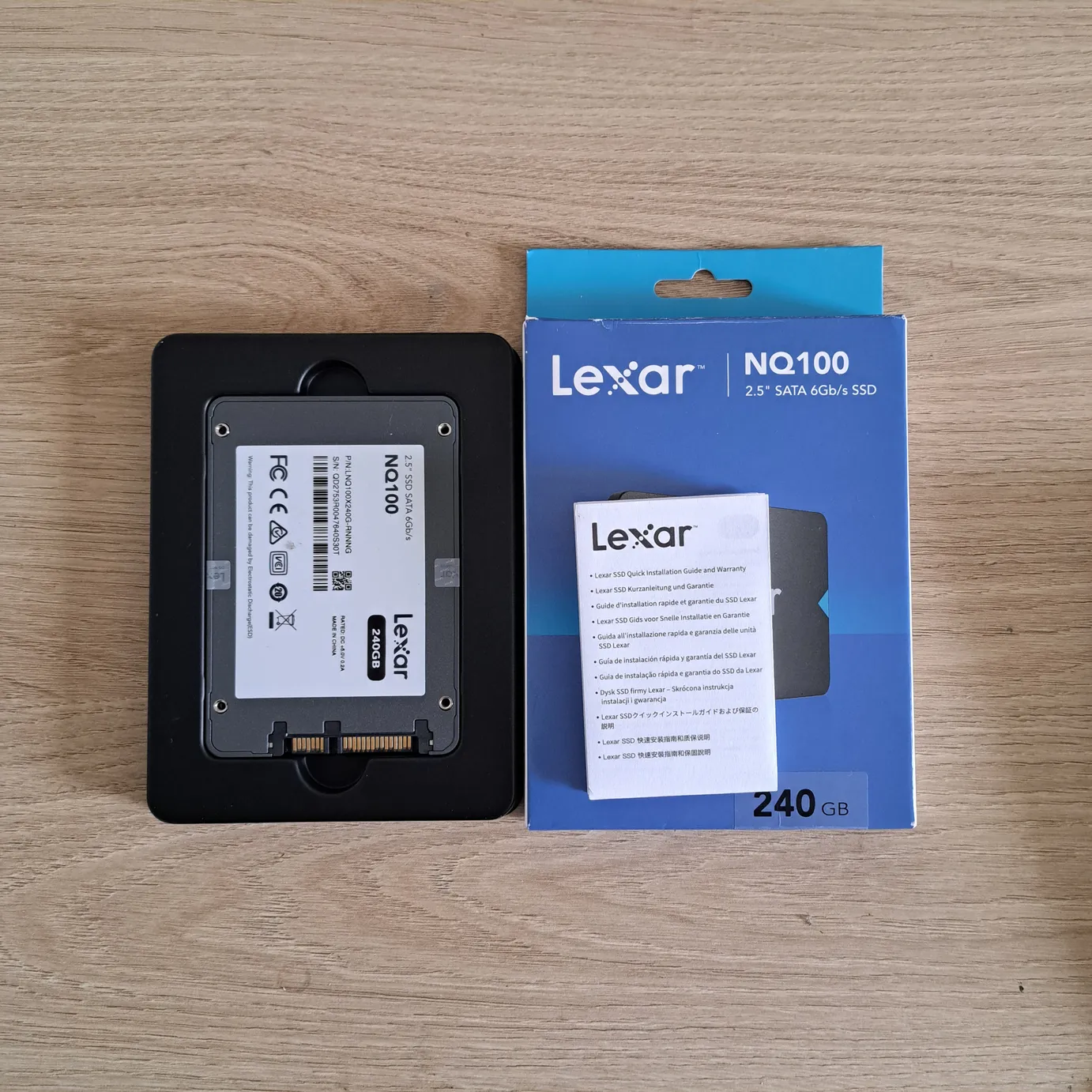
The design of the NQ100 is sober, with a slim, lightweight case combining plastic and metal that will fit easily into any laptop or desktop PC. No special aesthetic effects or integrated heatsink, just a functional design that focuses above all on the simplicity and universal compatibility of the 2.5″ format.
An SSD that’s fast on reads but limited on writes
To evaluate the Lexar NQ100, we ran tests using AS SSD software, a benchmark tool in the storage industry. The results show a sequential read speed of 510 MB/s, which corresponds to the limit of the SATA III interface. Sequential writing, on the other hand, tops out at 323 MB/s, a rather low value for an SSD in this category. This is still around three times faster than a mechanical hard disk drive, but the gap is noticeable when compared with competing models such as the Crucial BX500, which achieves 461 MB/s in write mode.
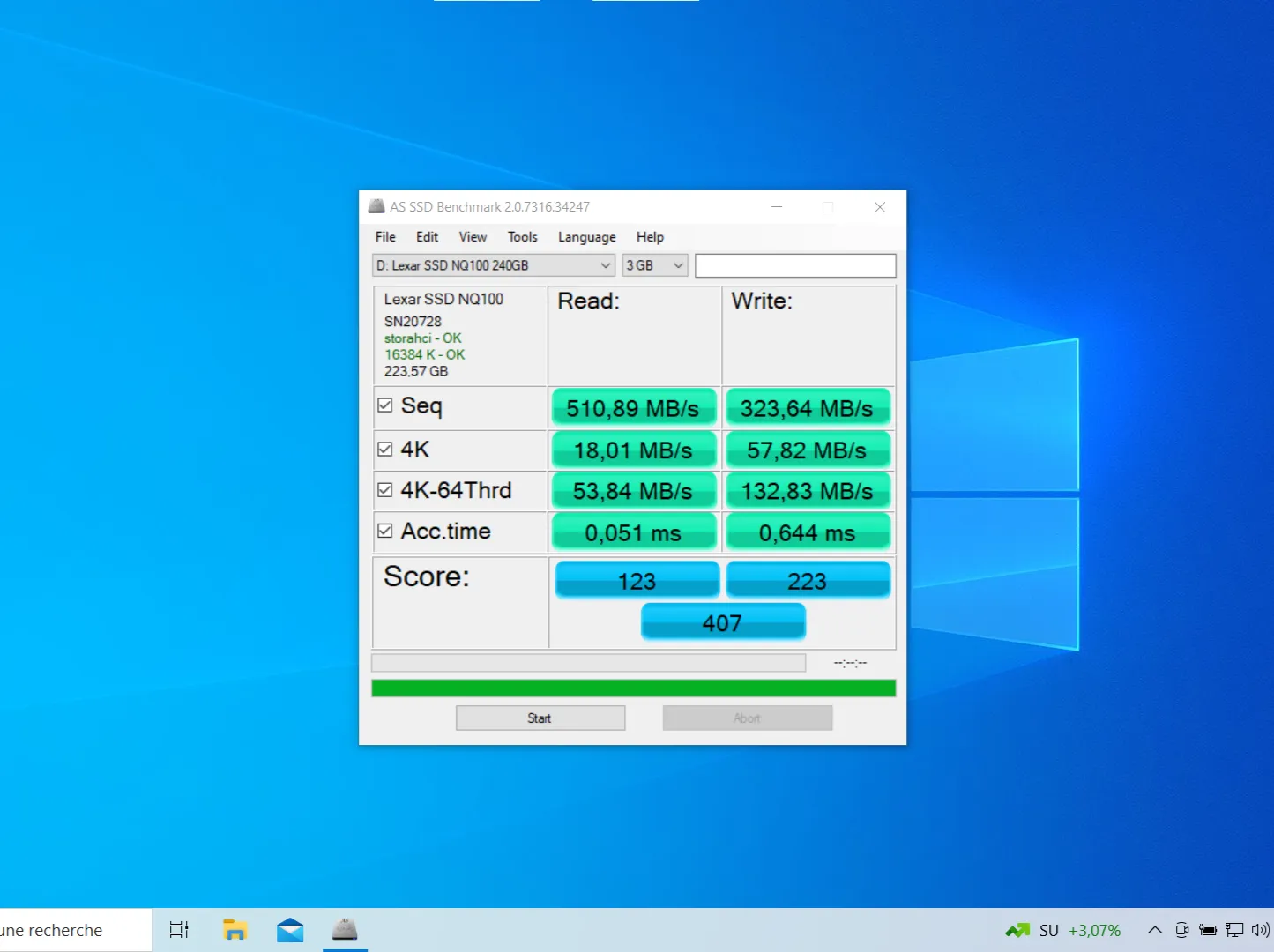
In random access tests on small blocks, the NQ100 achieves 18 MB/s read and 57 MB/s write. These figures are consistent for an SSD without DRAM memory, but still lag behind higher-end references such as the Samsung 870 EVO.
In multi-threaded mode (which simulates several simultaneous accesses) speeds reach 53 MB/s read and 132 MB/s write. This is sufficient for office and multimedia use. Access times are excellent, at 0.05 ms for reading and 0.64 ms for writing, guaranteeing good responsiveness when launching the system or opening applications.
Overall, the Lexar NQ100 offers decent performance for an entry-level model. It proves effective for replacing a hard disk and restoring fluidity to a PC, even if its sequential writing behavior is more limited than some direct competitors.
Lexar DiskMaster: management software for the NQ100 SSD
The Lexar NQ100 can be accompanied by Lexar DiskMaster, an in-house software utility that keeps an eye on the SSD’s state of health. The interface gives access to key S.M.A.R.T. information, disk temperature and offers several practical tools such as secure erase or firmware update.
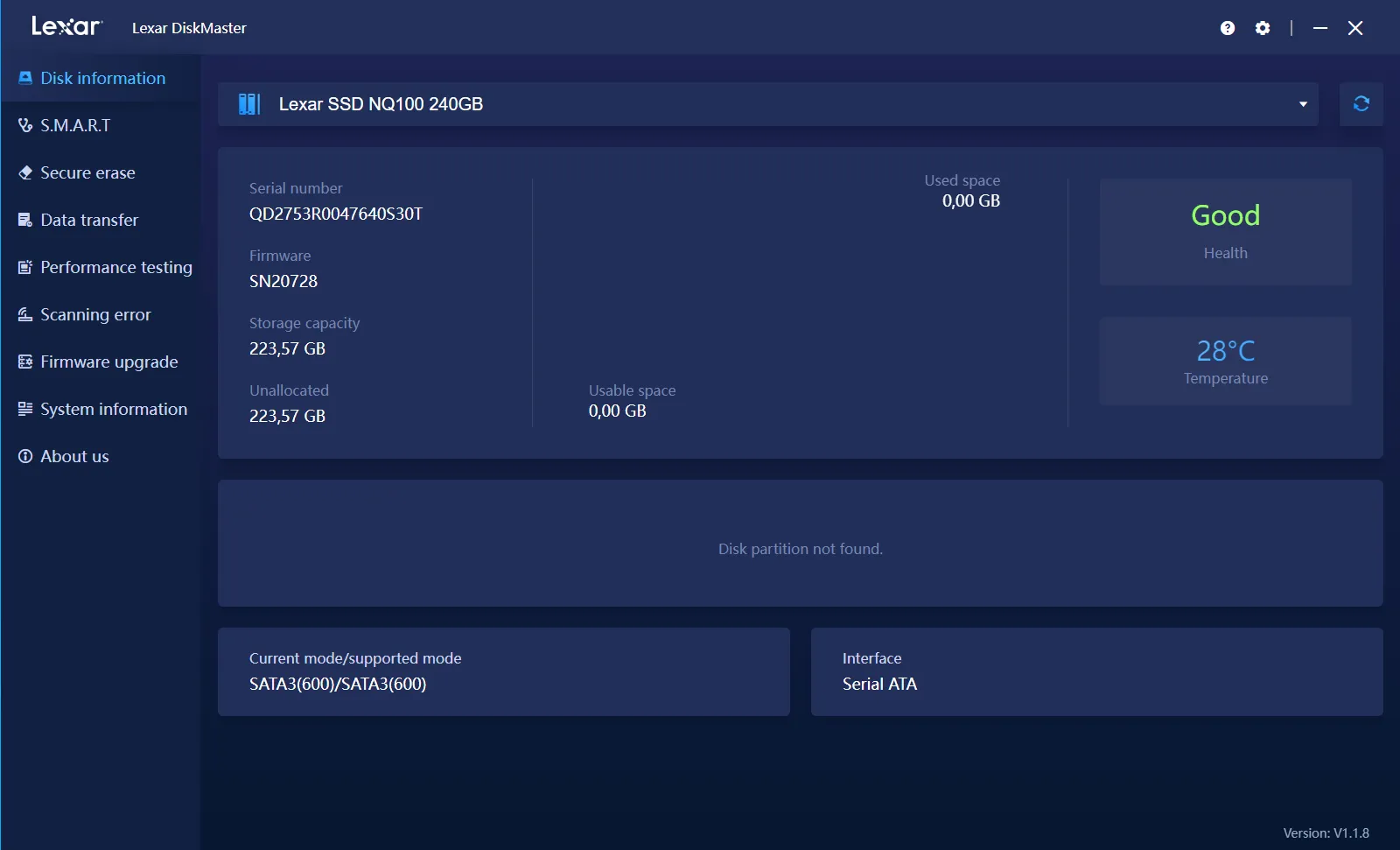
The whole thing remains deliberately simple and accessible, in keeping with the NQ100’s positioning. The interface doesn’t offer the functional richness of competing solutions such as Samsung Magician or Crucial Storage Executive, but it fulfills its role adequately for users wishing to monitor and maintain their SSDs.
Lexar NQ100: our verdict after testing
The Lexar NQ100 is an entry-level SATA SSD that delivers on its promises. Its vocation is to offer an affordable alternative to the mechanical hard disk drive, and restore responsiveness to a laptop or desktop PC without blowing the budget. In this role, it fulfills its mission perfectly, with sequential read speeds in line with expectations and fast access times that ensure rapid day-to-day use.
Editor's Verdict :
The Lexar NQ100 is a budget SATA SSD that delivers good responsiveness for replacing a hard drive but quickly shows its limits compared to higher performance models.
Highlights :
Drawbacks :
Buy at the Best Price on Amazon
Its limitations become apparent as soon as you move away from a classic office environment. Write speeds remain modest for a SATA SSD, and 4K performance lags behind more complete models like the Crucial BX500 or Samsung 870 EVO. For intensive use, be it content creation, demanding gaming or massive transfers, it’s best to turn to a higher-end SATA SSD, or even an NVMe SSD if possible.
Did you find this article helpful?
Share it so others can benefit from it.
Learn more about the author
