
Fed up with limited versions or expensive licenses for Office 365 and Office 2024? Thanks to MAS, it’s possible to activate your Microsoft suite completely free of charge and permanently. Follow this comprehensive guide to find out all about this convenient and secure method.
Find out how to activate Windows 10 / 11 for free in this article.
Massgrave: Activate Office 365 and 2024 key for free for life with PowerShell
- Download Office C2R Installers in your language
- Activate Office 365 and 2024 for free for life with Microsoft Activation Script
- How to activate Word, Excel and PowerPoint on Windows 11 for free?
- What is the Office: Ohook activation method?
Download Office C2R Installers in your language
For the English version: https://gravesoft.dev/office_c2r_links#english-en-us
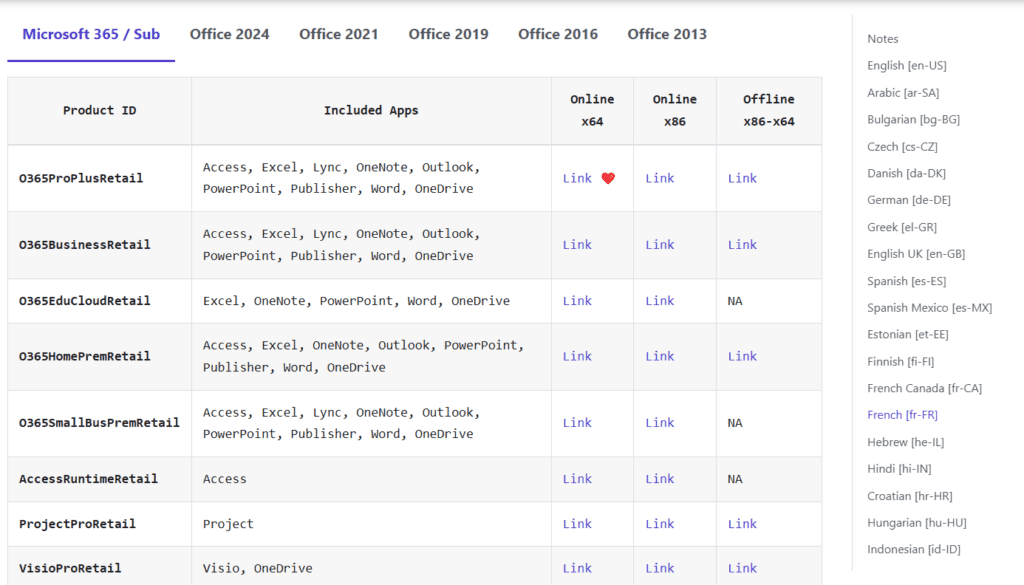
Run the executable you’ve just downloaded and wait for the Office installation to finish.
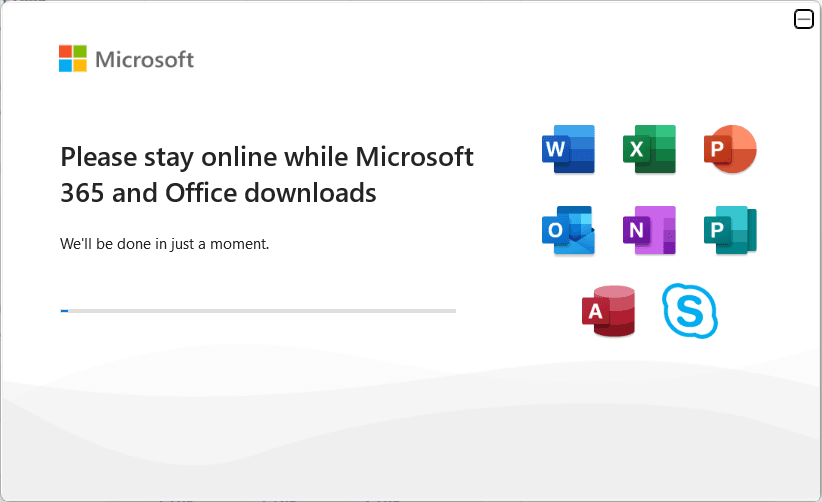
Just wait a few minutes and you’ll have access to Word, Excel, PowerPoint, Outlook and more, ready to use!
Activate Office 365 and 2024 for free for life with Microsoft Activation Script
Once the installation is complete, you can activate your version of Microsoft Office free of charge for life using the MAS (Microsoft Activation Scripts) tool. This safe and recognized tool will enable you to enjoy all premium features at no extra cost.
- Open a PowerShell command window as Administrator.
- Execute the following command:
irm https://get.activated.win | iex
- Once the script has been loaded, select [2] Ohook | Office from the main menu.
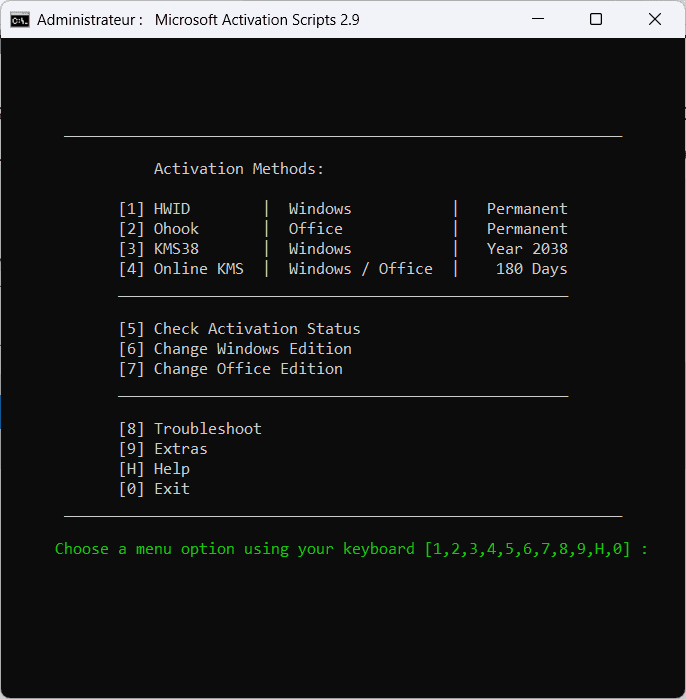
- Then choose [1] Install Ohook Office Activation to start the activation process.
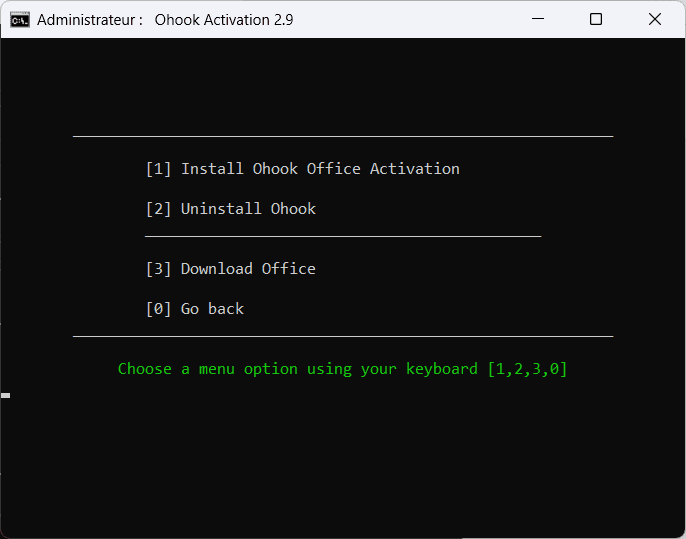
- Wait a few minutes for the process to complete. When it’s finished, you’ll see the following message:
Office is permanently activated.
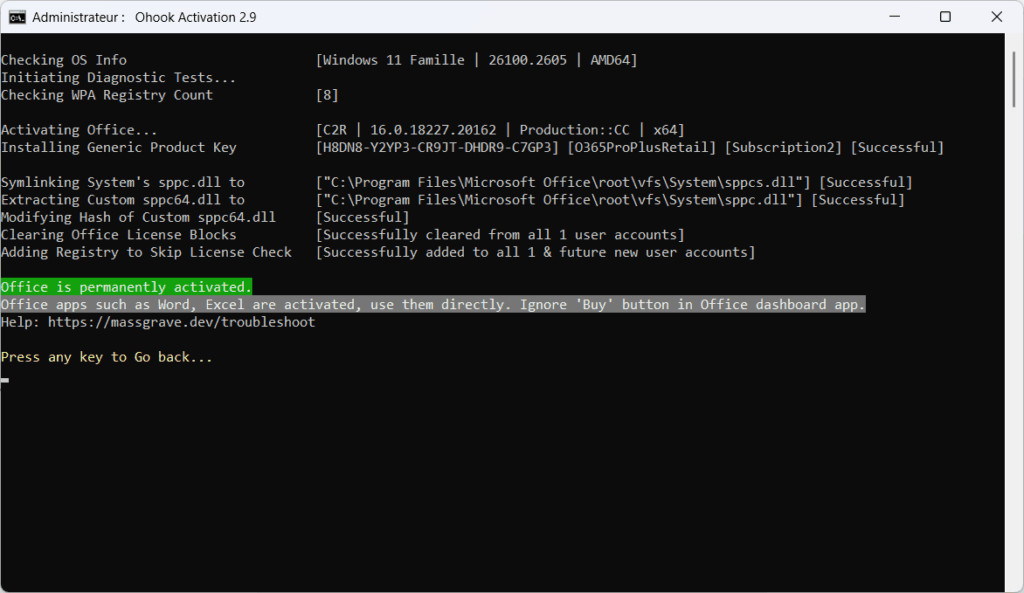
You can now use Microsoft Office (Word, Excel, PowerPoint, etc.) without limitations. All premium features are unlocked for everyday or professional use.
How to activate Word, Excel and PowerPoint on Windows 11 for free?
To activate Word, Excel and PowerPoint on Windows 11 for free, use Microsoft Activation Script (MAS) with the Ohook method. This solution unlocks your Microsoft Office 365 or 2024 suite with free, permanent activation.
It’s based on specific scripts that apply a generic license to your installation, giving you access to all the premium features of Office applications.
Discover also the free alternatives to Office 365 and 2024.
What is the Office: Ohook activation method?
The Ohook method is an activation technique integrated into the open-source Microsoft Activation Scripts (MAS) script, enabling various versions of Microsoft Office to be permanently activated on Windows 8 and later, with the exception of Office 2010 and Office UWP applications.
This method works offline and survives Office repairs and updates as well as major Windows upgrades, eliminating the need for reactivation in these cases.
Ohook works by installing a customized version of the sppc.dll system library in the Office directory, without modifying existing system files. This custom library intercepts Office activation requests and returns a response indicating that the product is activated.
Did you find this article helpful?
Share it so others can benefit from it.
Learn more about the author
