

Ransomware is one of today’s most feared computer threats. In just a few seconds, a simple click can be enough to encrypt all your files, making them inaccessible without payment. Whether you’re an individual, a freelancer or a small business, it has become essential to equip yourself with tools capable of blocking these attacks before it’s too late. This article presents the most effective software for defending against ransomware in 2026.
The 4 best ransomware protection programs in 2026
- Ransomware: detect the signs of infection and react in time
- Malwarebytes Premium: the recommended antimalware in 2026
- Microsoft Defender: anti-ransomware protection integrated into Windows
- Kaspersky Anti-Ransomware: subscription-free real-time prevention
- Bitdefender: one of the best paid protections against ransomware
Ransomware: detect the signs of infection and react in time
Ransomware is malicious software designed to encrypt your personal or business files, then demand a ransom in exchange for a decryption key. In most cases, the attack begins with a booby-trapped attachment, infected download or system vulnerability. Once installed, the ransomware works in the background, encrypting your documents and then displaying a blackmail message inviting you to pay (in cryptocurrency) to get your data back.
There are many signs that ransomware is at work: sudden slowdowns, files whose names or extensions change for no reason, unusual error messages or the sudden appearance of a ransomware screen. By this stage, it’s often too late, your files are locked and even a reboot or system restore won’t be enough to recover them without the decryption key.
Conventional antivirus software can detect certain known threats, but is often helpless in the face of recent ransomware, which uses sophisticated techniques to bypass traditional defenses. That’s why it’s important to rely on specialized solutions capable of spotting suspicious behavior in real time, denying access to sensitive files or blocking encryption attempts from the very first seconds.
Malwarebytes Premium: the recommended antimalware in 2026
Malwarebytes Premium is a complete security solution that protects your computer against the most dangerous threats: ransomware, malware, spyware, Trojans and adware. Unlike conventional antivirus products, it relies on behavioral detection to identify new attacks even before they appear in the signature databases.
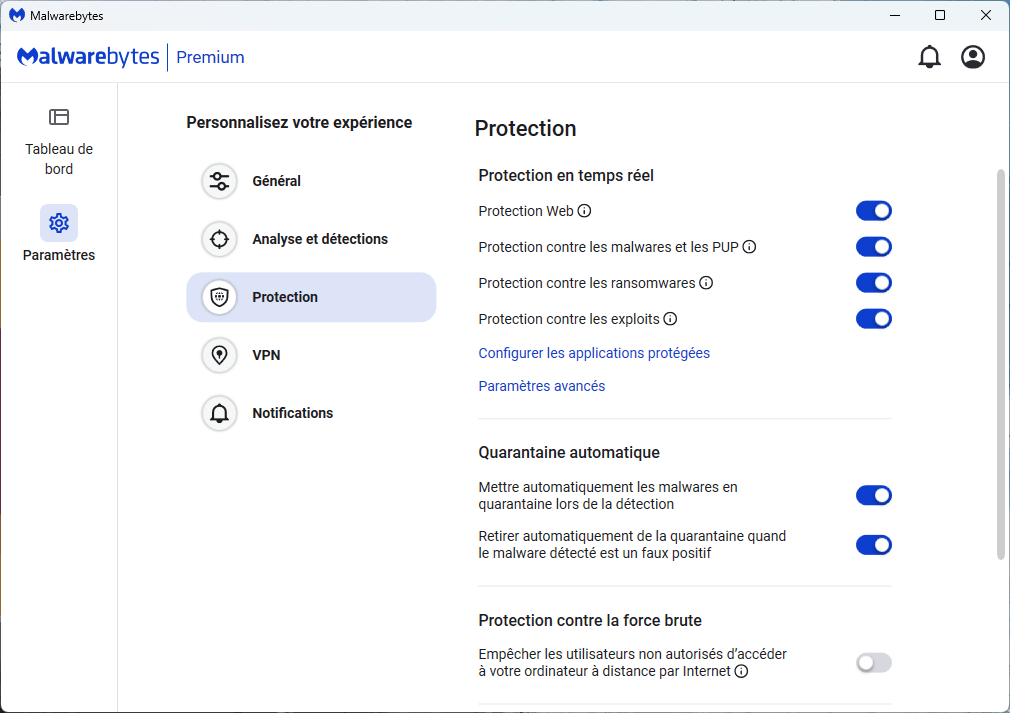
Thanks to its real-time protection, Malwarebytes actively monitors files, system processes and network connections to instantly block any suspicious activity. Its anti-ransomware module is one of the most effective on the market: it detects file encryption attempts and neutralizes them before data is compromised.
Simple to use and compatible with Windows Defender, Malwarebytes Premium is suitable for beginners and advanced users alike. Lightweight and unobtrusive, it can be used on its own or in conjunction with other antivirus products to reinforce system defense against advanced threats that evade traditional protection.
Microsoft Defender: anti-ransomware protection integrated into Windows
Microsoft Defender (natively integrated into Windows 10 and 11) featuresControlled File Access. Designed to counter ransomware, this protection automatically blocks attempts by unapproved applications to access your personal files. Documents, images, videos… your sensitive folders are thus locked against malicious modifications.
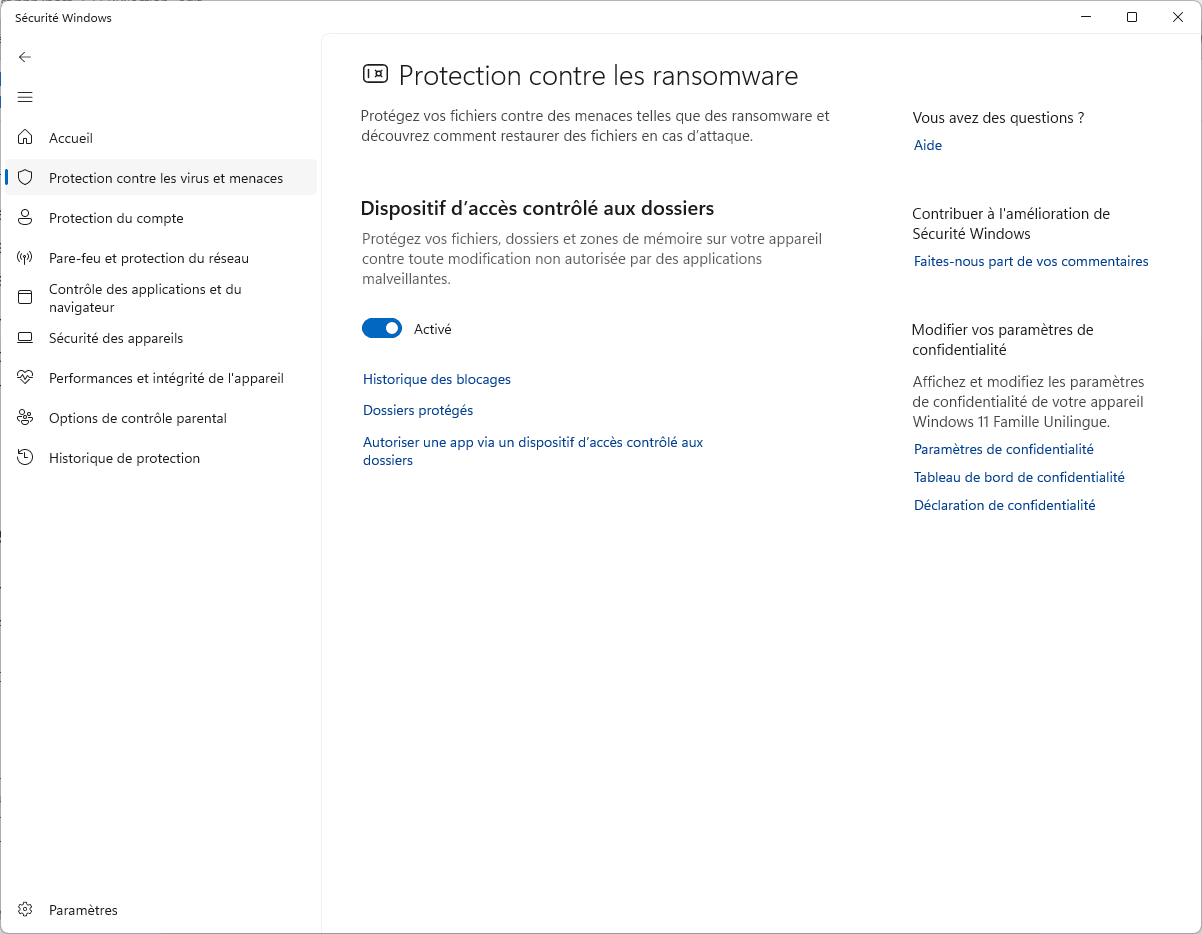
This system is based on a whitelist that you can customize. Only authorized applications can read or modify protected folders. If a program attempts to access them without authorization, access is blocked and an alert is displayed. Although highly effective, this system requires a few adjustments to avoid false positives with certain legitimate software.
Free, discreet and already installed on your machine, this option transforms Microsoft Defender into a true anti-ransomware bulwark, with no need for third-party antivirus software. For Windows users looking to strengthen their security without weighing down their system, this is a strategic choice to activate without delay.

Kaspersky Anti-Ransomware: subscription-free real-time prevention
Kaspersky Anti-Ransomware Tool is free software designed specifically to detect and block ransomware before it can encrypt your files. It is based on Kaspersky’s detection engine, renowned for its reliability, and on System Watcher behavioral technology, which monitors application activity in real time to spot suspicious actions.
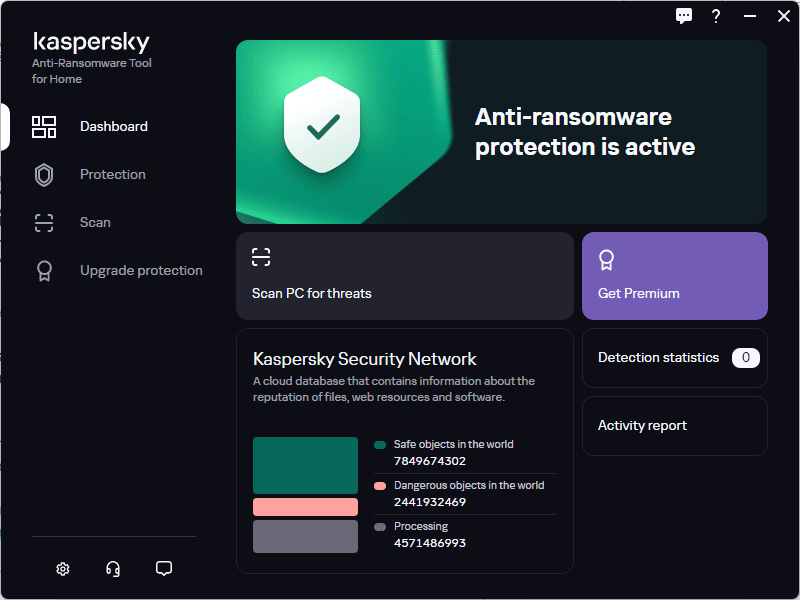
As soon as a program attempts to modify files in an abnormal or rapid manner (typical of ransomware), the tool blocks execution and prevents compromise. It works in the background, without slowing down the computer, and can be used as a complement to a main antivirus program. It offers no unnecessary functions: everything is focused on proactive prevention of encryption attacks.
Kaspersky Anti-Ransomware Tool is ideal for small businesses, freelancers and home users looking for targeted protection without the need for a subscription, providing an extra layer of security free of charge. It installs in just a few clicks, with no complex configuration, and offers real peace of mind in the face of an increasingly common threat.
Bitdefender: one of the best paid protections against ransomware
Bitdefender Antivirus Plus and Bitdefender Total Security offer some of the best protection on the market against ransomware. Their dedicated modules are based on a multi-layered approach: behavioral detection, real-time monitoring of system processes, and immediate blocking of encryption attempts. As soon as software attempts to mass-modify your files or change their extensions, Bitdefender steps in to stop the attack before it compromises your data.
The Total Security version reinforces this defense by integrating a firewall, protection against network attacks, and backup tools. In the event of a ransomware attempt, Bitdefender can isolate the malicious application, prevent propagation, and protect critical files in a monitored environment. The whole package works unobtrusively, without slowing down the machine, making it an excellent choice for demanding users.
The Bitdefender suite is designed to be accessible to both private and professional users, and adapts to all profiles. It protects both single workstations and multi-device fleets, with a simple interface and one of the highest detection rates according to AV-Test. With ransomware set to increase by 2025, Bitdefender remains a safe bet.
Did you find this article helpful?
Share it so others can benefit from it.
Learn more about the author
