
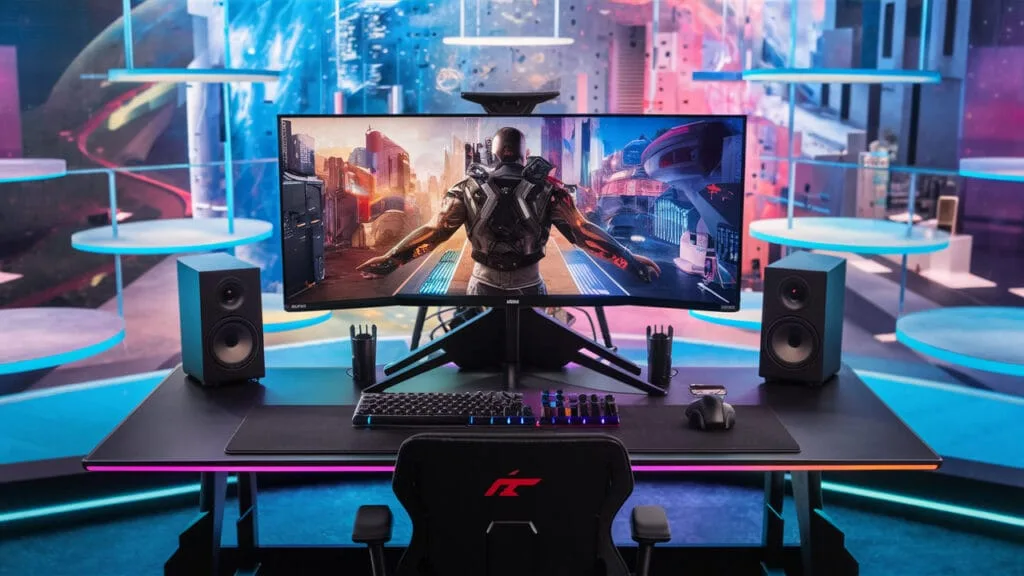
The perfect PC isn’t one with a string of superlatives, but one in which every component works in symbiosis. In this article, we’ll find out why this subtle balance between power, fluidity and compatibility is at the heart of an optimal computing experience.
The perfect PC relies on a balance of components
- Bottleneck: What is a bottleneck?
- Example of a CPU/GPU bottleneck
- How to avoid bottlenecks on your PC?
Bottleneck: What is a bottleneck?
A bottleneck in computing is when one component of a computer limits overall performance, because it can’t keep pace with the others. Imagine a freeway where several lanes are suddenly reduced to just one: all traffic slows down, even if the cars behind could go faster.

In a PC, it’s the same thing. If one component, such as the processor (CPU) or graphics card (GPU), is too slow compared to the others, it slows down the whole system. For example:
- A fast processor with a graphics card that’s too weak for games: images display slowly despite the processor’s power.
- A slow hard disk in a powerful PC: applications take a long time to launch, even if the rest of the components perform well.
Example of a CPU/GPU bottleneck
Let’s take a configuration with a mid-range processor, the Intel Core i3-12100F, combined with a high-end graphics card, the NVIDIA RTX 4080. The graphics card is largely under-utilized because the processor can’t keep up with the pace of feeding data to the graphics card.
| Task | Intel Core i3-12100F + RTX 4080 | Intel Core i7-12700K + RTX 3060 | Difference |
|---|---|---|---|
| Gaming (average FPS) | 70 FPS (1080p, Ultra) | 120 FPS (1080p, Ultra) | -42% (CPU limit i3-12100F) |
| Video editing (4K) | 8 minutes | 6 minutes | +33% (faster multi-threaded CPU) |
| Total cost (€) | 1 200 € | 1 200 € | Optimized performance |
- Gaming: The RTX 4080 graphics card is extremely powerful, but the i3-12100F processor can’t deliver enough instructions quickly. The result is low GPU utilization and FPS capped by CPU limitation.
- Content creation: Although the GPU is powerful, CPU-intensive tasks (such as video decoding or encoding) are slowed down, resulting in longer rendering times than with a more balanced configuration.
- Unnecessary cost: You’re spending a lot of money on a high-end graphics card that’s under-utilized because the processor can’t keep up.
How to avoid bottlenecks on your PC?
Not every PC needs to be a powerhouse. For office use, a modest processor (e.g. Intel Core i3 or Ryzen 3) and an SSD are more than enough. Conversely, a competitive gamer will need a solid graphics card, such as an RTX 3060, and a good processor to stay competitive.
👉 Golden rule: define your priorities to avoid unnecessary choices.
Find the right combination of processor and graphics card
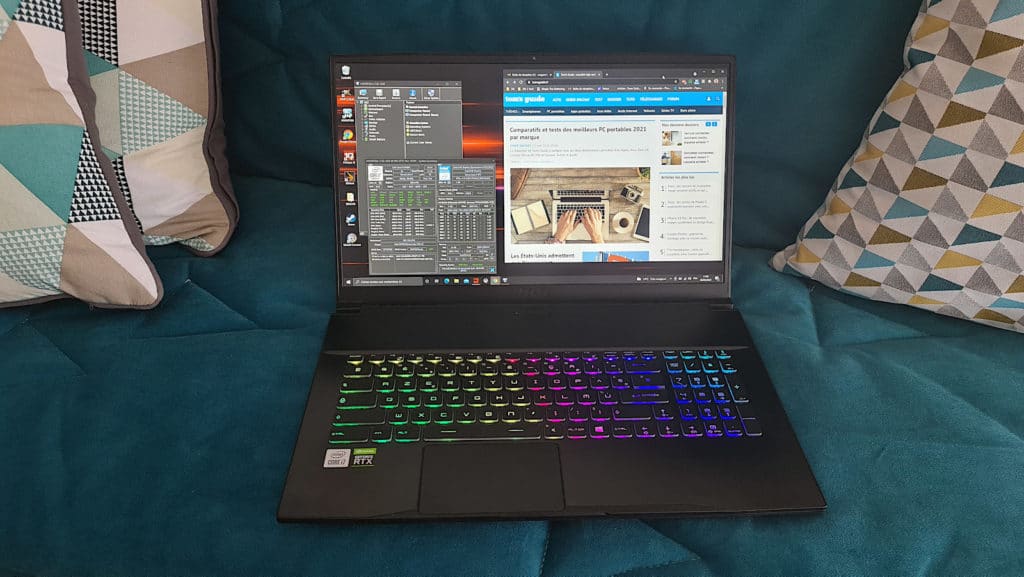
The processor (CPU) and graphics card (GPU) must be in phase.
- Combining an Intel Core i9-13900K with a GTX 1650? It’s like putting a Ferrari engine in a Twingo: the processor will be hampered by an inadequate graphics card.
- For 1080p gaming, a Ryzen 5 or Core i5 duo with an RTX 3060 is a wise and economical choice.
👉 Tip: find a balance to maximize performance without wasting budget.
The right amount of RAM, neither too much nor too little
More RAM doesn’t always mean better performance:
- 16 GB: sufficient for gaming and office use.
- 32 GB: for video editing or heavy software.
- 64 GB or more: reserved for specific uses such as 3D, complex rendering or massive data analysis.
👉 Don’t oversize unnecessarily: save where you can.
Choose high-performance storage
Give up on traditional hard disks! Today, an NVMe SSD is indispensable:
- Windows starts up in seconds.
- Ultra-fast loading of games or software.
- Significantly improved overall performance.
👉 A simple upgrade to an SSD and enjoy the best performance.
Keep your PC cool for better performance
High performance generates heat. If cooling is insufficient, the CPU or GPU may reduce its speed (“throttling”). To avoid this:
- Invest in an efficient ventirad or liquid cooling system if you overclock.
- Make sure there is good air circulation in the enclosure.
👉 A well-ventilated PC is a high-performance, long-lasting PC.
Find out how to avoid overheating in hot weather.
Did you find this article helpful?
Share it so others can benefit from it.
Learn more about the author
