
Summer or long work sessions can put your laptop to the test. A high-performance cooler can prevent slowdowns, sudden power cuts and even damage to the hardware. If you’re not sure which model to choose, this article reviews the best laptop coolers.
The best laptop fan mounts in 2026
Discover also the best thermal pastes to guide heat.
What can you expect in terms of temperature reduction with a PC cooler?
As you know, a laptop, even when idle, can heat up easily if not given a helping hand. Without a cooler, base temperatures often oscillate between 60 and 70°C, leaving little margin before the machine starts to slow down seriously under load. But with a quality cooler, as can be seen in the image above, the PC stays cool: 40°C for the main GPU and 45°C for the secondary GPU, a result difficult to achieve otherwise.
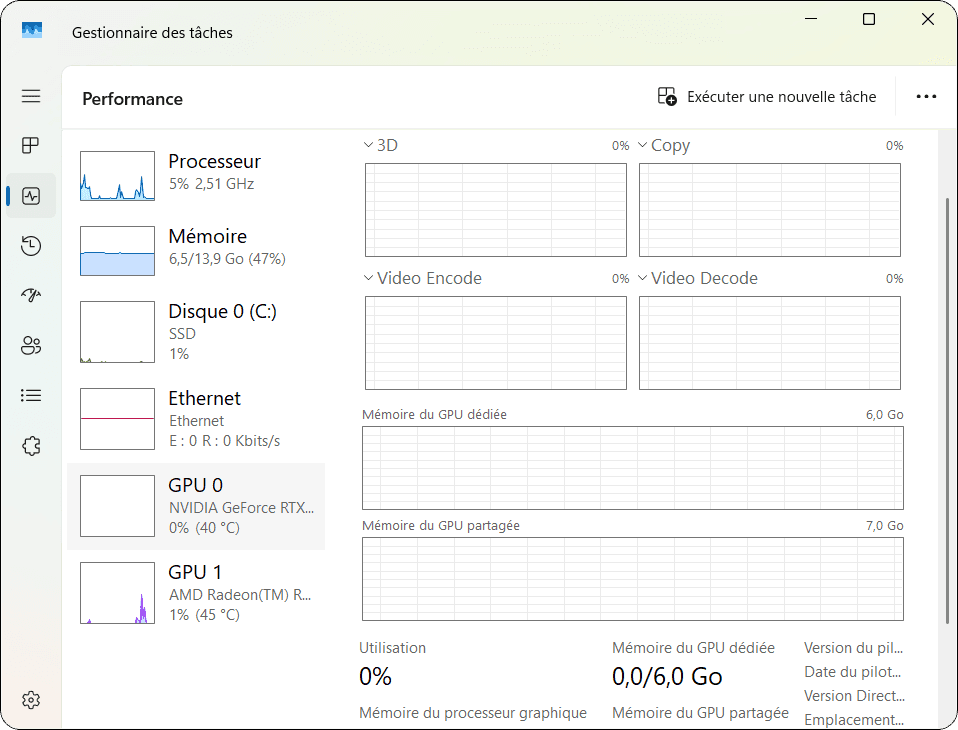
With a high-performance chiller, these temperatures can be drastically reduced. A good cooler can offer a temperature drop of 20 to 30°C in most cases, depending on the cooler model chosen.
In practical terms, this means that a GPU that easily reaches 85°C can be stabilized at around 65°C. This is a huge difference:
- No more throttling: your performance remains constant, even during the most demanding sessions.
- Longer service life: your components suffer less, reducing the risk of premature failure.
- User comfort: no more hot keyboards or hot surfaces, even after hours of use.
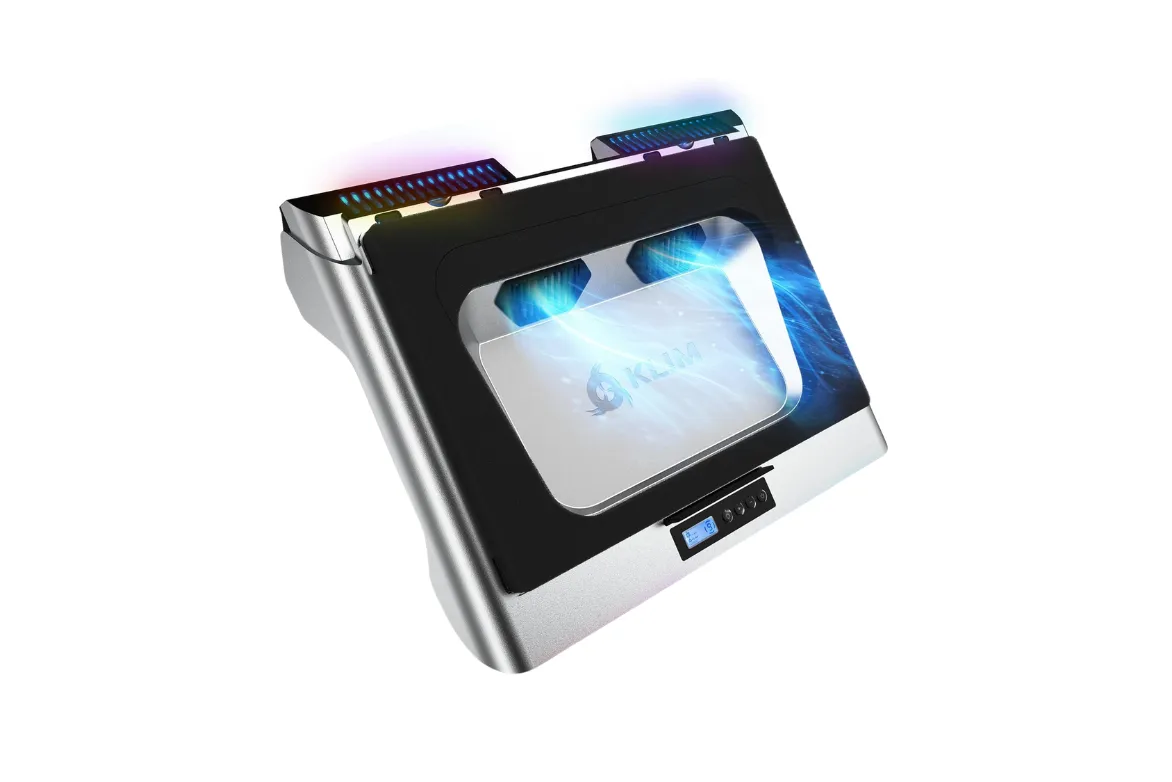
KLIM Everest: Turbo fan cooler (4300 RPM)
If you’re looking to keep your laptop running at peak performance, the KLIM Everest is a clear standout solution. Designed for demanding users, this cooler combines innovation, efficiency and comfort. Thanks to its high-performance turbo fans running at 4300 RPM, it offers exceptional cooling capacity.
Its ergonomic, silent design, reinforced by anti-vibration foam insulation, makes it a discreet, comfortable companion. Compatible with 14″ to 17.3″ laptops, it offers perfect stability and an ideal angle for your long sessions.
If computer performance and durability are your top priorities, the KLIM Everest is an essential choice.
Highlights :
Drawbacks :
Buy at the Best Price on Amazon
KLIM Wind – The affordable laptop cooler
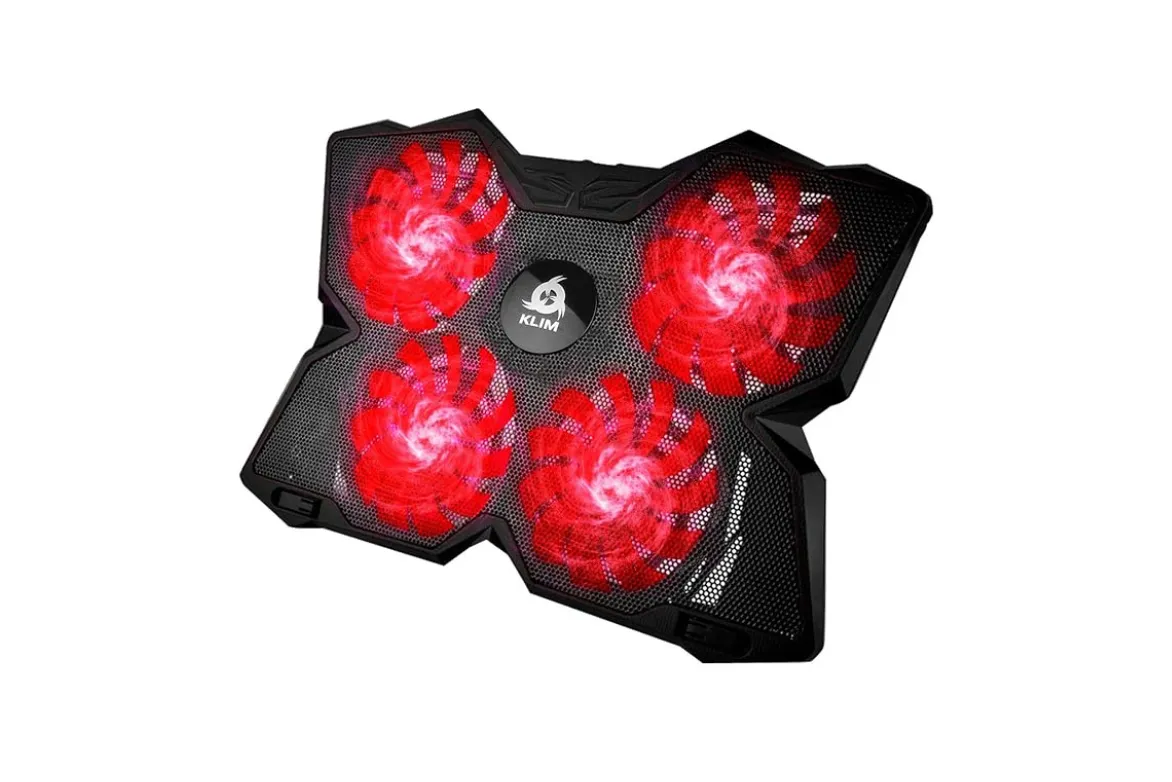
If you’re looking for an efficient way to cool your laptop without blowing your budget, the KLIM Wind is an obvious choice. Known for its excellent value for money, this cooler combines power, versatility and practicality, while remaining accessible to all.
With its four fans running at up to 1200 RPM, the KLIM Wind guarantees fast, even heat dissipation. Whether you’re in the middle of an intense gaming session or working on demanding tasks, it reduces the temperature of your components to maintain optimum performance. This efficiency prevents overheating, extends the life of your hardware and ensures smoother, more enjoyable use.
Highlights :
Drawbacks :
Buy at the Best Price on Amazon
Add Assistouest to your preferred sources on Google so you can find our guides faster when you search for an IT solution.
Mars Gaming MNBC2: The Notebook Cooling Bracket
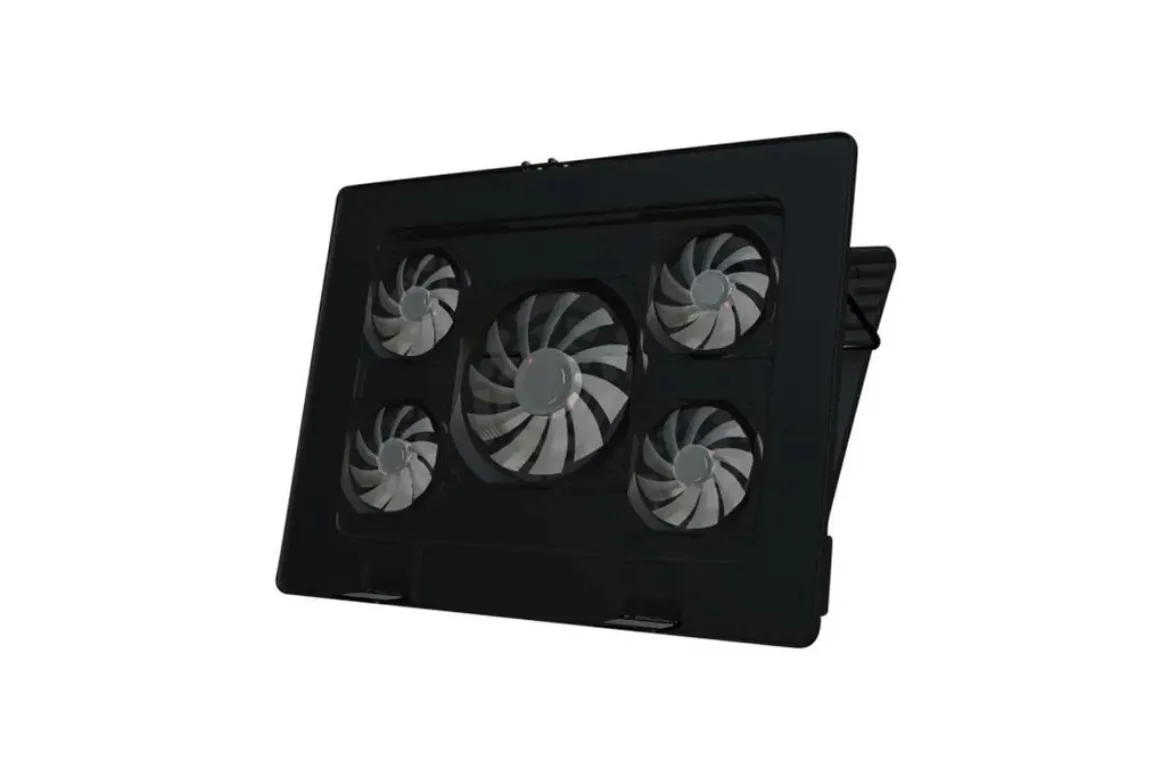
The Mars Gaming MNBC2 is an affordable solution for cooling your gaming notebook. With its five combined fans (two large and three small), it offers heat dissipation capable of maintaining reasonable temperatures for high-performance configurations.
It’s particularly well-suited to maintaining acceptable temperatures during extended sessions, whether you’re in the middle of a game or multitasking. It combines good cooling power with a practical, yet affordable design.
Highlights :
Drawbacks :
Buy at the Best Price on Amazon
How many degrees can a cooler reduce the temperature of a gamer laptop?
A quality cooler can reduce the temperature of a gamer laptop by 10 to 30°C, depending on the model and conditions of use. Graphics cards such as Nvidia GTX or RTX, renowned for their power, generate considerable heat when playing games or performing demanding tasks. A high-performance cooler with fast fans or optimized airflow can keep the temperature of your GPU down to around 65°C, rather than exceeding 85°C under full load.
This lower temperature offers several advantages: prevention of thermal throttling for constant performance, and longer component life(processor, motherboard, GPU).