When an antivirus lets a threat through, more specialized tools are needed to eliminate stubborn infections. Malware, spyware, adware… each threat requires its own response. Here are the most reliable programs for analyzing, detecting and eradicating viruses on a Windows system, whether for a one-off scan or enhanced protection.
The best software for removing viruses and malware from Windows PCs in 2026
- ESET Online Scanner: the free tool for eliminating viruses and malware
- Malwarebytes: one of the best tools for removing viruses and malware
- Kaspersky Virus Removal Tool: the free tool for eliminating stubborn infections
- HitmanPro: the antimalware add-on for tracking invisible threats
- Adlice Protect (formerly RogueKiller Anti-Malware)
ESET Online Scanner: the free tool for eliminating viruses and malware
ESET Online Scanner is a free tool that detects and removes threats from Windows PCs without the need to install full-featured software. It works directly from an executable that you download from time to time, making it ideal for emergency scans or periodic checks, especially when you suspect an infection that the main antivirus program may not have spotted.
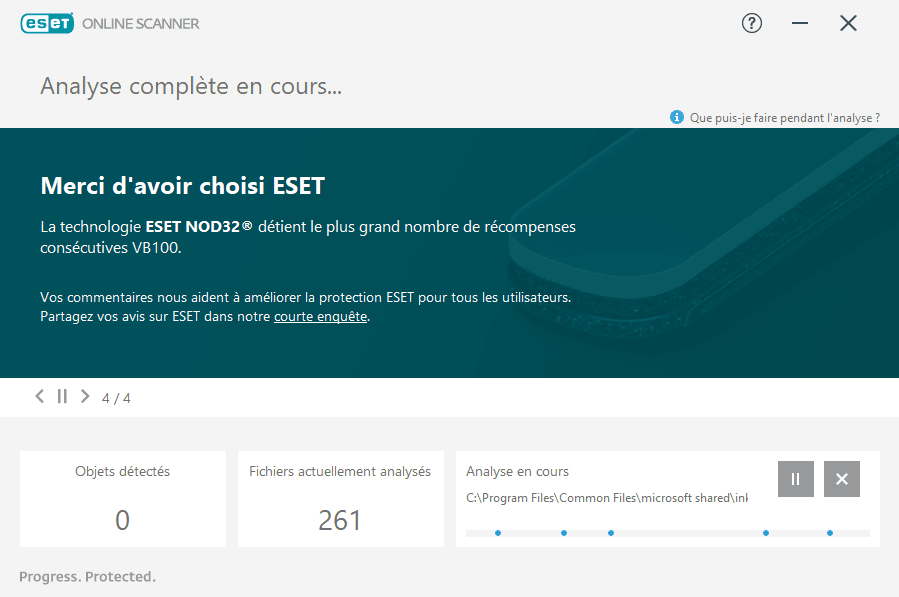
This tool runs independently of any antivirus software already installed. It uses the same detection bases as ESET NOD32, renowned for its reliability and low resource consumption. Analysis can be customized (folders, specific disks, etc.) and the tool offers immediate removal of identified threats.
Complementing a conventional security suite, ESET Online Scanner acts as a “second opinion”. It doesn’t replace a real-time antivirus, but it excels at spotting discreet malware, spyware or suspicious files that have slipped through the net.
Discover also the best antivirus with real-time protection.
Malwarebytes: one of the best tools for removing viruses and malware
Malwarebytes is one of the most highly regarded software packages for effectively removing malware, spyware, adware and potentially unwanted programs (PUPs). Unlike conventional antivirus software, it focuses on threats that are often ignored or poorly detected by traditional solutions, making it an excellent clean-up tool for an already compromised PC.
The free version allows you to manually scan the system and remove detected infections. It’s an excellent choice for cleaning an infected computer from time to time. The Premium version adds real-time protection, an anti-ransomware shield, web filtering and behavioral defense to block attacks before they run their course.
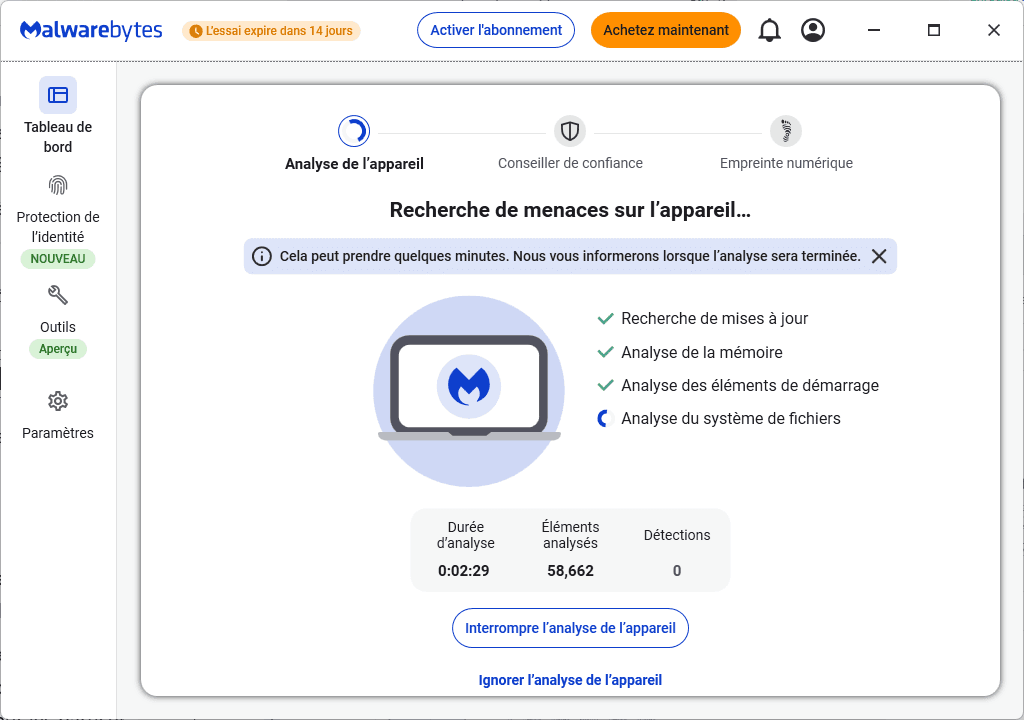
Malwarebytes is compatible with other antivirus products. It can therefore be used as a second layer of security, without any software conflicts. Scans are fast and the signature database is updated very frequently. In the event of suspected infection, Malwarebytes remains a reference for both home users and technicians.
Kaspersky Virus Removal Tool: the free tool for eliminating stubborn infections
Kaspersky Virus Removal Tool (KVRT) is a free utility from Kaspersky designed to detect and remove malware, viruses, rootkits and spyware from Windows systems. Unlike a conventional antivirus suite, it is a one-time disinfection tool designed to intervene in the event of a confirmed infection or suspected abnormal behavior on the computer.
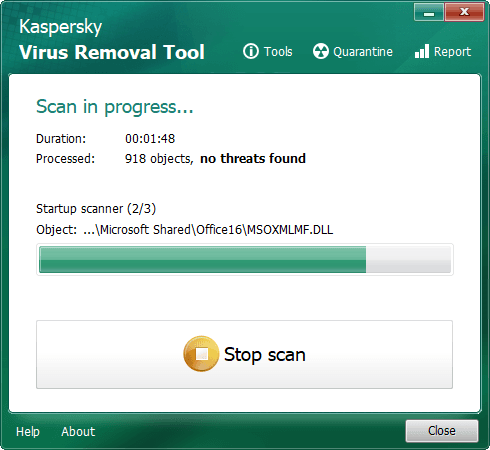
The tool doesn’t require permanent installation; it launches directly from an executable file, making it ideal for quick use, without interfering with other antivirus programs already in place. KVRT performs in-depth scans of system files, the Windows registry and critical sectors to identify even camouflaged threats.
Particularly useful for technicians or advanced users, Kaspersky Virus Removal Tool is an excellent choice for targeted cleaning of a PC that can no longer install or run a conventional antivirus. Lightweight, silent and ad-free, it’s one of the essentials to keep on a troubleshooting USB stick.
HitmanPro: the antimalware add-on for tracking invisible threats
HitmanPro is a security tool specializing in the detection and removal of malware that eludes conventional antivirus programs. Once launched, it scans the system using several cloud-based antivirus engines (Sophos and Kaspersky), considerably increasing the chances of spotting active or dormant threats.
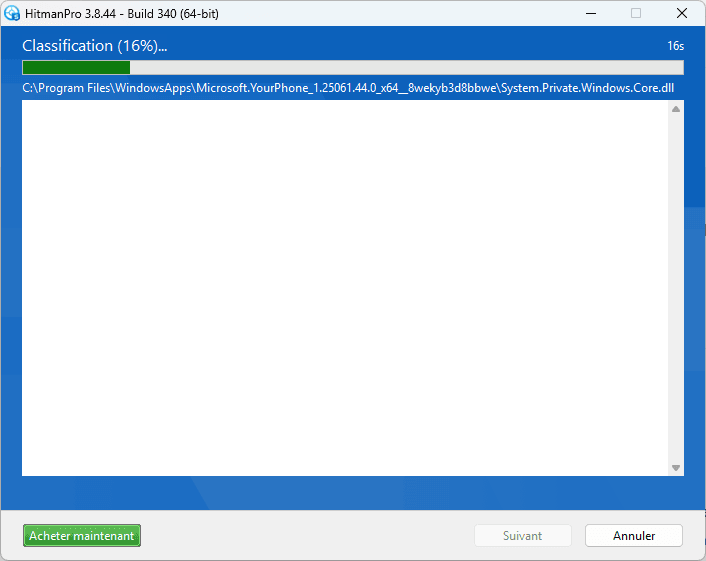
HitmanPro is not permanently installed and can be run from a simple USB stick. It is particularly useful for cleaning an already infected PC, detecting rootkits, keyloggers, ransomware or Trojans hidden in legitimate system processes. Analysis is fast and does not interfere with other security software.
The HitmanPro.Alert version adds real-time protection against ransomware, exploits and targeted attacks. It monitors the behavior of sensitive applications such as browsers, e-mail clients and office suites, blocking attacks before they have a chance to take effect. For demanding users or security professionals, HitmanPro is a formidable tool to have on hand.
Adlice Protect (formerly RogueKiller Anti-Malware)
Adlice Protect is security software developed by the French team behind RogueKiller. Unlike traditional antivirus products that focus on signature-based detection, Adlice Protect relies on a behavioral and heuristic approach, capable of identifying unknown or modified malware. It is particularly effective against zero-day threats, ransomware, rootkits and sophisticated spyware.
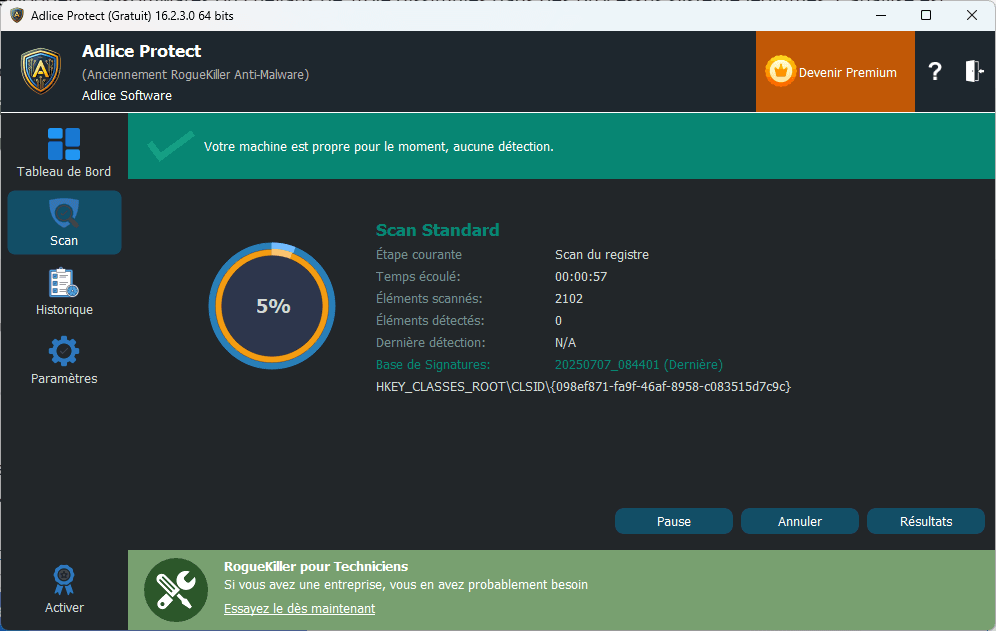
The software’s interface is simple, with granular control over active modules. Highlights include real-time monitoring, anti-rootkit scanning at start-up and a sandboxing system to isolate suspicious behavior. Adlice Protect is also compatible with other security solutions, making it an excellent backup for advanced users, technicians or sensitive environments.
Available in free (manual analysis) and Premium (real-time protection) versions, Adlice Protect stands out for its frequent updates and bloatware-free operation. It’s a serious alternative to mainstream security suites, designed for those who want to regain fine-grained control over the security of their Windows PC, without sacrificing performance.
Did you find this article helpful?
Share it so others can benefit from it.
Learn more about the author