
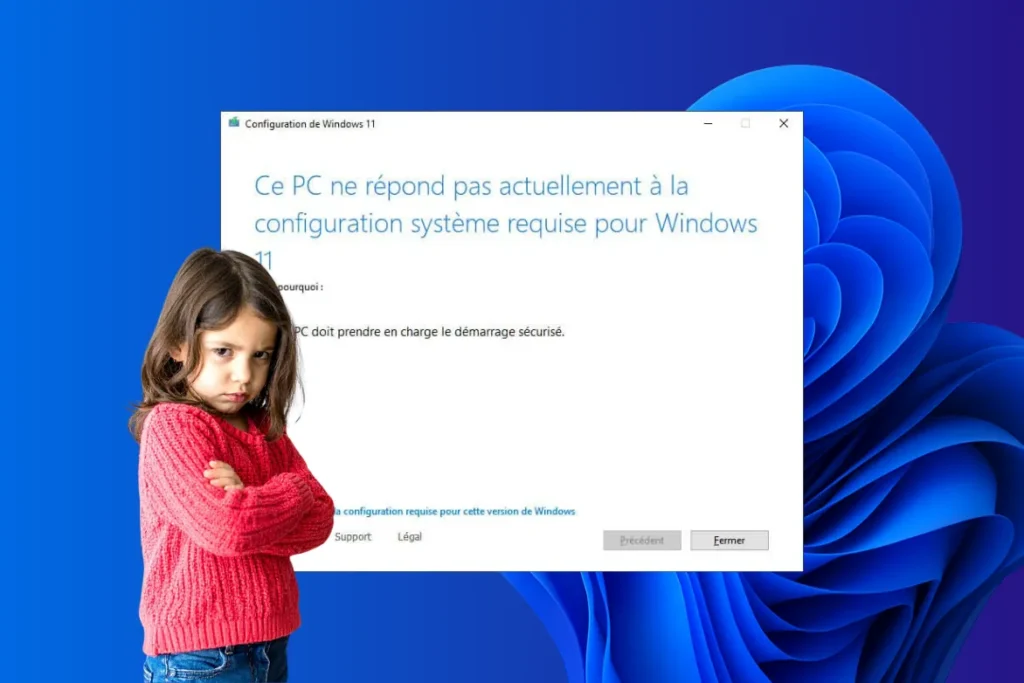
Microsoft has taken a decisive step in its Windows 11 installation policy by tightening restrictions on non-compliant hardware configurations. Until now, it was possible to install Windows 11 on computers that didn’t meet the official prerequisites using a variety of workaround methods, but the Redmond firm has now taken a new step: removing the official documentation that facilitates these practices, classifying third-party tools as malware, and strengthening blocking mechanisms.
This hardening presents many users with a dilemma: invest in new compatible hardware or continue to use an aging operating system whose end of support is fast approaching. Indeed, from October 2025, Windows 10 will no longer benefit from security updates, exposing its users to increasing cybersecurity risks.
Beyond the simple question of compatibility, Microsoft’s strategy raises broader questions. While the stated aim is to improve security and the user experience on modern devices, these measures could also serve commercial interests by accelerating the renewal of the PC installed base. Indeed, hardware manufacturers (Microsoft’s partners) stand to benefit directly from this policy, as millions of PCs that are still functional risk becoming obsolete.
Microsoft does all it can to prevent Windows 11 installation on non-compatible PCs
- Microsoft tightens Windows 11 restrictions
- Bypass tools now considered malware
- A lever to boost sales of new PCs?
Microsoft tightens Windows 11 restrictions
When Windows 11 was launched, Microsoft adopted a relatively permissive stance regarding its installation on PCs that did not meet the official hardware requirements. Although the Redmond firm had always emphasized the need for TPM 2.0, Secure Boot and recent processors, it tolerated users circumventing these restrictions via registry modifications or third-party tools.
Microsoft recently removed from its official documentation all instructions for installing Windows 11 on non-compliant hardware. This marks a turning point in the company’s strategy, which seems to be aimed at permanently dissuading users from keeping their old computers. Henceforth, alternatives are no longer supported, and any attempt to upgrade outside official channels is becoming increasingly difficult.
Bypass tools now considered malware
As part of this stricter policy, Microsoft is also tackling third-party tools that make it easier to install Windows 11 on non-compatible PCs. Recently, Windows Defender began detecting some of these programs as potential threats.
A striking example is Flyby11, a utility for bypassing Windows 11 compatibility checks. This program is now classified by Microsoft as PUA:Win32/Patcher, a designation usually used for unwanted or potentially dangerous software. By classifying these tools as malware, Microsoft is hindering their distribution and discouraging their use by users wishing to extend the life of their hardware.
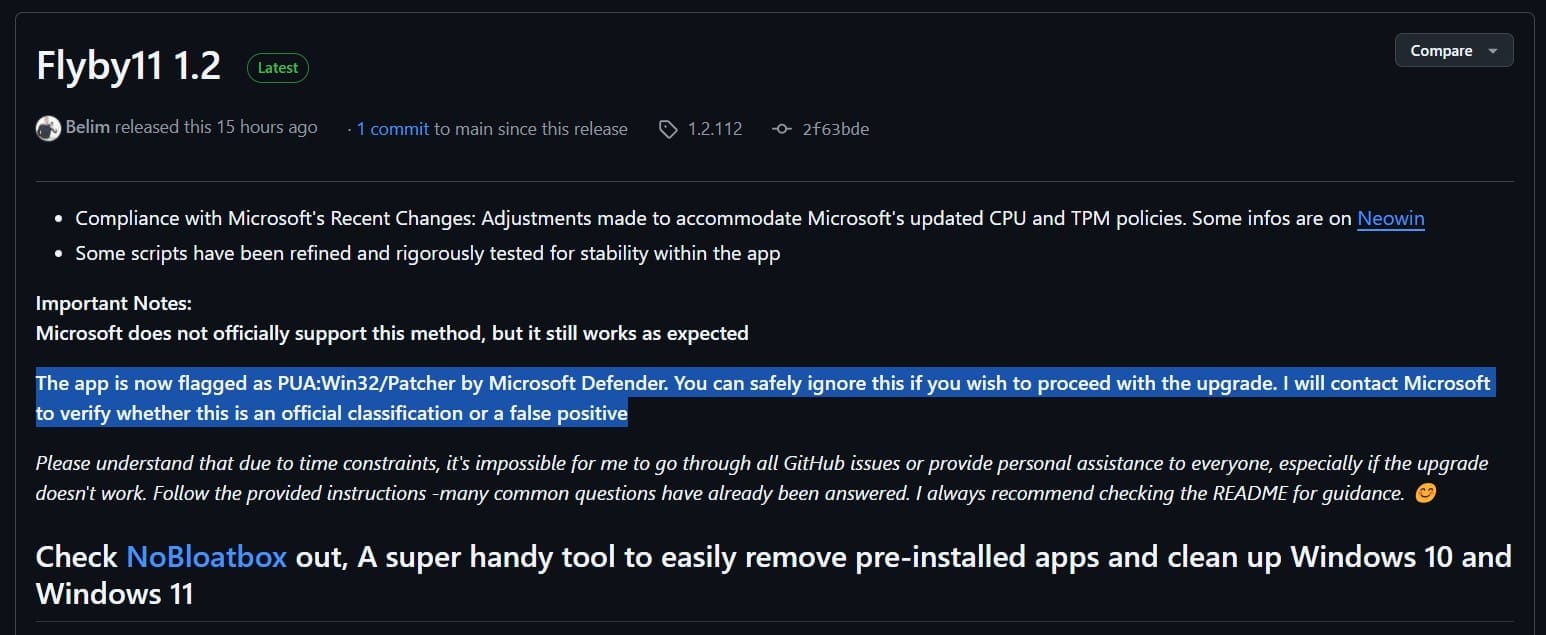
This tougher approach has not gone unnoticed. Many of the developers behind these solutions are expressing their frustration at this classification, which they consider abusive. In particular, the creator of Flyby11 has announced his intention to contact Microsoft to clarify this decision. For the time being, it is still possible to ignore the Windows Defender alert and run these programs, but this new approach clearly shows that Microsoft wants to limit any installation outside its official framework as much as possible.

A lever to boost sales of new PCs?
It’s hard to separate this forced transition from the colossal commercial interests it represents for the hardware industry. Windows 11 imposes strict hardware prerequisites, requiring a TPM 2.0 module, Secure Boot and recent processors. All of which means that a large proportion of PCs currently in circulation are incompatible with this new version of the OS.
Hardware manufacturers are the big winners from this strategy. Intel and AMD (the main processor suppliers) benefit directly from the acceleration of the PC renewal cycle, as do manufacturers of motherboards and ancillary components. The alliance between Microsoft and these players is not new, but this forced transition seems to be orchestrated in an unprecedented way.
Are these new requirements really justified from a technical point of view? The performance of recent processors has certainly brought gains in speed and energy efficiency, but the majority of computers from the last decade remain perfectly capable of running Windows 11 with good fluidity.
The TPM 2.0 (Trusted Platform Module), often highlighted as a key security feature of Windows 11, has been present on most business PCs for several years, but remains absent or disabled on many consumer PCs. Was it really essential for Windows 11, or is it just an artificial criterion designed to exclude some of the existing installed base?
Did you find this article helpful?
Share it so others can benefit from it.
Learn more about the author
