How to use LM Studio to run an AI locally on Windows 11
How to use LM Studio on Windows 11: installation, model download, loading and your first conversation with your local AI.
Lire l’articleProtecting your privacy online as well as on your screen relies on several complementary habits. Our guides explain how to protect your screen from prying eyes while travelling, disable location tracking on Windows 11 and erase your browsing traces with Privazer. We also present more technical solutions such as DNS4EU for a DNS that respects your data and AdNauseam for scrambling ad profiling. Find our other privacy guides on the Assistouest blog.
How to use LM Studio on Windows 11: installation, model download, loading and your first conversation with your local AI.
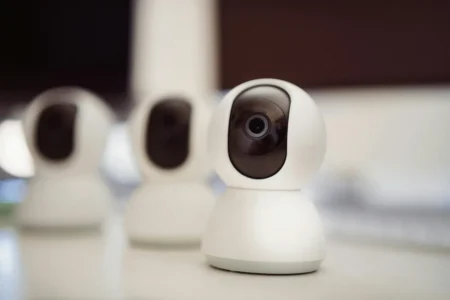
Lire l’articleLooking for a Wi-Fi surveillance camera for indoors? Take advantage of high-performance models with high-resolution video, night vision and voice assistant compatibility for optimum security.
Lire l’articleYour digital identity is more than just your name. Find out what it includes, what traces you leave online and the risks you should know about.
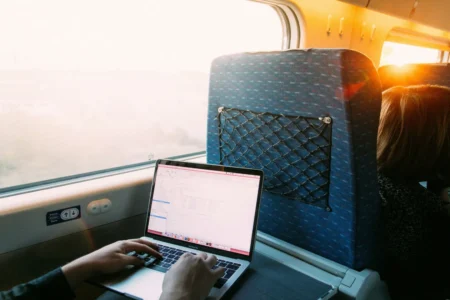
Lire l’articleFind out how to stop your neighbours from reading your passwords, messages and documents displayed on your PC.
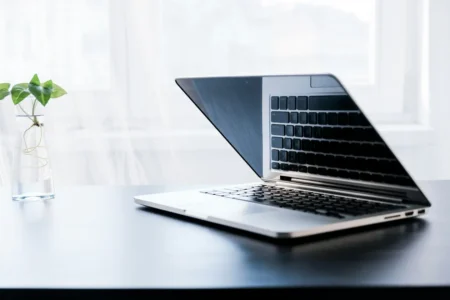
Lire l’articleProtect your data from prying eyes! Check out our comparison of the best privacy filters for laptops.
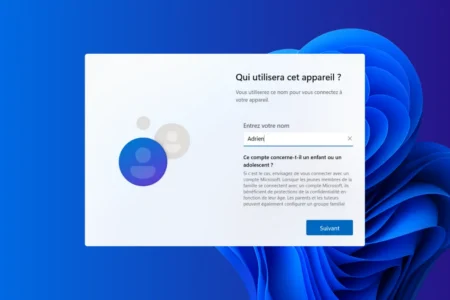
Lire l’articleFind out how to install Windows 11 without a Microsoft account and bypass the login requirement. A practical guide to unrestricted local installation.
Lire l’article