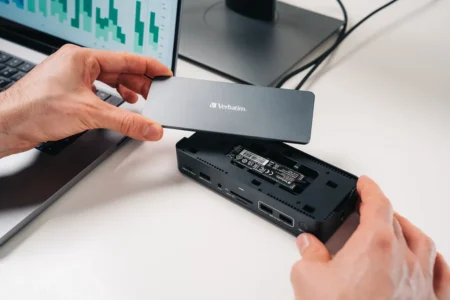
A high-performance PC is first and foremost a well-cooled PC. Thermal paste, that small, often underestimated component, makes all the difference between a PC that remains stable and one that heats up from the very first application. In this article, discover the best thermal pastes.
Our selection of the best thermal pasta in 2026
We’ve selected the best thermal pastes for you. Since thermal paste is still affordable for everyone, our comparison is based on the best possible performance for the general public and professionals alike.
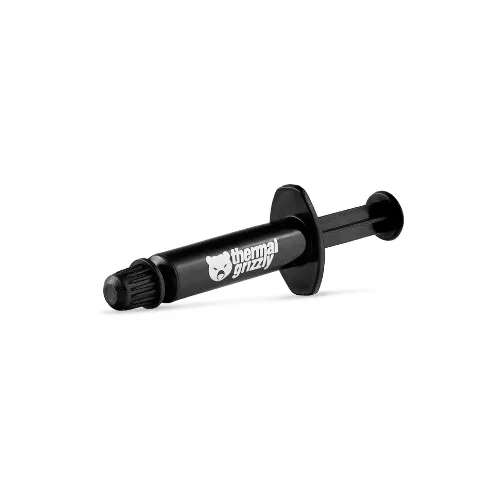
1. Thermal Grizzly Kryonaut: Top-of-the-range thermal paste for optimum performance
The Thermal Grizzly Kryonaut is a must-have reference for those seeking exceptional thermal conductivity. With a performance of 12.5 W/mK, it’s perfectly suited to high-end configurations and extreme cooling systems, meeting the needs of gamers, overclockers and professionals alike.
Its advanced formula effectively reduces component temperatures, even under intense workloads. Easy to apply and offering long-lasting thermal stability, Kryonaut guarantees optimum cooling, making it the first choice for maximizing your PC’s performance.
Highlights :
Drawbacks :
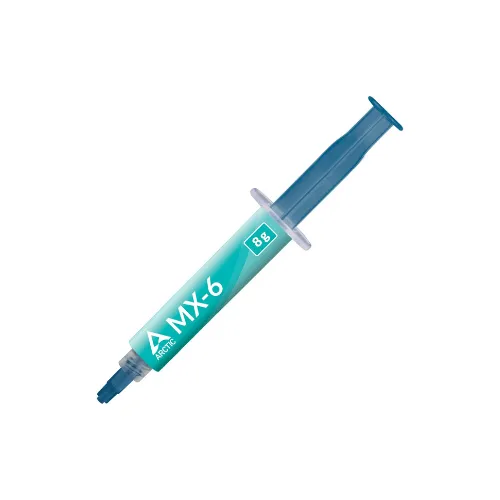
2. ARCTIC MX-6: The best alternative for high performance
ARCTIC MX-6 represents a significant evolution, offering a 20% improvement over the well-known MX-4. Designed for high-end configurations and demanding systems, this thermal paste guarantees efficient temperature management, even under intensive loads.
Although ARCTIC is not officially disclosing the thermal conductivity of the MX-6, it is estimated at around 10.5 W/mK, thanks to its advances over the MX-4. Ideal for gamers and professionals, the MX-6 ensures reliable, safe and durable cooling, perfectly meeting the needs of high-performance systems.
Highlights :
Drawbacks :
On Amazon right now:
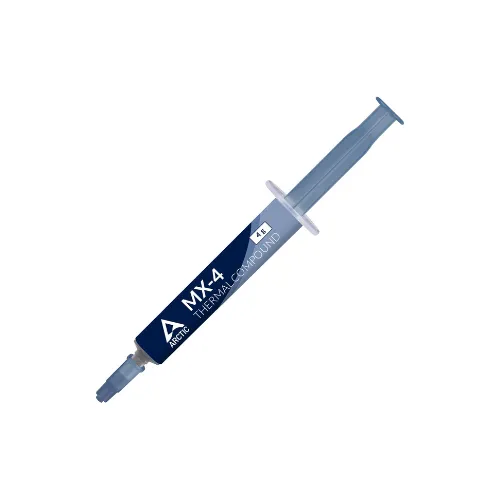
3. ARCTIC MX-4: Affordable, high-performance thermal paste
The ARCTIC MX-4 is an ideal solution for those seeking a balance between performance and cost. Affordable yet offering excellent thermal performance, it is a competitive alternative to high-end products such as Thermal Grizzly Kryonaut.
Its reliable formulation makes it a popular choice among budget-conscious hobbyists and professionals, while guaranteeing efficient thermal management for standard configurations as well as more demanding systems.
Highlights :
Drawbacks :
On Amazon right now:
We recommend changing the thermal paste every year, especially if the computer is used intensively. If the processor temperature becomes abnormally high, it’s a sign that it’s time to replace it.
If your computer is close to 80°C when idle, it’s high time to replace the thermal paste.
Are you hesitating between pad and thermal paste?
Thermal pads are often used when components heat up very little, as is the case with some NVMe SSDs. They’re also preferred for their ease of installation and reusability, unlike thermal paste, which requires replacement with each application.
For advice on choosing between a thermal pad and thermal paste.