The best privacy cleaners for Windows in 2026
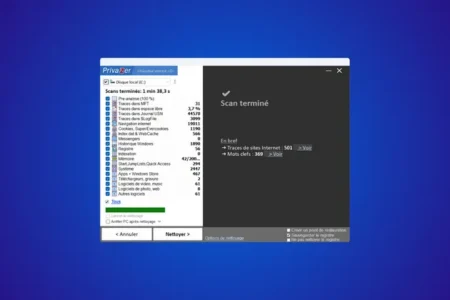
Free up disk space and boost your online privacy! We've tested the best PC cleaners and protection tools for Windows.
Read the articleProtecting your privacy online as well as on your screen relies on several complementary habits. Our guides explain how to protect your screen from prying eyes while travelling, disable location tracking on Windows 11 and erase your browsing traces with Privazer. We also present more technical solutions such as DNS4EU for a DNS that respects your data and AdNauseam for scrambling ad profiling. Find our other privacy guides on the Assistouest blog.
Free up disk space and boost your online privacy! We've tested the best PC cleaners and protection tools for Windows.
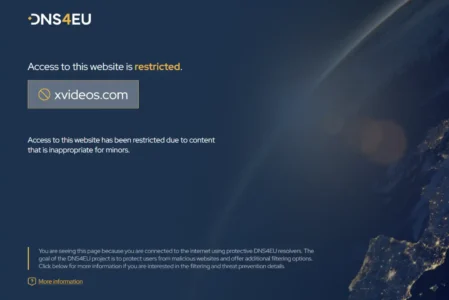
Read the articleDNS4EU is the European public DNS resolver: encrypted and GDPR-compliant. Discover its five filtering profiles and the PowerShell command to enable it in Windows.
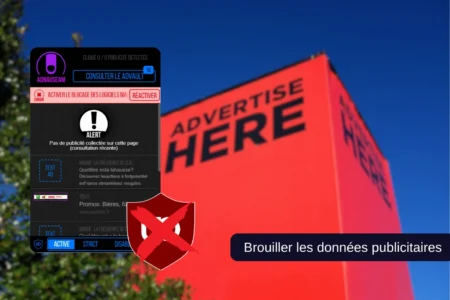
Read the articleDiscover how AdNauseam blocks ads and obfuscates advertising data, and learn how to install it on your browser.
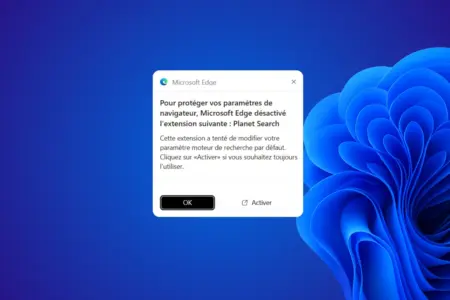
Read the articlePlanet Search routes your searches through third-party services before Yahoo. Learn how to remove it from Chrome and restore your preferred search engine.
Read the articleFind out how to secure your online data at no cost! Immerse yourself in these practical tips and start surfing with peace of mind.
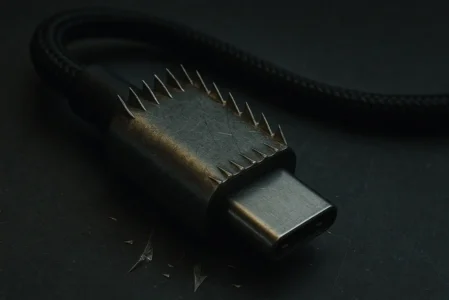
Read the articleDiscover how tampered USB-C cables become powerful espionage tools. Protect your devices and data with our practical tips.
Read the articleTired of spam calls and cold callers? Learn how to use the best apps and tips to block and identify unwanted calls on Android.
Read the articleDon't take any risks. Follow our recommendations for securing your camera, detecting intruders and guaranteeing your online privacy.
Read the articlePrevent unintentional activation of your webcam! Follow our practical guide to easily disable the built-in webcam on your Windows laptop.
Read the articleFind out how to disable geolocation on Windows to protect your privacy. Follow our guide to block access to your location for the whole system or just for certain applications.
Read the articleHow to install and configure Tor Browser on Windows, macOS, Linux and Android, understand its limits, use VPN + Tor correctly and choose tools for stronger anonymity.
Read the articleDiscover Privazer, the tool that goes way beyond simple cleaning to permanently erase all traces of your private life. I've tested it for you.
Read the article