1. Proton VPN Free: the best free VPN with unlimited data
Proton VPN Free is our first choice for basic, unlimited browsing without a subscription. The free plan has no data or time limit, making it suitable for browsing, email, video calls and protection on public Wi-Fi. It displays no advertising and retains the same security foundations as the paid plans, including an audited no-logs policy, open-source apps, modern encryption and a Kill Switch.
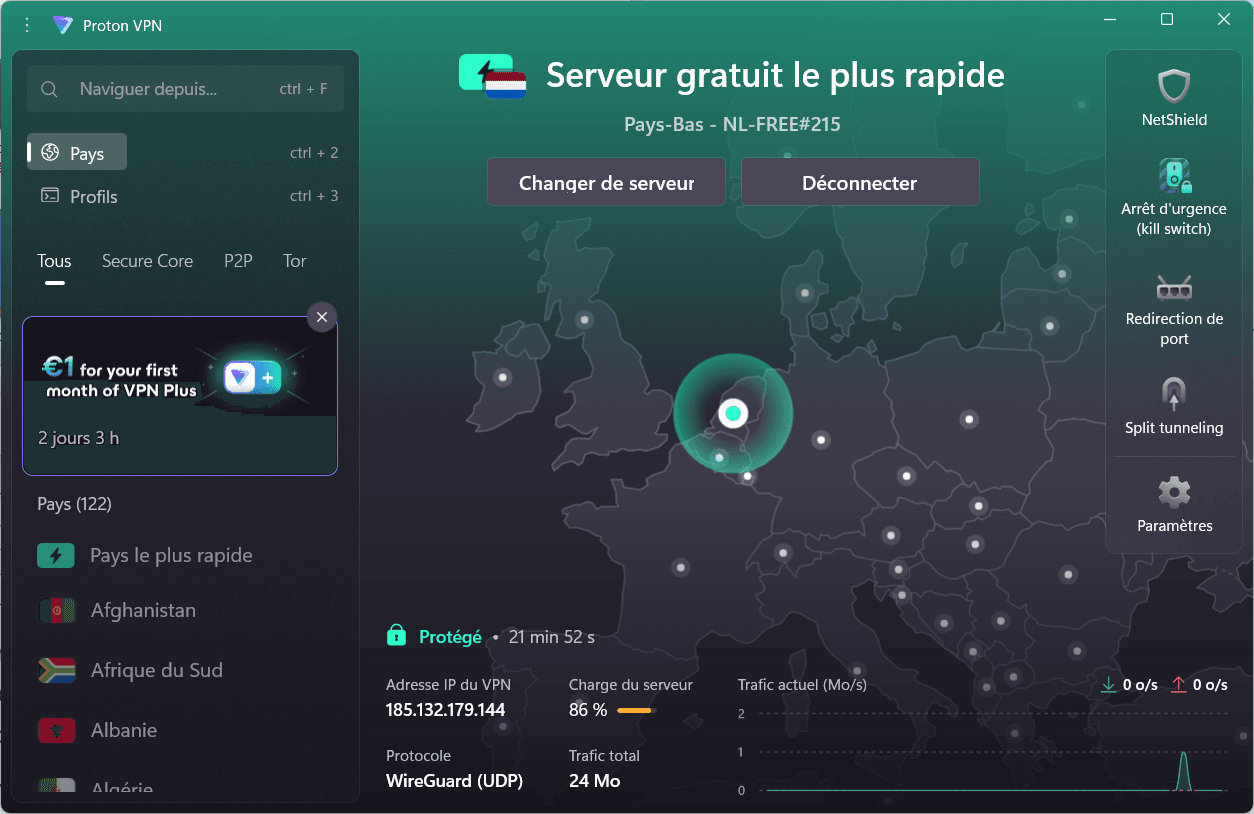
The free plan gives access to a smaller selection of destinations than Proton VPN Plus. The app automatically connects to a free server in one of ten available countries. You can request another server, but the destination is assigned at random and a cooldown applies between repeated changes. The plan protects one device at a time and does not include P2P servers, guaranteed streaming support, NetShield or Secure Core.
Pros
- Unlimited data and bandwidth, with no advertising
- Unlimited browsing, email and public Wi-Fi protection
- Audited no-logs policy and open-source applications
- Kill Switch, DNS leak protection and strong encryption
- Apps for Windows, macOS, Linux, Android and iOS
Cons
- Only one simultaneous VPN connection
- Server choice and advanced features require a paid plan
- Random destination assignment and a server-change cooldown
- No P2P downloads
- Streaming is not guaranteed on the free plan
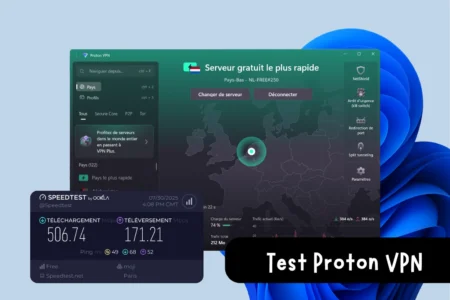
Read our full Proton VPN Free test for measured speeds, security settings and the restrictions we encountered.
 assistouest.fr
2. Surfshark: the best VPN for unlimited devices
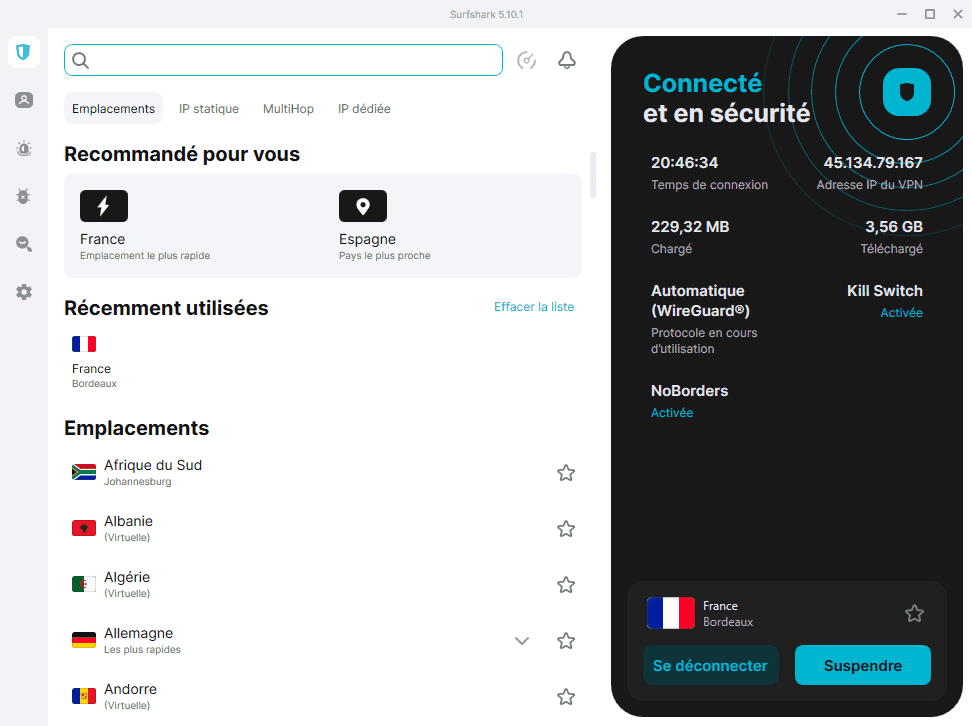
Surfshark is the most practical choice for protecting many devices with one subscription. It allows unlimited simultaneous connections across computers, phones, tablets, televisions and other compatible equipment, making it especially appealing to families and well-equipped households.
The service combines a worldwide network of more than 4,500 servers with a Kill Switch, obfuscated servers, MultiHop double VPN and Bypasser split tunnelling. CleanWeb blocks adverts, trackers and malicious websites. Its no-logs policy has been audited, and its infrastructure uses RAM-only servers.
Pros
- Unlimited simultaneous connections with one subscription
- More than 4,500 servers around the world
- CleanWeb blocks adverts, trackers and malicious sites
- Kill Switch, obfuscation, MultiHop and Bypasser
- Audited no-logs policy and RAM-only servers
Cons
- No permanently free VPN plan
- The best price requires a long-term commitment
- A dedicated IP address costs extra
- Antivirus and some identity tools require higher-tier plans
- The number of options may overwhelm beginners
3. NordVPN: a comprehensive security choice
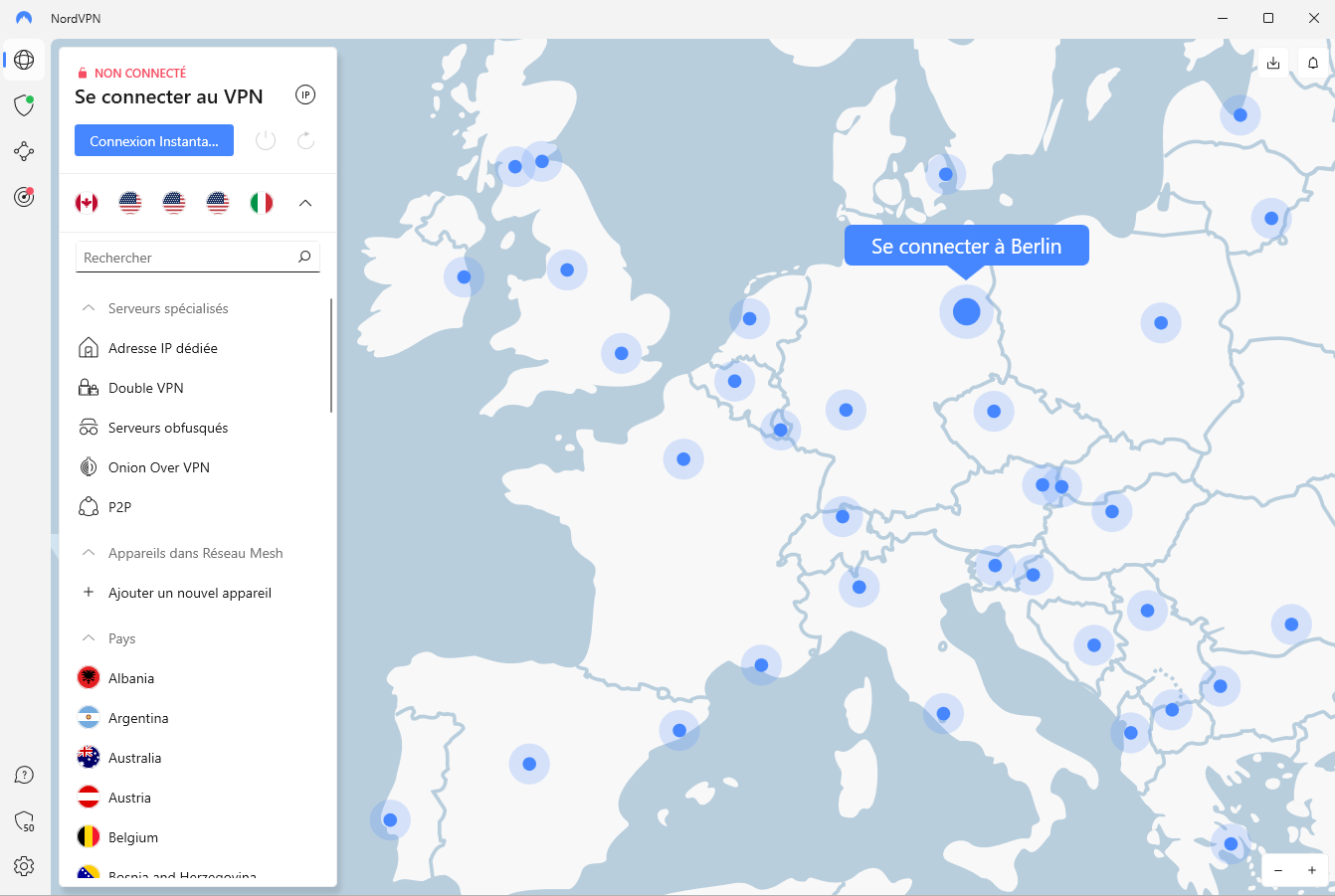
NordVPN provides a comprehensive set of tools for protecting up to ten devices at once. Its NordLynx protocol is designed to maintain good performance, while the Kill Switch, Double VPN, obfuscated servers, private DNS and threat protection strengthen everyday privacy.
Its network covers thousands of servers across 224 locations. The app remains approachable despite its many settings, and Meshnet can create a private encrypted network between your devices. NordVPN is best suited to users who want speed, streaming and security features in one established paid service.
Pros
- Fast NordLynx protocol and accessible applications
- Ten simultaneous connections per subscription
- Kill Switch, Double VPN and obfuscated servers
- Protection against threats, adverts and trackers
- Large network with many server locations
Cons
- No permanently free plan
- Ten connections rather than Surfshark’s unlimited devices
- The best prices require a long subscription
- A dedicated IP address is a paid option
- Some features vary by operating system
4. CyberGhost: an accessible VPN for streaming
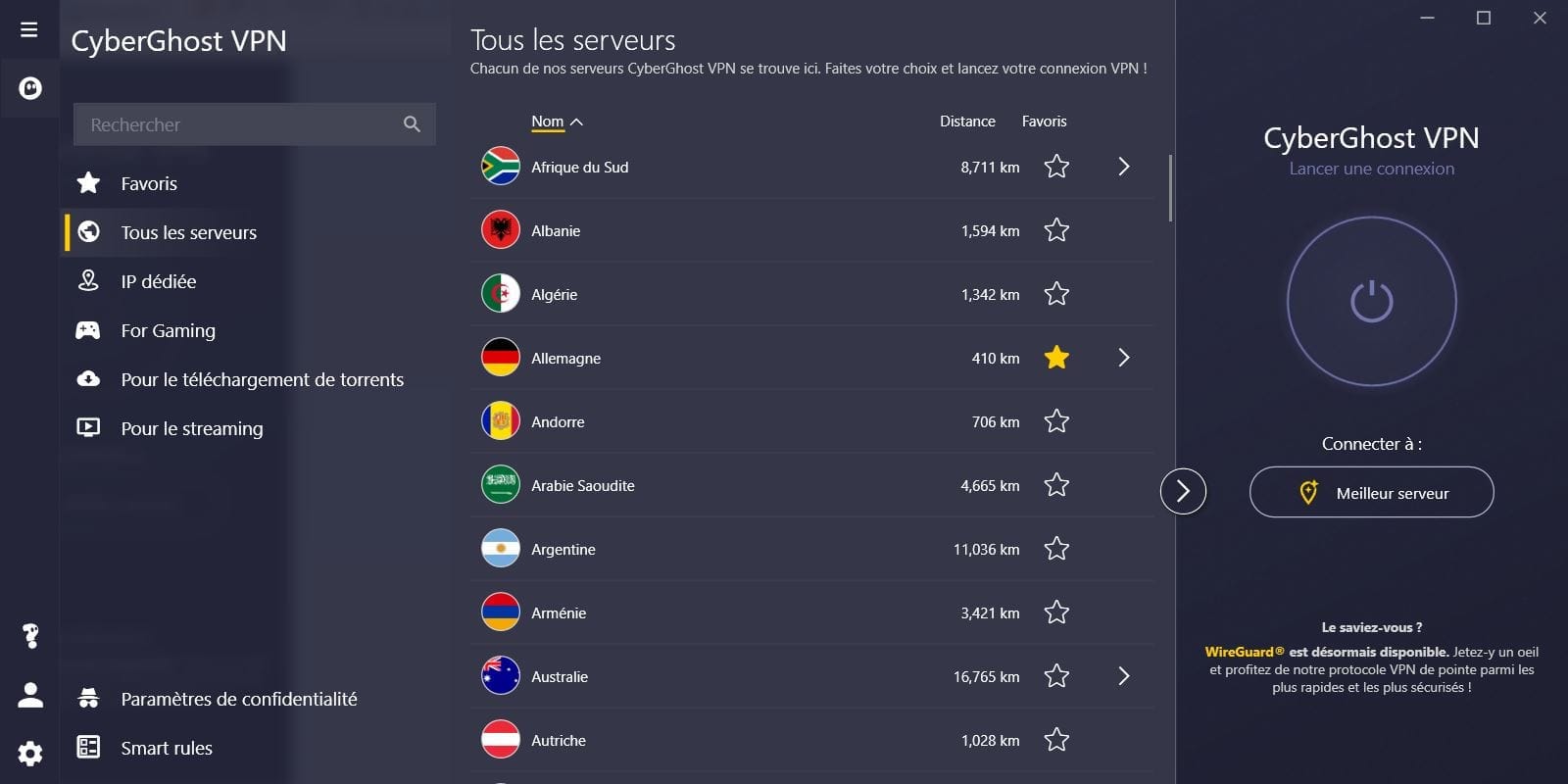
CyberGhost focuses on an accessible interface and server profiles for specific uses, particularly streaming and P2P file sharing. It supports WireGuard, OpenVPN and IKEv2, includes leak protection and allows up to seven simultaneous device connections with one subscription.
The service supports many platforms: Windows, macOS, Android and iOS have dedicated apps, while televisions, consoles and routers can use Smart DNS or manual configuration. The Linux experience is less approachable because it mainly relies on the command line or manual setup.
Pros
- Clear interface suitable for beginners
- Specialised servers for streaming and P2P
- Up to seven simultaneous connections
- WireGuard, OpenVPN and IKEv2 protocols
- Desktop and mobile apps, plus TV and router support
Cons
- Limited to seven simultaneous devices
- No complete, permanently free plan
- The Linux app is less friendly and mainly command-line based
- Split tunnelling and some options vary by platform
- A dedicated IP address is a paid add-on
How do I choose a VPN?
A VPN (Virtual Private Network) is used to create an encrypted VPN tunnel between your Internet connection and a remote VPN server. This secure connection protects your IP address by replacing it with a virtual address, enabling you to surf anonymously and remain anonymous on the Internet. Whether you’re on public Wi-Fi, a local network or via a home router, VPN software takes care of encrypting your data packets, preventing them from being intercepted by hackers or even your Internet Service Provider (ISP).
Bandwidth and the ability to unblock online services
A paid VPN often offers a larger network of VPN servers and fewer speed restrictions than a free VPN. This means you can bypass the zone or geographical restriction to access your favorite websites and services. Some users also need to bypass blocks imposed by the HADOPI (now Arcom) or set up a proxy to better manage their traffic on websites or streaming platforms.
When it comes to security, look for features like Kill Switch, which instantly cuts the connection if the VPN disconnects, or DNS leak protection. A good VPN should also offer strong authentication and robust encryption to prevent intrusion. Also, compare the log policy: a “no-log” service protects your privacy better, because even the provider doesn’t keep a history of your activities.
Don’t hesitate to consult a VPN comparison and test several solutions to find the one that’s right for you. Some VPNs, like Hotspot Shield or Hidemyass, stand out for their user-friendly interface, while others focus on anonymous surfing and the ability to bypass blocking. Also check the availability of servers in different regions (to get a French IP if needed), compatibility with your web browser (e.g. Chrome or Tor browser) and the ease of configuring a VPN on your devices. That way, you’ll enjoy optimal VPN access for all your online activities.
Secure connection: protect your data and your privacy
When you’re connected without protection, your ISP can monitor and even limit the bandwidth of your online activities, particularly for p2p or torrenting. What’s more, the HADOPI can penalize certain uses considered illicit. By using a VPN, you keep your online activities more confidential and avoid various restrictions or blockages imposed by ISPs.
An anonymous connection also protects you from hackers who may exploit vulnerabilities on a local network, a public hotspot or via unsecured protocols. A VPN encrypts your data and prevents any malicious interception or analysis of your online address. So it’s a safe way to surf the Internet, bypass a geographically filtered zone, protect your IP address and surf in total peace of mind.
We allow some readers to view our articles for free with an ad blocker. However, their number is currently too high for us to keep this access available to everyone.
You can disable your ad blocker to continue reading immediately, subscribe to enjoy all our content without ads, or come back a little later when the pressure has eased.
Access will be restored automatically as soon as the situation allows.