How do I remove news from Windows 11 widgets?
Want to remove news from Windows 11 widgets? Disable the Microsoft Start feed or remove the panel completely if you do not use it.
Read the articleWindows hides many settings that genuinely make daily use of your PC easier, once you know where to find them. Our tips show you how to bring back the old right click context menu, create a local user account, disable notifications or turn on developer mode in Windows 11. We also explain how to check your system’s installation date or create a shortcut to shut down your PC in one click. Find our other Windows tips on the Assistouest blog.
Want to remove news from Windows 11 widgets? Disable the Microsoft Start feed or remove the panel completely if you do not use it.
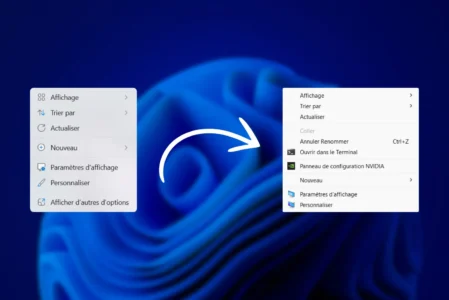
Read the articleDo you find Windows 11's new context menu a little inconvenient? Find out how to restore the old classic right-click menu in just a few simple steps.
Read the articleWindows 11 lets you force a program to close via the taskbar. Find out how to activate this option and quickly stop a blocked process.
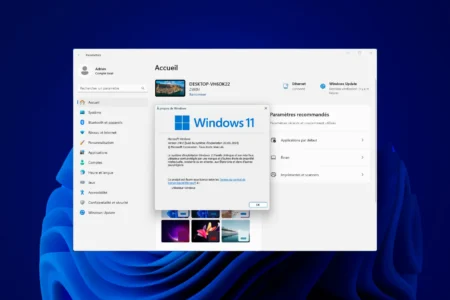
Read the articleWhich Windows do I have? Easily identify the version and edition of your operating system with our handy tips for all users.
Read the articleNeed to enable Developer Mode in Windows 11? Here's where to find the option in Settings and how to turn it on in a few steps.
Read the articleGod Mode on Windows gives you direct access to over 200 advanced options. Follow our guide to activate it easily on your PC!
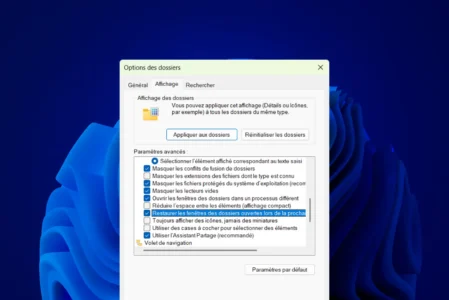
Read the articleFind out how to activate Windows File Explorer auto-restore and get your open folders back in an instant.
Read the articleFind out how to check the Windows installation date on your computer with a command. A practical guide for technicians and curious users.
Read the articleFind out how to eliminate distractions by disabling unwanted notifications on Windows 11. More concentration, fewer interruptions!
Read the articleFind out how to recover the current Windows wallpaper on your computer and keep it safe.
Read the articleFollow our guide to create a quick shutdown button on the desktop and simplify your computer's shutdown.
Read the articleEasily activate hibernation mode in Windows. Find out how to add it to the shutdown menu and optimize your PC's power management.
Read the article