Every morning, your inbox is overflowing with advertising emails and fake contact requests. This is the daily reality for thousands of website owners who are under constant attack from bots. Malicious bots love to target unprotected comments sections and contact pages.
Here are the best plugins and tools to help put a stop to this pollution.
In this article
- What is a CAPTCHA?
- 1. Rootcha, the ultimate CAPTCHA for WordPress
- 2. Cloudflare Turnstile, an alternative to reCAPTCHA
- 3. reCAPTCHA, Google’s anti-bot solution
- 4. ALTCHA, the open-source alternative to CAPTCHAs
- 5. hCaptcha, a CAPTCHA that pays you
- 6. Friendly Captcha, the ethical alternative to CAPTCHAs
- Why add a CAPTCHA to WordPress?
What is a CAPTCHA?
A CAPTCHA is a verification system designed to distinguish a human user from an automated script. It blocks* malicious bots that attempt to interact with a website via contact forms, login forms, comments or registration forms. There are several types of CAPTCHA:
- The usual visual tasks (clicking on images, copying out distorted text)
- Invisible tests (background behavioural analysis)
- Cryptographic systems such as Proof-of-Work, which validate a visitor without any visible interaction
The first generations of CAPTCHAs have shown their limitations. Visually complex, they detracted from the user experience on mobile devices or for people with disabilities. Furthermore, many modern bots are now able to bypass them using AI or automated solving services.
1. Rootcha, the ultimate CAPTCHA for WordPress
We couldn’t begin this comparison without introducing you to Rootcha, the solution we’re developing right here at Assistouest. Tired of constantly having to choose between intrusive CAPTCHAs and endless waves of spam on our own websites, we designed this WordPress plugin.
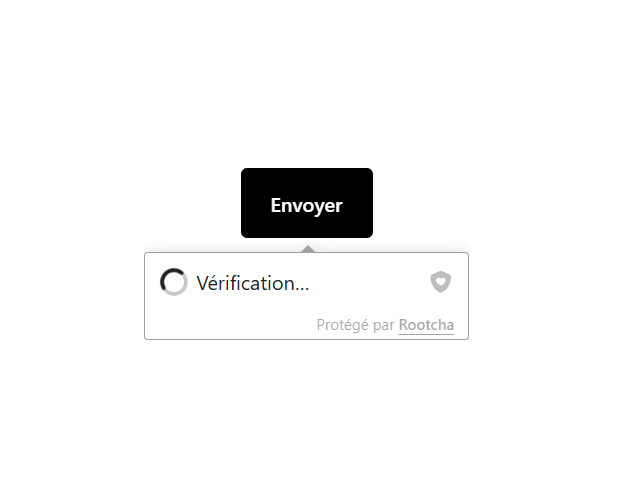
The tool analyses request signals to intercept bots and brute-force attacks at an early stage, thereby preventing your database from being unnecessarily overloaded. Your legitimate users won’t see any captchas or tick boxes, allowing you to maintain a frictionless conversion funnel or contact form.
- GDPR-compliant: No personal data is collected, and no third-party tracking is used.
- Optimised performance: The script is ultra-lightweight to maintain your Core Web Vitals and the speed of your WordPress site.
- Native integration: It integrates automatically with native WordPress forms as well as the most popular plugins on the market (Contact Form 7, WPForms).
2. Cloudflare Turnstile, an alternative to reCAPTCHA
Cloudflare Turnstile is a modern alternative to traditional CAPTCHAs, developed by Cloudflare. Unlike traditional systems that require the user to interact (tick a box, solve a puzzle), Turnstile operates invisibly. It discreetly analyses the browser, headers, network behaviour and other client-side signals to determine whether the request is legitimate, without collecting any personal information.

No data is sent to Google or any third-party service: validation takes place directly between the visitor’s browser and Cloudflare’s servers, without any tracking or advertising cookies. This approach enables Turnstile to fully comply with GDPR requirements, whilst offering a frictionless experience for the user.
Available free of charge even for websites that do not use Cloudflare as a CDN, Turnstile is compatible with WordPress via a plugin. It is quick to set up and operates entirely in the background, making it a particularly suitable solution for websites wishing to improve their security without compromising the user experience. To date, it is one of the few serious alternatives to reCAPTCHA that combines effectiveness, simplicity and privacy.
3. reCAPTCHA, Google’s anti-bot solution
reCAPTCHA is the best-known anti-bot solution, developed by Google. Integrated into millions of websites worldwide, it offers various levels of protection, ranging from the famous ‘I’m not a robot’ box (v2) to systems that are completely invisible to the user (v3). It works by analysing behaviour, using cookies and tracking user interactions to distinguish humans from automated scripts.

The reCAPTCHA v3 version does not require any visible interaction: it assigns a trust score to each visitor in the background. This allows administrators to block, moderate or allow requests depending on their level of suspicion. Whilst this approach is effective, it relies on proprietary technologies that raise questions about privacy compliance within a European context governed by the GDPR.
On WordPress, integrating reCAPTCHA is straightforward thanks to numerous plugins that are compatible with native or third-party forms (such as Contact Form 7, WPForms, etc.). However, its reliance on the Google ecosystem (external requests, third-party cookies, dependence on Google’s JavaScript) can pose problems for websites concerned about their technical or legal independence. Despite this, reCAPTCHA remains a reliable, mature and free solution to get started with.
4. ALTCHA, the open-source alternative to CAPTCHAs
ALTCHA is an open-source CAPTCHA solution designed to block bots without compromising the user experience. Unlike traditional systems that impose visual or interactive challenges, ALTCHA operates completely invisibly to human visitors. It relies on cryptographic mechanisms and client-side timeouts to detect automated requests.
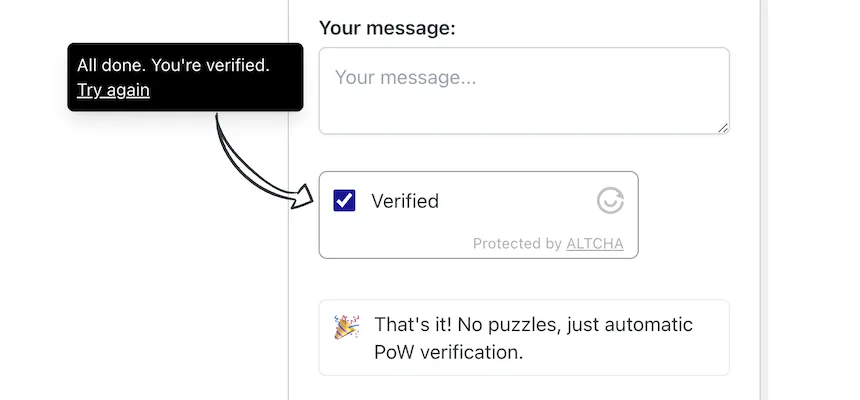
No personal data is collected, no third-party tracking is used and no external resources are accessed. This privacy-first approach makes it an excellent choice for websites seeking to ensure GDPR compliance, whilst providing effective protection against automated scripts used to spam or scan for vulnerabilities in a WordPress site.
Easy to self-host, ALTCHA can be integrated directly into a website via a lightweight JavaScript script. There is also a dedicated WordPress plugin for quick set-up without the need for technical knowledge. For more advanced developers, its modular architecture allows for fine-tuned customisation of behaviour and security levels.
5. hCaptcha, a CAPTCHA that pays you
hCaptcha is a direct alternative to reCAPTCHA, designed to offer robust protection against bots whilst better respecting users’ privacy. Like its competitor, it offers visual tests (image identification, tick boxes), but it can also operate in invisible mode. hCaptcha integrates easily with WordPress sites via plugins compatible with the main form systems.
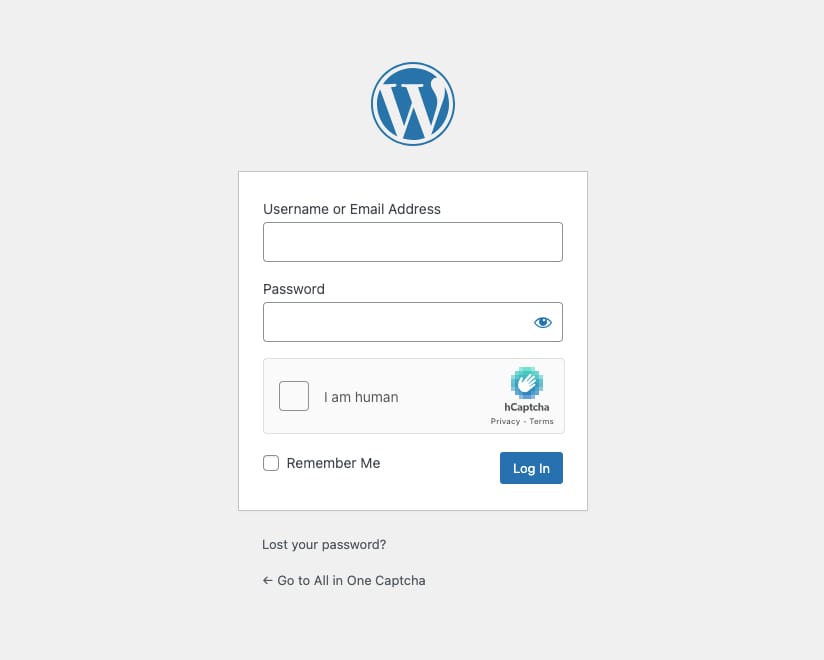
One of its key selling points is its business model: rather than sending data to Google, hCaptcha pays a small fee to website publishers for each successfully completed challenge, as the challenges are used to train AI models. This monetisation can be attractive for high-traffic websites, although the system still relies on user interaction, which can detract from the user experience.
When it comes to compliance, hCaptcha offers an Enterprise version with advanced GDPR safeguards, but the free version may still raise some concerns depending on how it is used. Overall, hCaptcha remains a reliable, adaptable solution that is more independent than reCAPTCHA, although it is not entirely free of constraints for the end user.
6. Friendly Captcha, the ethical alternative to CAPTCHAs
Friendly Captcha is a next-generation anti-bot solution, designed to protect websites without compromising the user experience. Unlike traditional CAPTCHAs, it requires no interaction from the visitor: no boxes to tick, no images to identify. Validation is based on a small cryptographic calculation carried out directly in the browser, which blocks bots whilst remaining completely transparent to the user.
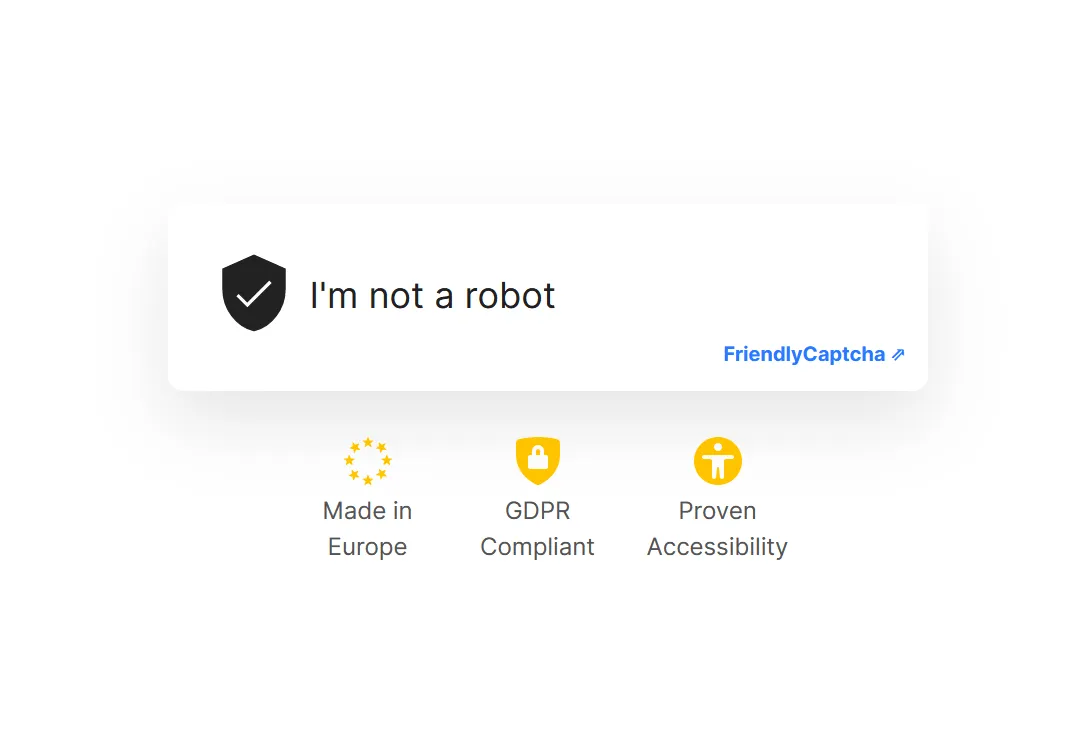
No tracking, no collection of personal data and no use of third-party services such as Google. This ‘privacy by design’ philosophy makes it the preferred choice for European websites seeking to ensure compliance with the GDPR in sensitive sectors (health, public services, charities, etc.).
Compatible with WordPress via an official plugin, Friendly Captcha can be easily integrated into contact, registration or comment forms. It offers a free plan with monthly quotas, as well as paid plans tailored to high-traffic websites. Lightweight, fast and seamless, Friendly Captcha has established itself as one of the most modern and ethical alternatives on the market.
Why add a CAPTCHA to WordPress?
Adding a CAPTCHA to WordPress primarily helps to protect sensitive forms (contact pages, registration areas, search fields or comments). These entry points are prime targets for bots, which exploit them to send spam, create fake accounts or inject malicious code. Without a verification system, a simple form could leave your site wide open to automated attacks without you even realising it.
A CAPTCHA also helps to reduce the load on your server. Bots generate hundreds of unnecessary requests, tie up resources and slow down page loading times. This can affect your SEO, the user experience and even the stability of your site in the event of a DDoS attack. By filtering out these requests at source, you improve your site’s security as well as the overall performance of WordPress.
We allow some readers to view our articles for free with an ad blocker. However, their number is currently too high for us to keep this access available to everyone.
You can disable your ad blocker to continue reading immediately, subscribe to enjoy all our content without ads, or come back a little later when the pressure has eased.
Access will be restored automatically as soon as the situation allows.