Disabling unnecessary services in Windows: List of services and guide
Speed up your Windows PC by disabling unnecessary services. A step-by-step guide to optimizing performance and freeing up system resources.
Read the articleManaging permissions, group policies and endpoint security is part of a system administrator’s daily routine. Our guides show how to enable gpedit.msc on Windows 11 Home, restrict allowed software with AppLocker and disable unnecessary services to harden a machine. We also cover newer formats such as MSIX and the paths to becoming a system administrator, including training and career prospects. Find our other system administration guides on the Assistouest blog.
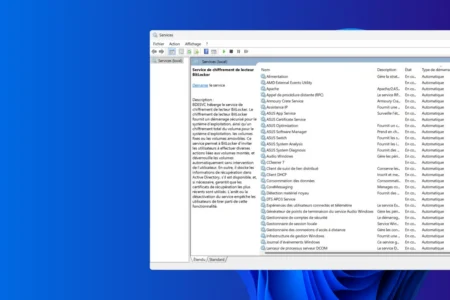
Speed up your Windows PC by disabling unnecessary services. A step-by-step guide to optimizing performance and freeing up system resources.
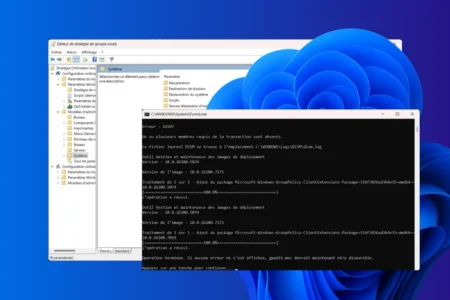
Read the articleFind out how to activate gpedit.msc on a Windows Home edition, unlock features and customize your system.
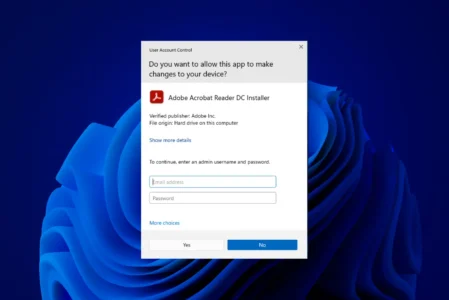
Read the articleHow do I enable or disable UAC in Windows? Follow our step-by-step tutorial to adjust this security feature and manage program authorization notifications.
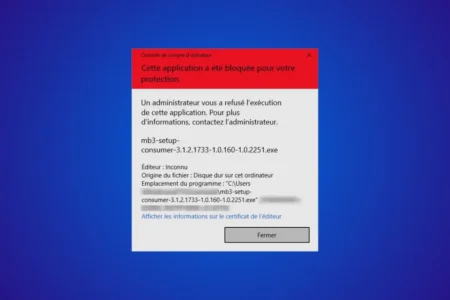
Read the articleUnable to install software on your Windows 11 business PC? Learn how to bypass the limitations imposed by the administrator while respecting security rules.
Read the articleHow can you prevent a user from running any software on Windows 11? Configure AppLocker to block unauthorized applications.
Read the article