You insert your SD card into a computer and Windows suddenly asks you to format it. Yet it still contains your photos, videos or documents, and you did not intentionally delete anything.
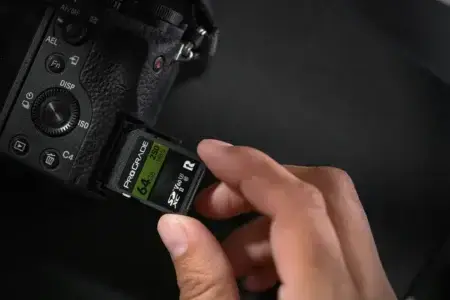
Do not format the card. Remove it from the camera, phone or other device that used it, and do not save anything new to it. A card that cannot be opened may have a damaged file system even though the files are still present.
The first step is to try a recovery tool such as PhotoRec. But what if PhotoRec finds nothing at all? That is the unusual situation I recently encountered with a customer’s SD card.
In this article
Do not format the SD card to make it accessible again
When Windows can no longer read an SD card’s file system, it may offer to format the card so you can use it again. Formatting creates a new structure for storing files; it does not recover the files already on the card.
If the data matters, try to recover the files before repairing or formatting the card. Avoid unnecessary handling, and do not take more photos or record videos on it.
1. Try to recover the files with PhotoRec
As long as the computer still detects the card, PhotoRec is a free data recovery tool with no file limit. It searches the card directly for photos, videos, documents and many other file types without needing to restore the original folder structure.
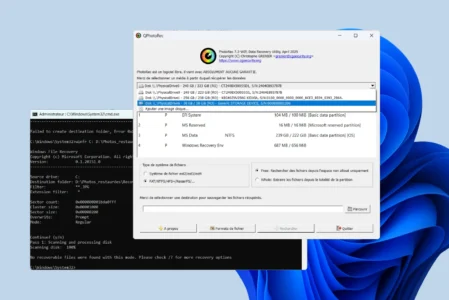
I wrote a full guide to PhotoRec and QPhotoRec for recovering files from a damaged drive for free. QPhotoRec is especially easy to use on Windows: its graphical interface lets you select the card and the folder where recovered files should be saved.
In many cases, a card that appears as RAW or has a damaged file system can still return some of its contents. The result was much stranger with the card brought to my workshop.
The SD card was detected but could not be opened
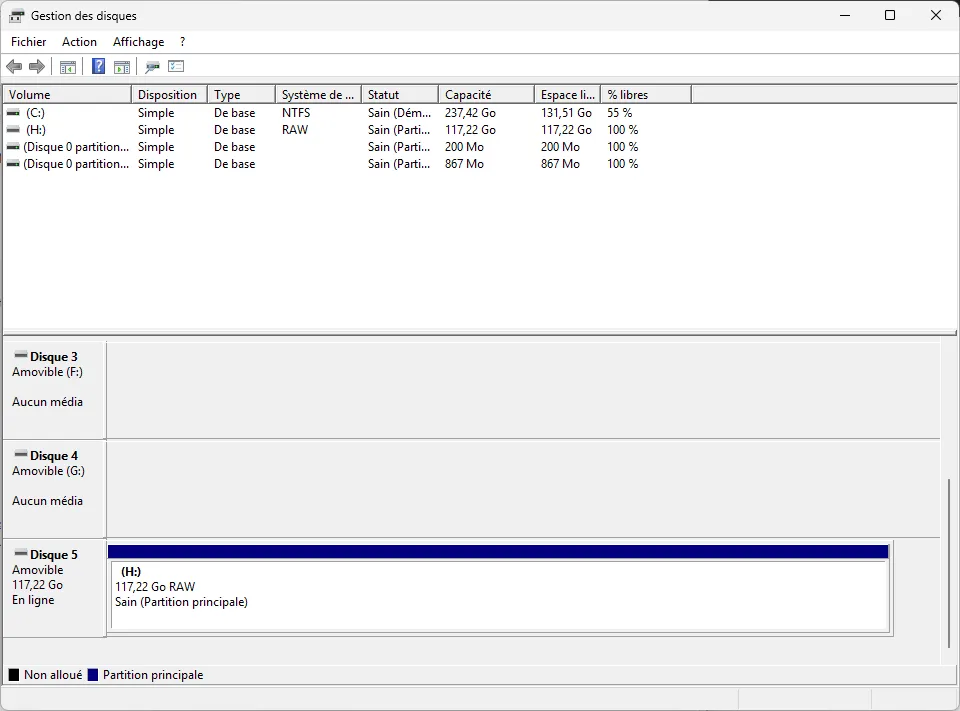
The customer had not accepted Windows’ format prompt, which was the right thing to do. During my tests, Windows assigned the card a drive letter but refused to open it.
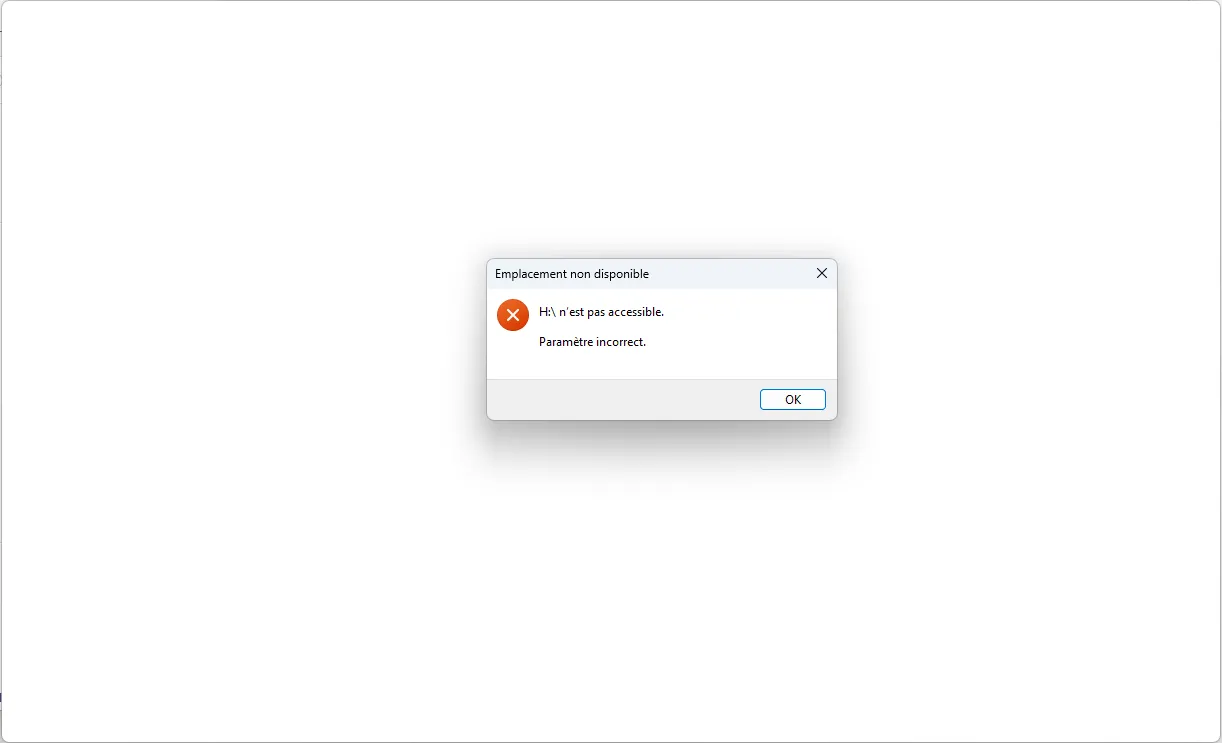
When I opened the drive, Windows simply displayed “H: is not accessible.” This can still happen when the file system is corrupted, so I started with the least invasive method: QPhotoRec.
QPhotoRec found no files on the card
I ran a full QPhotoRec scan directly on the card. I expected it to recover at least a few photos, file fragments or older data, even if the original folders and names were gone.
The result was zero files recovered. Because the card had been used and still held the customer’s data recently, this complete absence was unusual enough to warrant a closer check.
2. I checked the raw data with a hex editor
I then opened the SD card directly in HxD, a hex editor that displays the bytes returned by a storage device. The goal was no longer to recover folders or the file system, but simply to see whether the card appeared to contain any data.
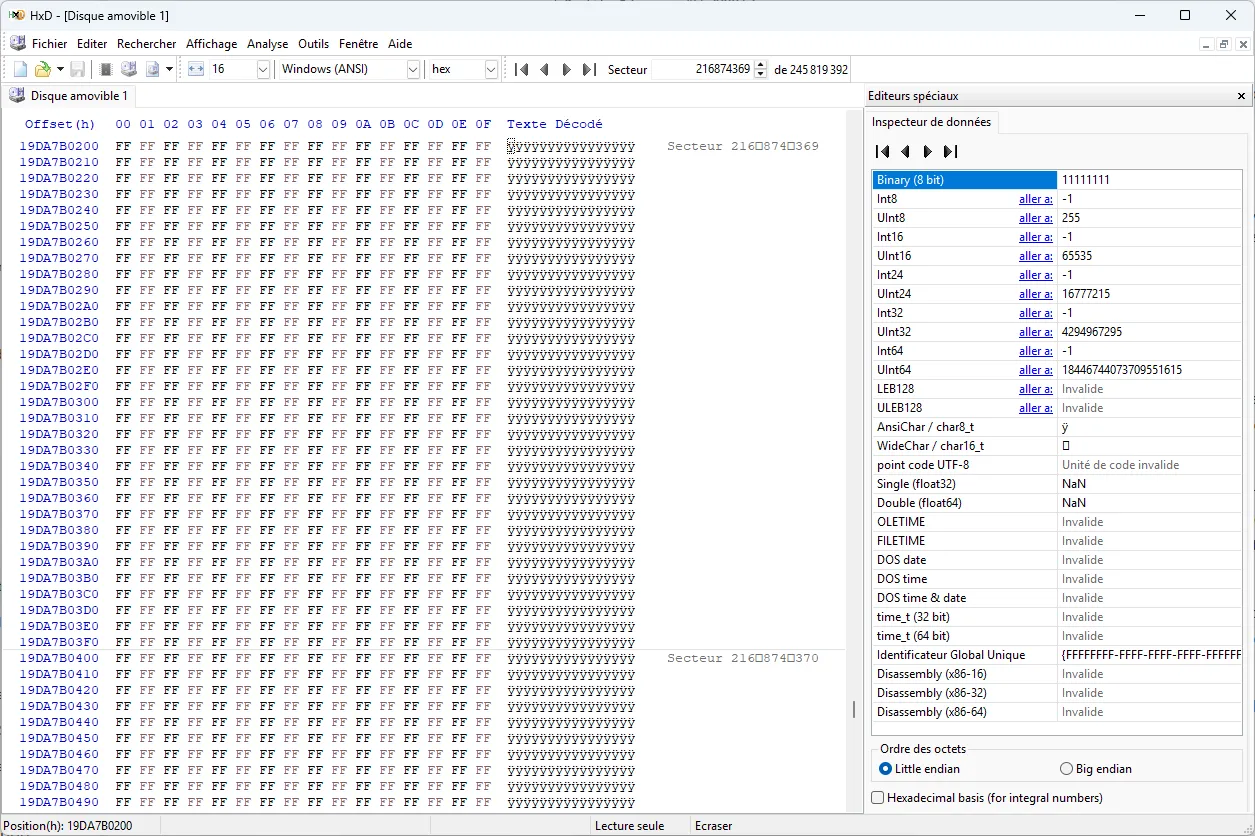
I checked several areas of the card, including sectors far apart from one another. The result was always the same: entire lines made up of FF FF FF FF FF FF FF FF.
Hex data changed the diagnosis completely
This was probably the most interesting part of the repair. From a logical read, the card looked almost completely blank. That also explains why QPhotoRec found no photos: the software can only scan the data the card returns.
Seeing only FF values in HxD does not prove or disprove that the physical flash memory has been erased. An SD card has its own controller between the computer and the memory chips, and a controller fault can prevent access to data that is still stored on the card.
If the card returns only FF but is still detected, its controller or mapping table may have failed. The table maps the logical sectors seen by the computer to physical flash cells. If that mapping is lost or corrupted, the card can appear empty even while data remains in NAND memory.
In this situation, even the best data recovery software may not help. Windows and tools such as PhotoRec can access only the data the card’s controller makes available.
Trying ten more recovery tools probably will not help
Three signs point in the same direction here: Windows detects the card but cannot open it, QPhotoRec finds no files, and a raw read in HxD returns mostly FF values.
There is little value in trying EaseUS, Recuva, R-Studio, Disk Drill and ten other programs one after another. They may use different file-reconstruction methods, but they all depend on the data the card sends to the computer.
If your card behaves this way, stop running scans instead of repeating them in the hope that another program will suddenly find something.
We allow some readers to view our articles for free with an ad blocker. However, their number is currently too high for us to keep this access available to everyone.
You can disable your ad blocker to continue reading immediately, subscribe to enjoy all our content without ads, or come back a little later when the pressure has eased.
Access will be restored automatically as soon as the situation allows.