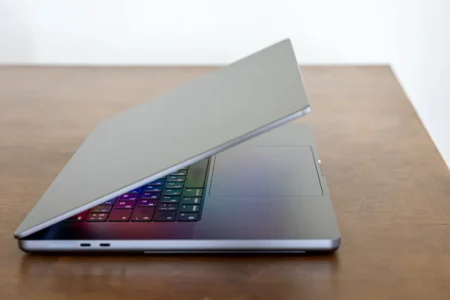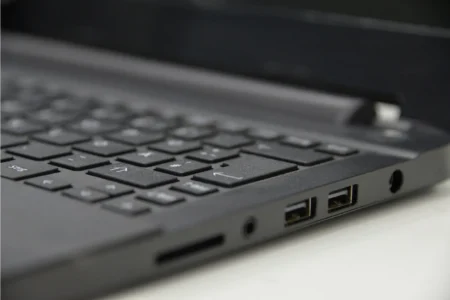
You have just taken the microSD card out of your drone or the old SD card out of your camera to transfer videos to your new computer. Then you notice that the small black slot on the side of the PC is missing. Laptop manufacturers are removing this port more and more often to save a few millimetres of thickness, leaving your files stuck on a small piece of plastic.
Having a recent computer without a built-in card reader does not mean you have to abandon your data or buy another computer.
There are several simple ways around this problem. Here is how to empty your memory card quickly.
|
Offre éclair
UGREEN 2-in-1 Adapter
|
For professionals
Lexar Professional Multi-Card Reader
|
UGREEN 4-in-1 Adapter
|
|---|---|---|
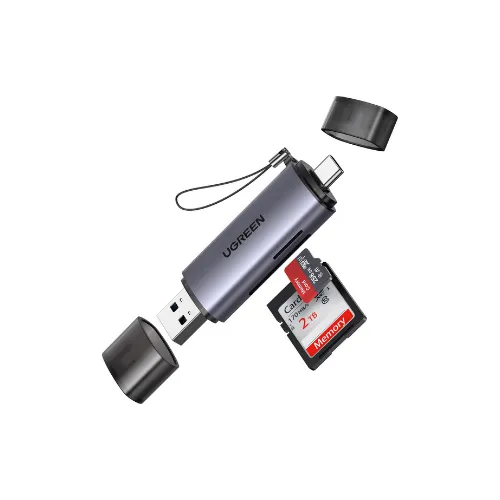
|
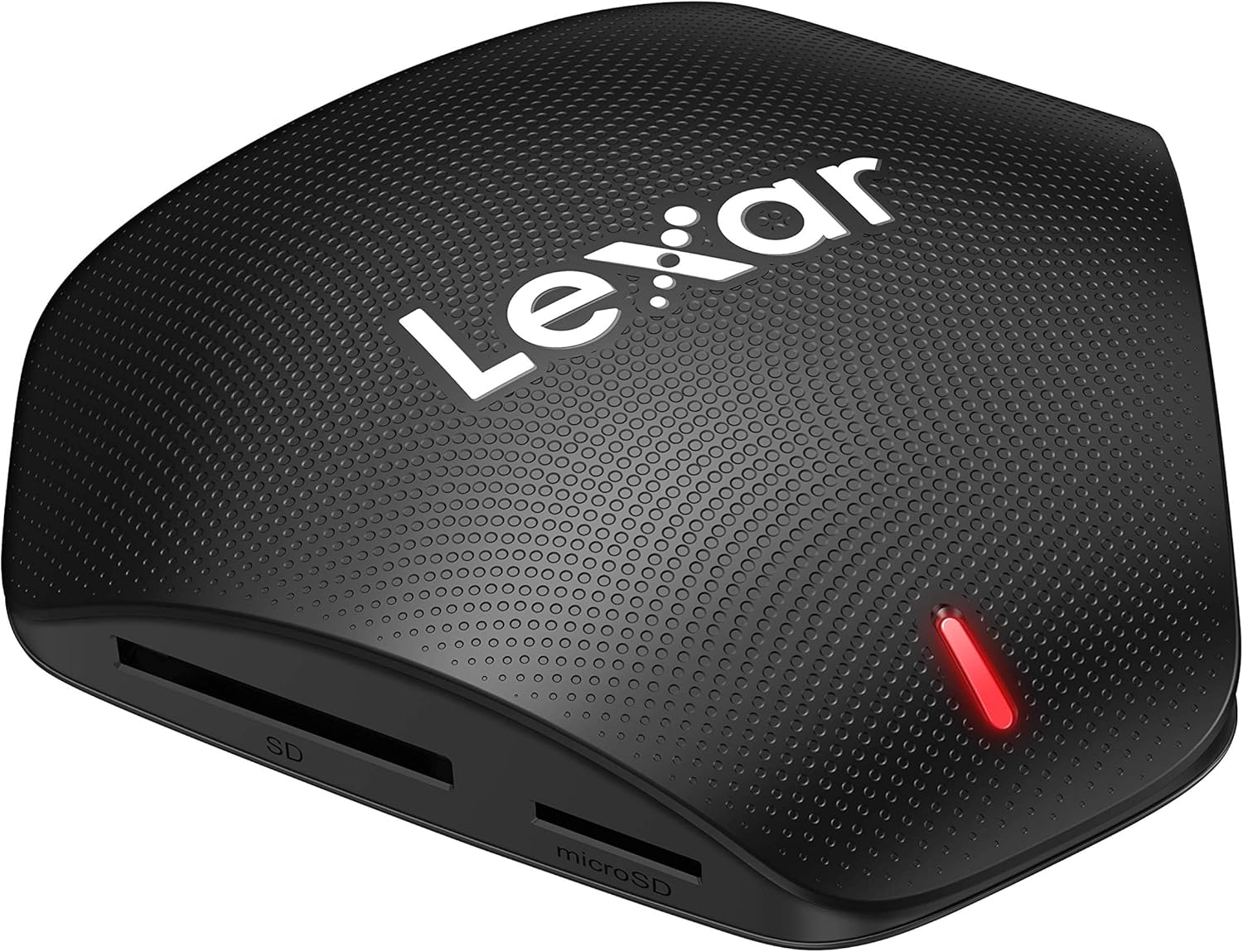
|
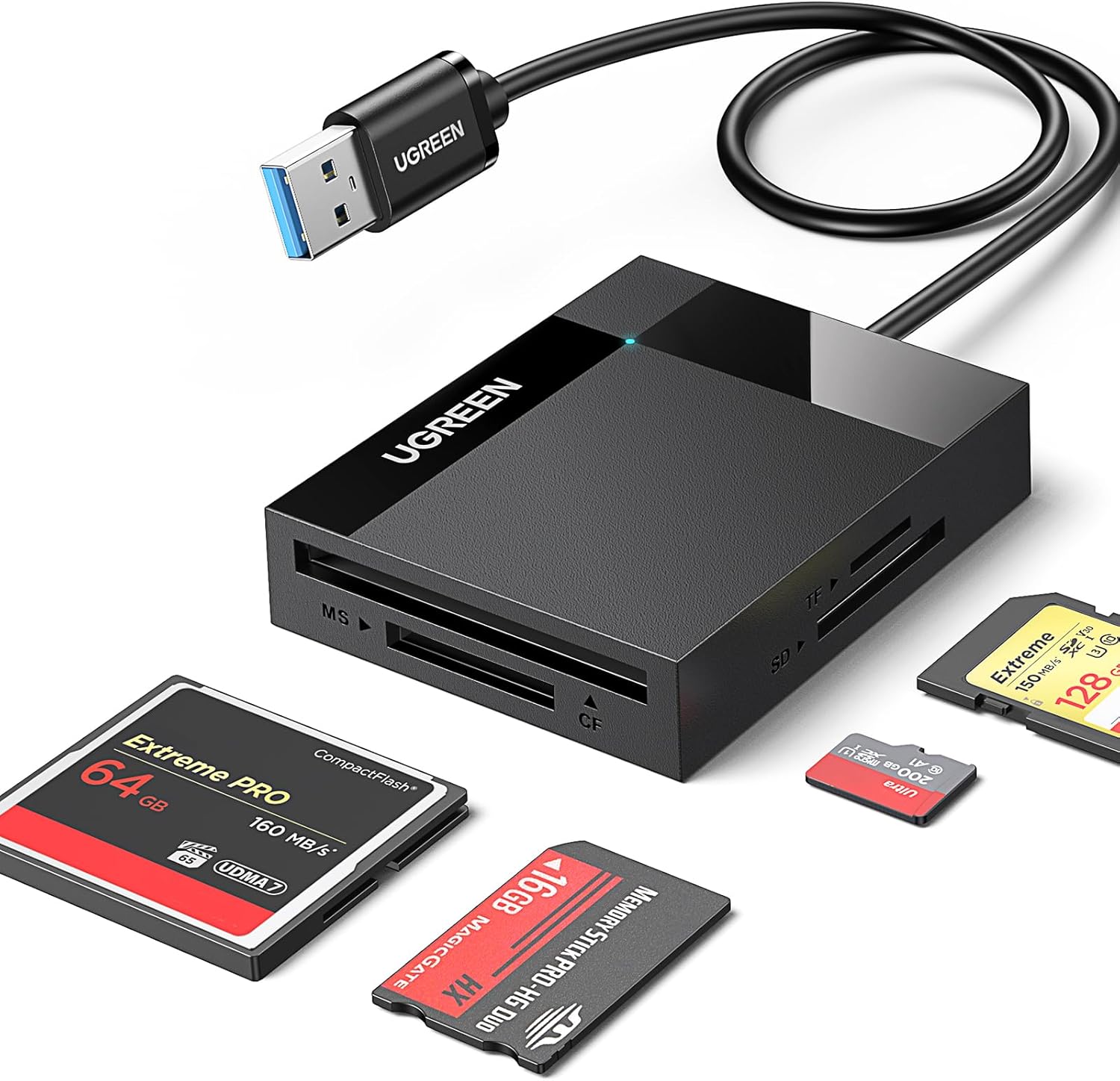
|
|
Dual USB-A and USB-C connectivity Compatible with both old and new PCs Reads SD and microSD cards |
Compatible with SD UHS-I and UHS-II, microSD, and CompactFlash Up to 312 MB/s for SD and microSD USB-C to USB-A cable included |
Compatible with SD, microSD, CompactFlash, and Memory Stick USB 3.0 up to 5 Gb/s Compatible with Windows, macOS, Linux, and ChromeOS |
| 8,16 € | 29,49 € | 13,99 € |
How do you read an SD or microSD card?
An SD card reader provides direct access to the data stored on a memory card. Widely used by photographers, videographers and content creators, it transfers files quickly from a camera, drone, camcorder or smartphone to a computer. Built into some laptops or available as an external USB reader, it supports different formats such as SD, microSD, SDHC and SDXC and can handle capacities of several terabytes. If speed is your priority, our guide to fast SD cards for photography and video explains the different classes and professional uses. In short, it is essential for making effective use of a memory card, whether you want to back up, edit or share your files.
Use an external SD card reader (USB)
The simplest solution is to use an external SD card reader. Compact and inexpensive, it connects directly to a USB-A or USB-C port depending on your laptop. Most of these readers support multiple card types, including SD and microSD.
Besides being affordable, modern readers offer high transfer speeds through USB 3.0 or USB-C, reaching up to 5 Gb/s. That is more than enough to offload photos from a DSLR or videos from a drone quickly. Some advanced models even include several slots and can act as a small USB hub, which is useful on ultrabooks with few ports.
My laptop has no built-in card reader. What should I do?
More and more laptops, especially recent ultrabooks and MacBooks, do not include an SD card reader to stay thin and light. Yet memory cards remain essential for photographers, videographers, drone users and anyone who needs to transfer files quickly. If your computer has no built-in reader, you have several options. The simplest is to buy an external USB card reader, available with USB-A or USB-C depending on your machine, offering high transfer speeds of up to 5 Gb/s for often less than €20. Another option is to connect your camera or smartphone directly over USB and access the card contents without an additional adapter. If you prefer to avoid extra hardware, alternatives include Wi-Fi, Bluetooth, cloud storage and a home NAS. In practice, the lack of an internal reader is no longer an obstacle: choose the method that best fits your needs.