
You receive a suspicious email with an attachment named facture_3049.pdf.exe. Your first instinct is to double-click it to see what it is. Once you run the file, the trap closes. Yet you can examine a questionable file, identify what it is meant to do, and check whether it is dangerous without letting it activate on your PC.
Here are free tools for safely analyzing a potential threat, directly in your browser or in an isolated environment.
In this article
How can you analyze an email attachment without opening it?
Receiving a file by email is routine at work and at home. It is also one of the methods cybercriminals use most often to infect computers. In 2025, nearly 50% of malicious emails contained a harmful attachment. It may be an .exe, PDF, ZIP archive, or Office document with macros. A quote, invoice, or fake delivery notice can conceal a serious attempt to infect your computer.
The figures confirm the risk: more than 60% of ransomware attacks start with an email attachment. In internal simulations, 8% of users still open these files without taking precautions. In some cases, a single double-click is enough to compromise the system. The file may install spyware, encrypt documents, or open a remote backdoor.
Free tools can analyze a file without running it. They can check for malicious code, observe the file’s behavior, or scan it with several antivirus engines at once. Spending a few minutes checking a suspicious attachment before opening it can prevent problems that take much longer to fix.
How to scan a file online for free
If you receive an email attachment and have any doubt about whether it is legitimate, scan it online before doing anything else. Unlike a traditional antivirus installed on your computer, these online services let you check a file without running it by comparing it with several antivirus engines at once.
VirusTotal: scan a file online with 60 antivirus engines
VirusTotal is one of the best-known scanning tools in cybersecurity. It can analyze a file in seconds by submitting it to about 60 antivirus engines, including Avast, Bitdefender, and Kaspersky. Upload the file or paste a link to it to start the scan. The site is easy to use even without an account, and the results clearly show which engines detected a threat.
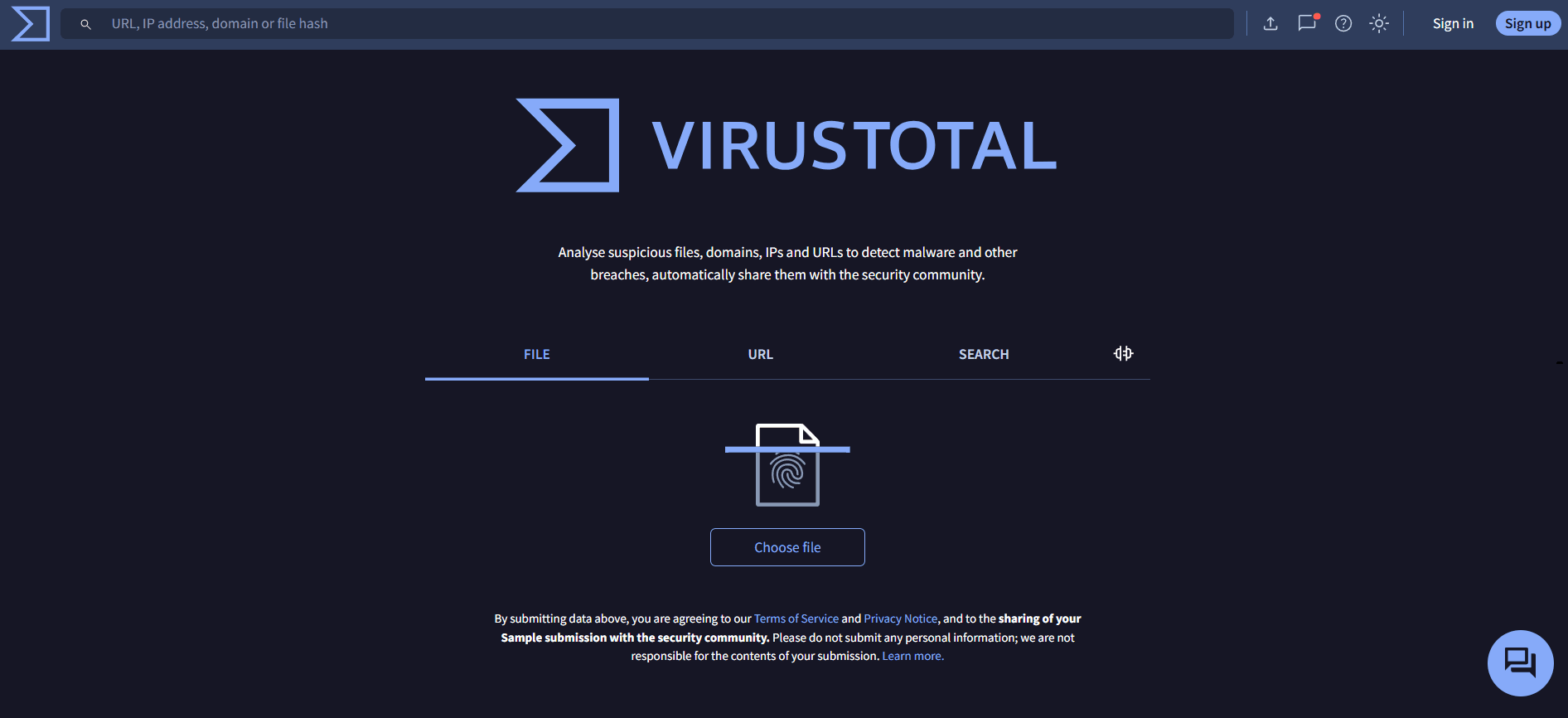
This service is especially useful for a quick first check when a file comes from an unknown source. However, VirusTotal cannot guarantee that a file is 100% safe: a file may not yet be known to its detection databases. If you still have doubts, compare the results with other tools.
MetaDefender: an advanced alternative for scanning a file
MetaDefender Cloud, provided by OPSWAT, works on the same principle as VirusTotal: it runs a multi-engine scan on suspicious files and links. Its main advantage is the range of detection engines, some of which differ from those used by VirusTotal. This can broaden the scan. It can also inspect compressed files and PDFs and examine metadata that may reveal anomalies invisible to the naked eye.
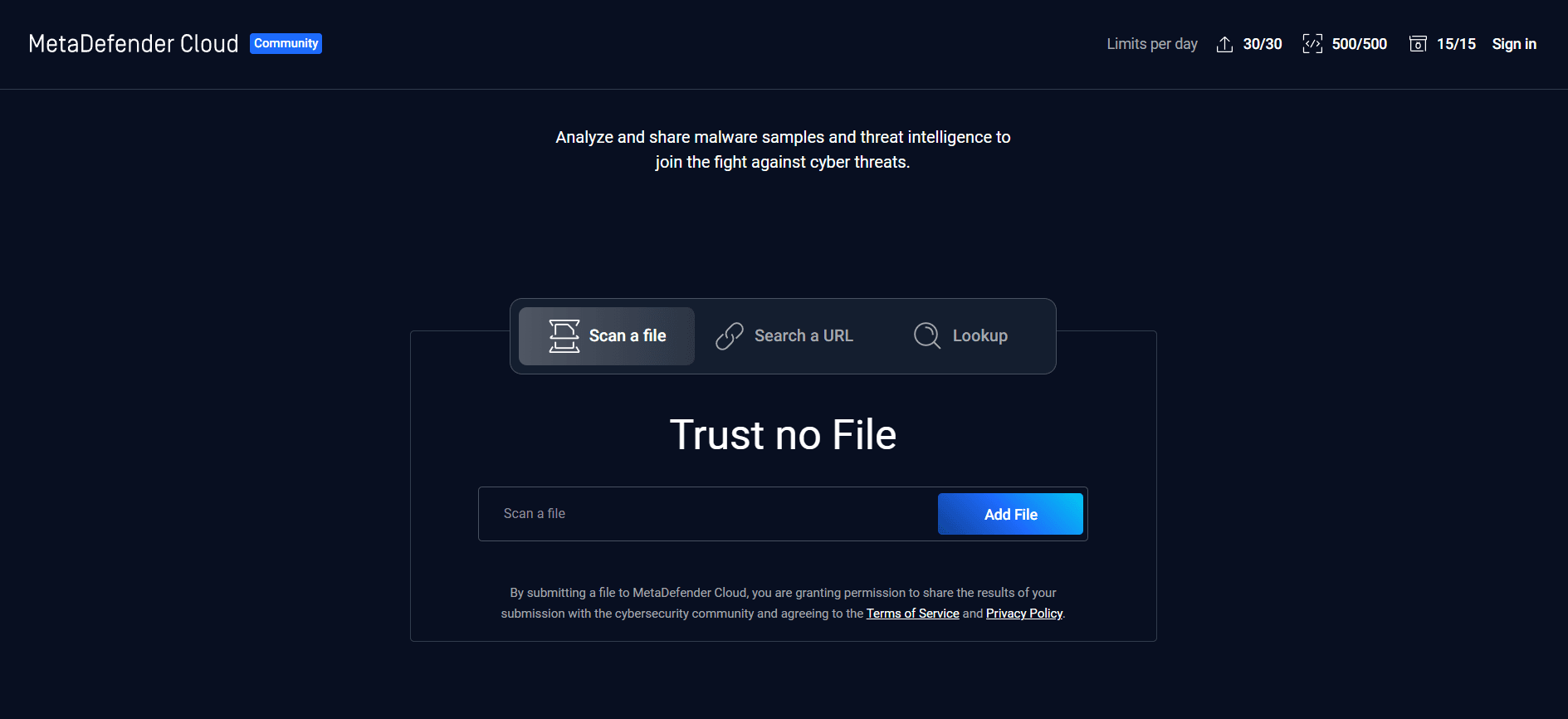
MetaDefender is useful for a closer check when VirusTotal’s results are unclear or mixed. Its more technical reports show details about signatures and detected threats, making it a good addition to a careful review. It can suit curious users as well as professionals who want a second opinion before handling a potentially dangerous file.
Test a suspicious file on MetaDefender
Run a file safely in an online virtual machine
If a standard antivirus scan cannot determine whether a file is dangerous, you can go further with what is called dynamic analysis. Unlike static analysis, which looks for known file signatures, dynamic analysis observes what a file actually does when it runs—but in an environment completely isolated from your main system. This technique is called sandboxing.
A sandbox is a restricted virtual environment where you can open and run a file without letting it interact with the rest of your computer. For example, it can reveal whether the file tries to connect to a remote server, write to the Windows registry, or install components without permission. Sandboxing lets you assess the risks without exposing your computer to them.
Any.Run: an online sandbox for watching malware in action
Any.Run is an online platform for analyzing a potentially dangerous file in an isolated Windows environment. Unlike basic antivirus scanners that rely on known signatures, Any.Run performs dynamic analysis: it runs the file in a virtual machine and observes its behavior in real time. Network attempts, registry changes, launched processes, and created files are shown step by step in an interactive interface in your browser.
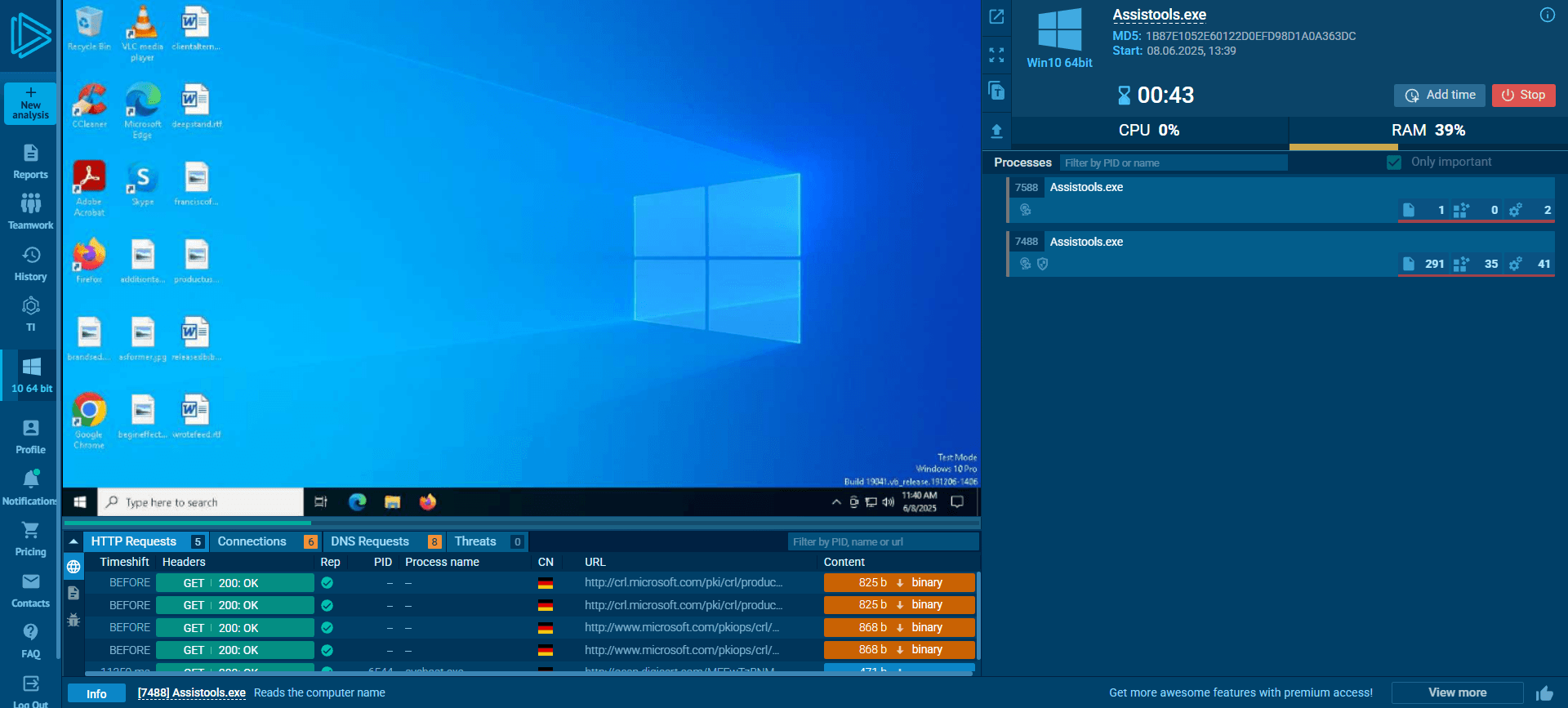
This approach can help detect recent or obfuscated malware that traditional scanners have not identified yet. The free version can already reveal suspicious behavior in many files without installing anything on your PC. Whether you are curious, work in cybersecurity, or simply want to be cautious, Any.Run offers a practical visual way to understand what a file is trying to do without taking the risk yourself. If the scan confirms an infection, free malware removal tools can help clean your machine.
We allow some readers to view our articles for free with an ad blocker. However, their number is currently too high for us to keep this access available to everyone.
You can disable your ad blocker to continue reading immediately, subscribe to enjoy all our content without ads, or come back a little later when the pressure has eased.
Access will be restored automatically as soon as the situation allows.