Enable VT-x and AMD-V virtualisation in the BIOS, depending on the PC make
Can't find VT-x, AMD-V, or SVM Mode in your BIOS? Here's where to enable virtualization on ASUS, MSI, HP, Lenovo, Dell, and other PCs.
Read the articleVirtualisation lets you run another operating system without leaving your main computer. Our guides explain the difference between a type 1 and a type 2 hypervisor, why Hyper V belongs to the first category and how to enable it on Windows 11 Home with PowerShell. We also detail how to install Docker on Linux, enable WSL on Windows and run macOS in a virtual machine with VMware. Find our other virtualisation guides on the Assistouest blog.
Can't find VT-x, AMD-V, or SVM Mode in your BIOS? Here's where to enable virtualization on ASUS, MSI, HP, Lenovo, Dell, and other PCs.
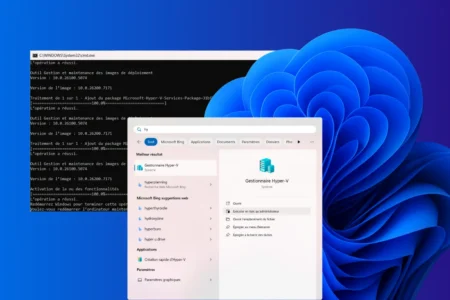
Read the articleFind out how to activate Hyper-V on Windows 11/10 Home with PowerShell. Follow our guide to using virtualization without upgrading to Windows Pro.
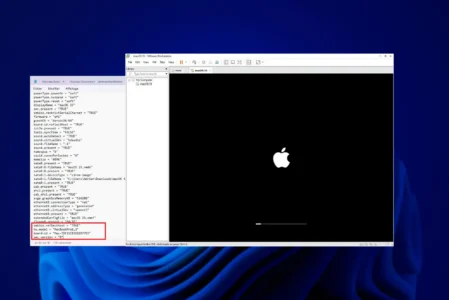
Read the articleFind out how to install macOS on a Windows PC with VMware: follow our guide to setting up a macOS virtual machine on VMware.
Read the articleEverything you need to know about hypervisors: definition, comparison between type 1 bare metal and type 2 hosted, examples and advice on making the right choice.
Read the articleWSL2 never gives disk space back to Windows. Here is how to compact ext4.vhdx safely and recover the space in five minutes.
Read the articleInstall WSL2 on Windows automatically or manually, choose a Linux distribution and manage it from PowerShell.
Read the articleLearn how paravirtualized drivers improve VM disk, network and memory performance with VirtIO, VMware Tools and Hyper-V integration.
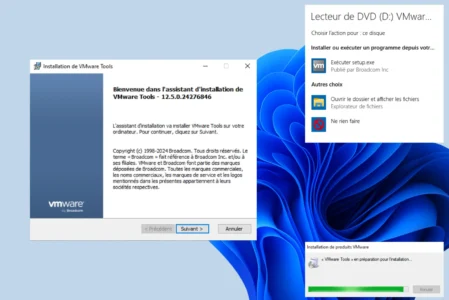
Read the articleInstall VMware Tools on Ubuntu with open-vm-tools, choose the right package for Desktop or Server and verify that the integration works.
Read the articleCompare Hyper-V, VirtualBox, VMware Workstation and QEMU to choose the right virtualization software for Windows.
Read the articleHyper-V is often mistaken for a type 2 hypervisor. Find out why it is actually a type 1, integrated into Windows but running on hardware.
Read the article