Hard drive not recognised: making it visible in Windows Explorer
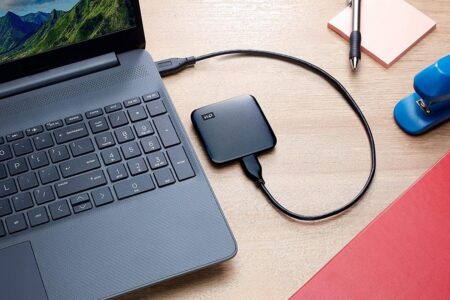
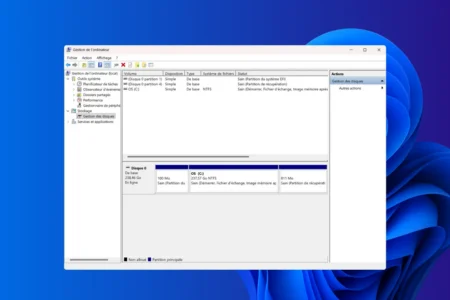
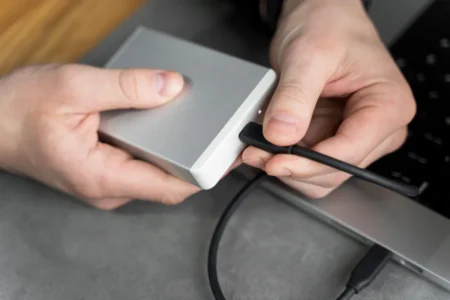
Does your external hard drive no longer appear in Windows? Discover simple solutions to make it visible, correct detection errors and recover your data without risk.
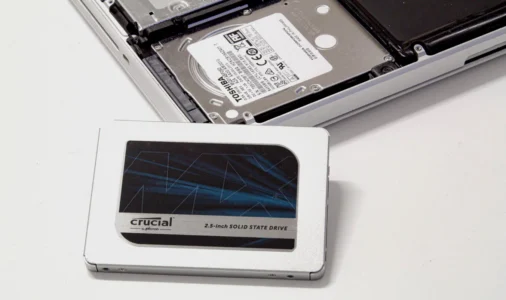
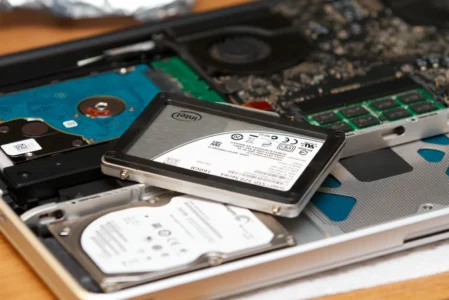
Read the articleA hard drive showing signs of weakness deserves close monitoring before it fails completely. Our guides list the symptoms of a failed drive, explain how to clone it onto an SSD and how to recover data from a PC that no longer starts. We also detail the right habits before reselling a computer, including fully wiping the drive, along with the best data recovery software. Find our other storage guides on the Assistouest blog.
Does your external hard drive no longer appear in Windows? Discover simple solutions to make it visible, correct detection errors and recover your data without risk.
Read the articlePermanently erase all data from a hard disk or USB stick before selling your computer, thanks to free Windows software.
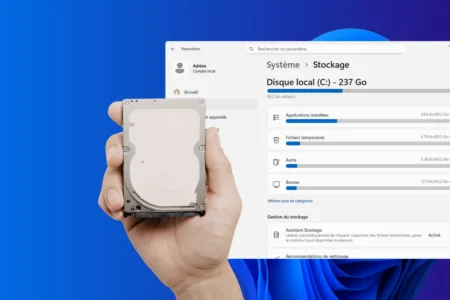
Read the articleNever run out of space again! The Storage Assistant analyzes your Windows 11 PC and safely removes unnecessary files.
Read the articleDiscover the warning signs of a failing hard disk : unusual noise, corrupted files, slowness and frequent errors.
Read the articleSmart, economical storage: your old hard drive becomes an external drive. Discover our step-by-step guide.
Read the articleWe've selected the best external hard drives (HDD and SSD) for you. Comparison of the best portable hard drives in 2026.
Read the articleDiscover the best ways to migrate your system and files without reinstalling.
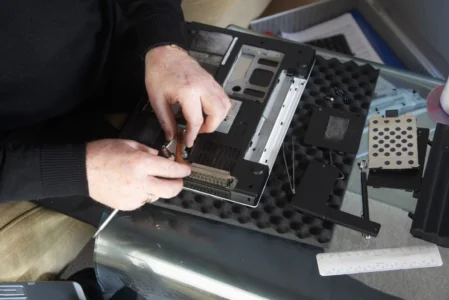
Read the articleEven a PC out of service can still keep your data. Find out how to recover them quickly and keep them safe.
Read the articleFind out how to easily identify whether your PC uses an HDD or SSD. Follow our simple methods via Task Manager or PowerShell.
Read the articleNeed more disk space in Windows? Find out how to merge two partitions safely using disk management.
Read the articleCompare SATA-to-USB cables, enclosures, cloning docks and IDE adapters to connect or reuse a 2.5- or 3.5-inch HDD or SSD.
Read the articleHow do experts analyze a hard drive without altering the evidence? Find out about forensic images, FTK Imager, Autopsy and the traces they can recover.
Read the article