Hide the watermark indicating that your PC is not compatible with Windows 11
Microsoft now displays a watermark on non-Windows 11-compliant PCs. Find out why and how to hide it easily
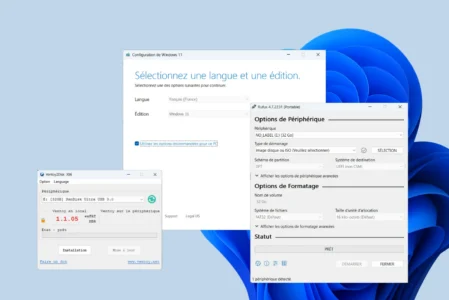
Read the articleInstalling Windows 11 properly means preparing your media carefully and knowing the methods that still work. Our guides explain how to install Windows 11 without a Microsoft account, download the official ISO files and create a bootable USB drive with Rufus. We also detail how to customise an image with NTLite or work around hardware incompatibility using FlyOOBE. Find our other Windows installation guides on the Assistouest blog.
Microsoft now displays a watermark on non-Windows 11-compliant PCs. Find out why and how to hide it easily
Read the articleNeed to create a bootable Windows USB flash drive? Discover the best free tools for installing Windows in just a few clicks.
Read the articleFlyoobe lets you migrate to Windows 11 on a non-compatible PC, without reinstalling or losing data. See how it's done with a local ISO.
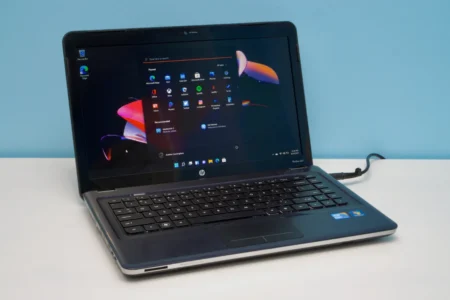
Read the articleLearn how to install Windows 11 on an unsupported older PC by creating a bootable USB drive with Rufus and setting up a local account.
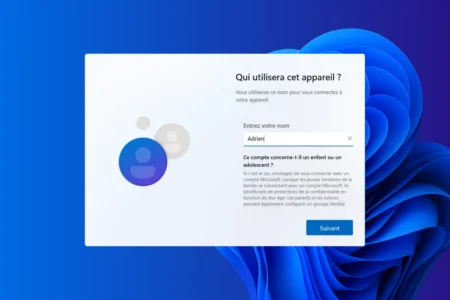
Read the articleFind out how to install Windows 11 without a Microsoft account and bypass the login requirement. A practical guide to unrestricted local installation.
Read the article