Test Linux without modifying your PC, install an older version of Windows or isolate a suspicious application. Virtualization makes all of this possible in a few clicks and has never been so accessible. Our selection of the best virtualization software will help you choose the solution that best fits your work.
In this article
Hyper-V: the native hypervisor in Windows Pro
Hyper-V is arguably the best virtualization software on Windows. Available natively in Professional and Server editions, it operates as a type 1 hypervisor and therefore delivers performance very close to physical hardware. This architecture makes virtual machines highly responsive, optimizes resource management and provides the stability needed for technical work and intensive use.
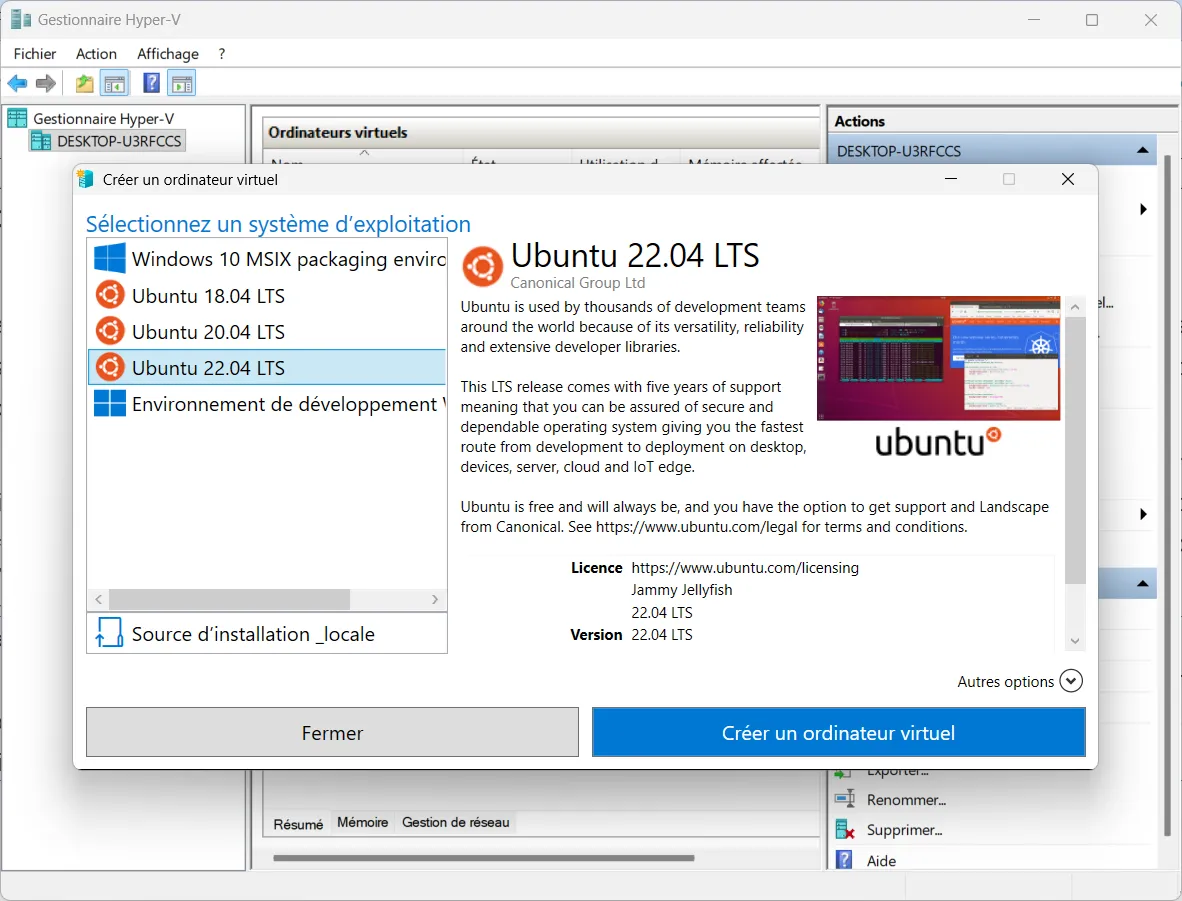
With its strong isolation, Hyper-V keeps each virtual environment separate. This improves security and limits interference between guest systems. The software is integrated into Windows and simplifies administration, whether you need to create a VM, manage its allocated resources or configure an environment for professional use.
Hyper-V also provides advanced tools. Virtual-machine management, clustering support and virtual-network creation offer the flexibility needed for testing and production infrastructures. This combination of performance and integration makes Hyper-V a preferred choice for Windows users looking for virtualization software.
VirtualBox: a free type 2 hypervisor for testing
Oracle VM VirtualBox is a free, open-source type 2 hypervisor. It installs directly on an existing host system, such as Windows, and makes it easy to create virtual machines for many different uses. Its simplicity makes it especially popular with users who want to discover virtualization without technical or financial constraints.
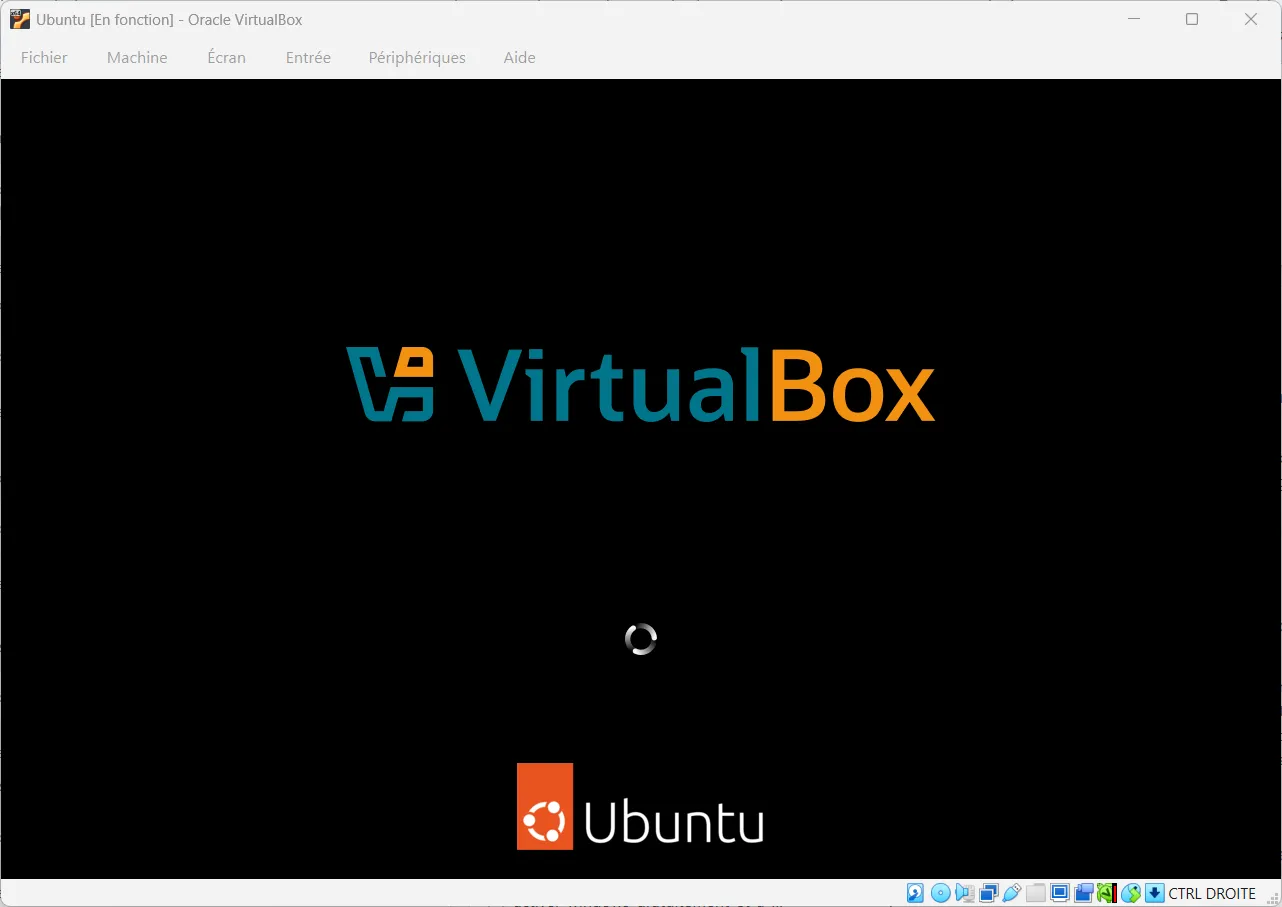
VirtualBox is an excellent choice for beginners, testing different systems and creating development or test environments. Its interface is easy to learn and supports many guest systems. Features such as snapshots, cloning, shared folders and improved integration through guest additions make it possible to work in isolated, reproducible environments.
The software is available on Linux, Windows and other specialized environments. Performance is nevertheless slightly below that of a type 1 hypervisor such as Hyper-V for heavy workloads or professional contexts. VirtualBox remains a versatile and reliable option for learning and testing.
VMware: a reference for emulating environments
VMware Workstation is a type 2 hypervisor designed to run on Windows or Linux. It lets you create and run several virtual machines on a single physical computer. Each virtual environment can host a different operating system and behave like a complete machine.
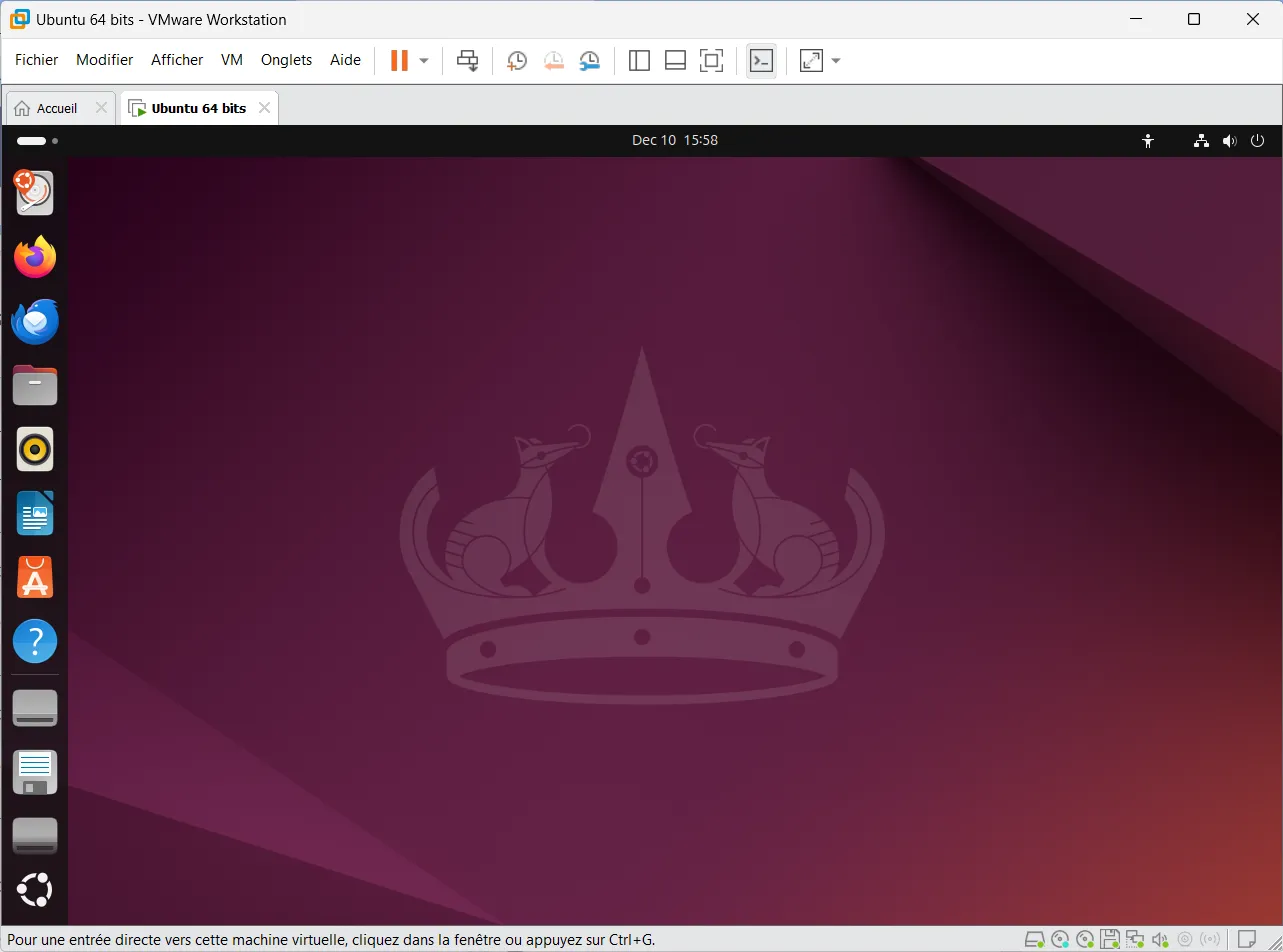
The software offers snapshots to return to an earlier state, cloning to duplicate a configuration quickly and advanced virtual-network management. It supports many guest operating systems and can simulate complex environments for development, testing or learning. Developers, system administrators and technical teams particularly value its stability and flexibility.
Performance is limited by the fact that it is a type 2 hypervisor installed above the host system. VMware Workstation depends directly on the available hardware and requires a sufficiently powerful machine to reach its full potential. Despite this constraint, it remains a reference solution for professional virtualization.
QEMU: a flexible tool for testing different architectures
QEMU is open-source virtualization and emulation software for creating complete environments on a host machine. It can reproduce many hardware components, including the processor, memory, storage and peripherals, making it possible to run numerous operating systems in an isolated space. Its broad compatibility with Windows, Linux and macOS makes it particularly flexible.
QEMU can emulate different hardware architectures, which makes it useful for development, research and cross-platform testing. Combined with an acceleration technology such as KVM, it can reach performance close to a native installation. This makes QEMU suitable for advanced projects that require reliability, varied environments or faithful hardware behavior.
In return, QEMU requires a much more technical configuration than consumer-oriented solutions, and its performance is more limited in pure emulation mode. It is nevertheless a powerful, versatile tool that can meet a wide range of needs. Its open-source nature, flexibility and ability to adapt to specific architectures make it a preferred option for users looking for complete virtualization or advanced experimentation.
For example, you can recreate all or part of a computer’s low-level environment, such as the BIOS/UEFI or equivalent firmware. QEMU is mainly configured from the command line.
When should you use virtualization?
Virtualization becomes especially useful when you need to work in several environments without disrupting your main system. You can test an operating system, application or file of uncertain origin in a completely isolated space. This separation limits risks and creates a safe framework for experimenting, learning or using technical tools without affecting your Windows installation. It is also useful when an old or specialized application is no longer compatible with current Windows versions: a virtual machine can recreate the exact environment you need without modifying your PC.
It is also well suited to professional uses and technical projects. Developers can create reproducible environments, test an application on several systems or simulate a complete network structure. Businesses can centralize tools, simplify maintenance or extend the life of older applications. With snapshots and cloning, it is easy to return to a stable state, duplicate a configuration or prepare training environments. Virtualization is therefore becoming part of many workflows because it improves organization, security and flexibility without requiring additional hardware. To explore the subject further, our article about the differences between type 1 and type 2 hypervisors will help you choose the most suitable solution.
We allow some readers to view our articles for free with an ad blocker. However, their number is currently too high for us to keep this access available to everyone.
You can disable your ad blocker to continue reading immediately, subscribe to enjoy all our content without ads, or come back a little later when the pressure has eased.
Access will be restored automatically as soon as the situation allows.