
If you build WordPress sites regularly, you will eventually need to move them. Moving from development to production, changing domains, cloning a site, restoring it after a change, or transferring it to a new host are all part of a WordPress developer’s routine.
In my freelance WordPress work in Nantes, much of my work takes place in a local environment. I use WSL and DDEV to develop, test, and prepare my sites before they go live.
After moving sites repeatedly between local environments, staging sites, and servers, I began to run into the limits of the available solutions.
That is why I started developing WP Clone Master, a WordPress backup, migration, and restore plugin designed to be open source and completely free.
The plugin is still in development, but it is mature enough for me to share it and let other users try it.
In this article
Much smaller .wpcm archives
With All-in-One WP Migration, I once ended up with an archive of about 15 GB for a project. A large part of that data was not needed to move the site. Caches, some plugin backups, and other temporary data could end up in the archive, even though I only wanted to transfer the files the site needed to run.
With WP Clone Master, the same migration approach now gives me an archive of about 5 GB. That is a significant difference: the archive is roughly three times smaller while producing the same result on the destination site. This reduces more than disk usage. It also means less data to transfer and makes large-site migrations easier.
| Migration example | Archive with AIOWP | Archive with Clone Master |
|---|---|---|
| Same WordPress site | About 15 GB | About 5 GB |
This approach is especially useful in a development environment where migrations are frequent. When you regularly move several gigabytes between a local computer and a server, every unnecessary file costs time, storage, and bandwidth.
Migrations designed for constrained environments
Data size is not the only problem during a WordPress migration. A large site can also exceed the limits of its runtime environment. PHP has time and memory limits, while the web server or some reverse proxies may stop a request that runs for too long.
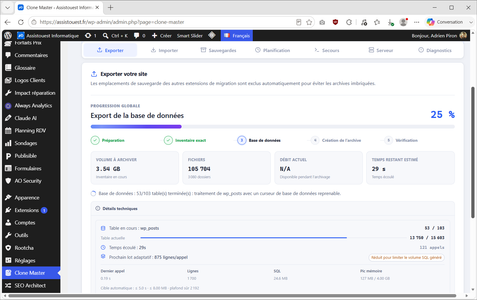
WP Clone Master was designed with this problem in mind. Its processing engine runs asynchronously and splits the work into separate stages. Instead of asking the server to perform the entire migration in one long operation, the plugin works through it gradually.
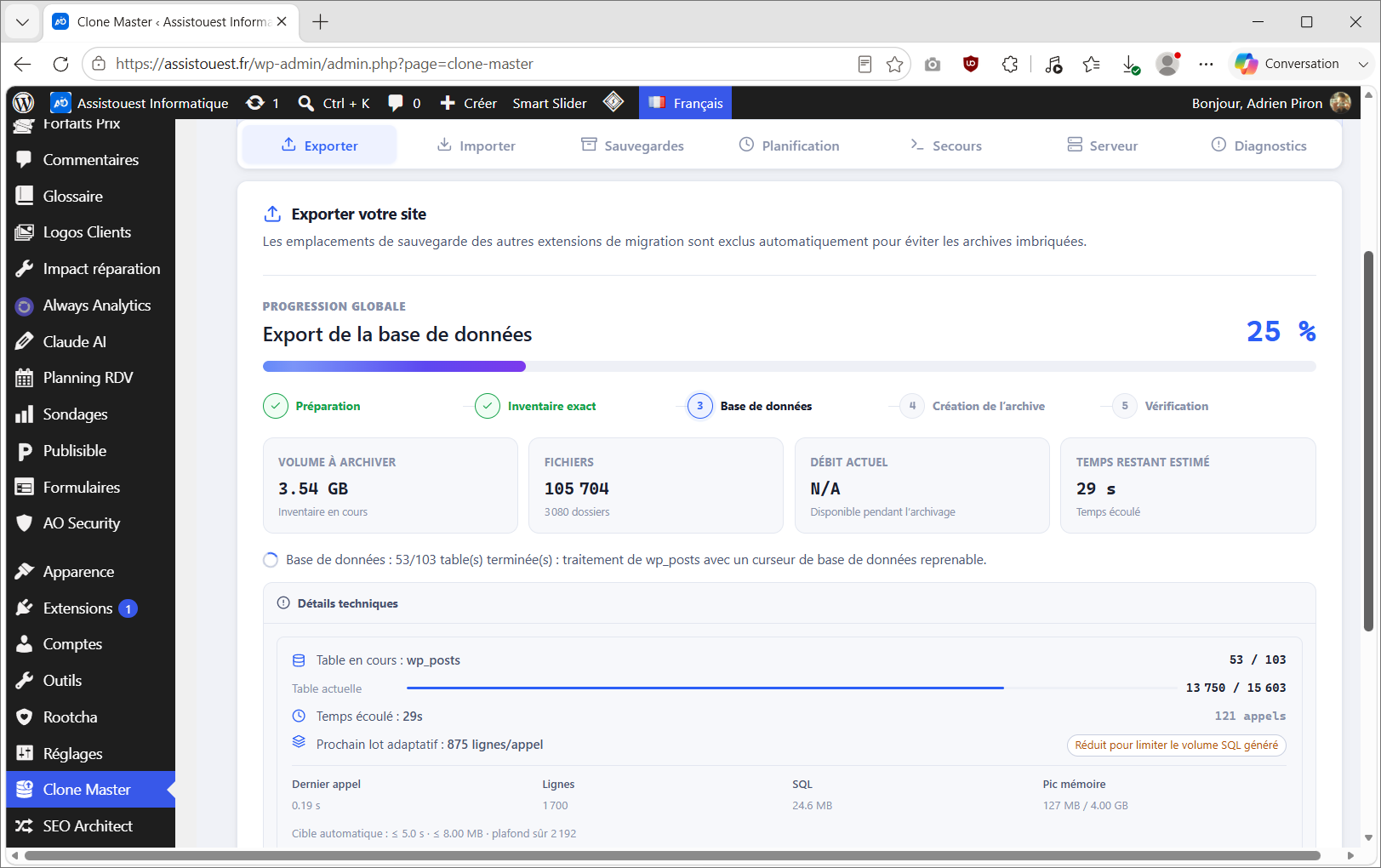
This architecture is better suited to environments with limited resources. It is also useful for large sites: handling a lot of data does not mean that one request must stay active for the entire operation.
Clone Master also handles domain changes
A WordPress migration may also involve changing the site’s address. This happens when I move from a local environment to a production domain. The site may have been developed at a local address before being installed on its final domain.
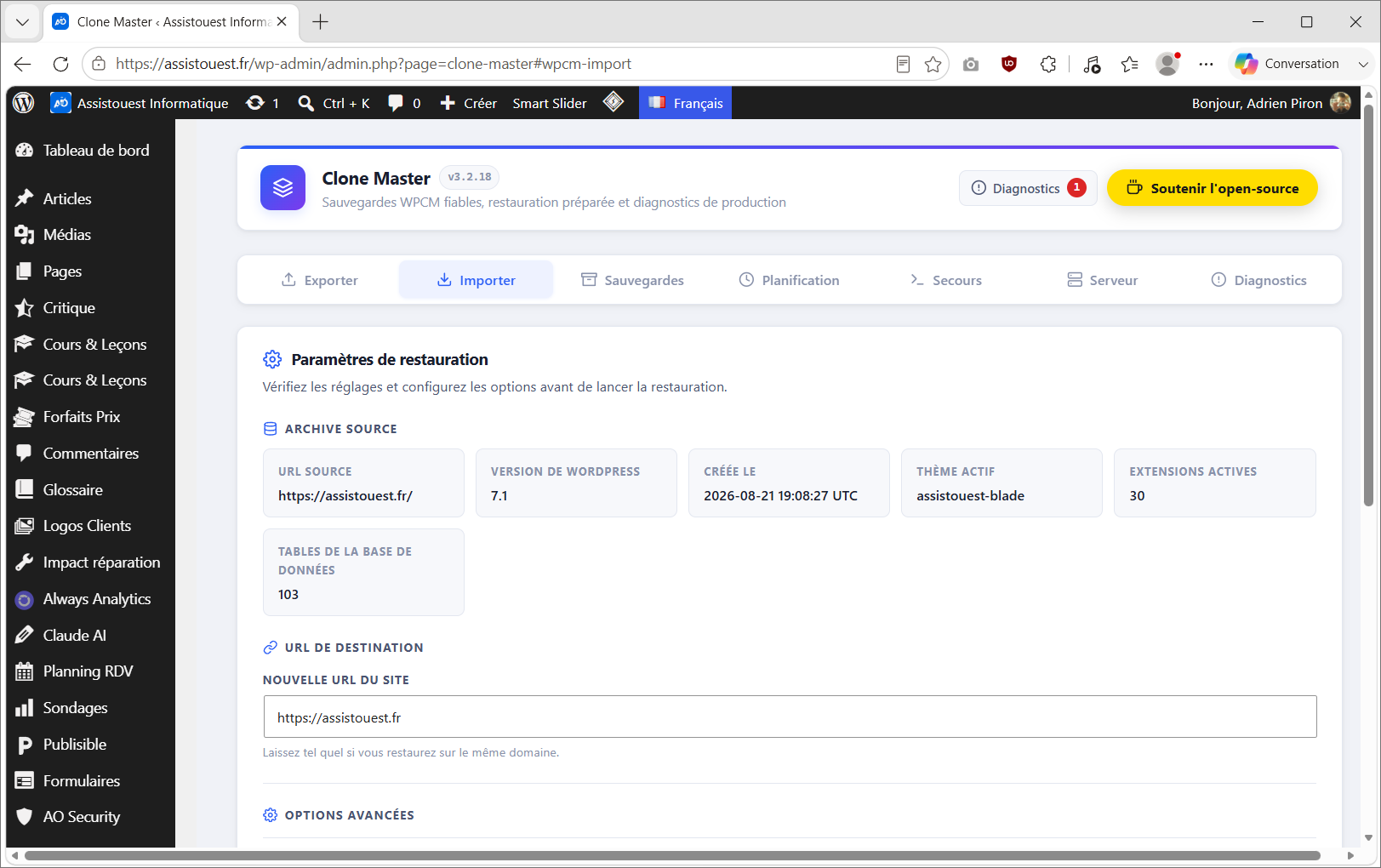
This is not simply a matter of replacing a string in the database. WordPress uses serialized data that records the length of each string. Changing a URL incorrectly can make some data unusable.
WP Clone Master accounts for this by unserializing data before replacing URLs. It can therefore handle domain changes in a way that respects how WordPress works, rather than making a raw text replacement that could break serialized data.
Download Clone Master to back up your WordPress site
WP Clone Master is being built to provide core backup and migration features without a paid edition.
The plugin is available for free, and its code is public on GitHub.
Native Nextcloud integration
If backups should not stay on the server that hosts the site, Clone Master also has a built-in connection to Nextcloud.
This lets you use storage infrastructure you control instead of relying on a storage service provided by a plugin publisher. If you already run a Nextcloud server, you can add WordPress backups to your own setup.
This feature follows the same approach as the rest of the project. I would rather let users control their data and choose where it is stored than make the plugin depend on a proprietary service.
We allow some readers to view our articles for free with an ad blocker. However, their number is currently too high for us to keep this access available to everyone.
You can disable your ad blocker to continue reading immediately, subscribe to enjoy all our content without ads, or come back a little later when the pressure has eased.
Access will be restored automatically as soon as the situation allows.