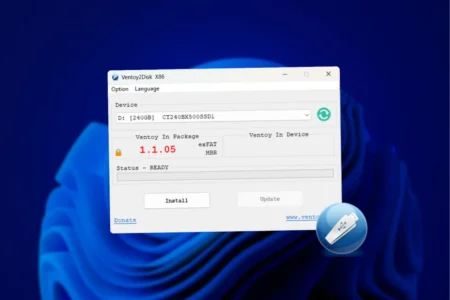
Ventoy: creating a multiboot USB stick containing several operating systems
Discover Ventoy for a hassle-free experience in creating bootable USB flash drives. Choose from a range of OSes and get them up and running fast!
Read the articleGuides to download ISO images, create bootable USB drives, install Windows or macOS and start troubleshooting tools.
Discover Ventoy for a hassle-free experience in creating bootable USB flash drives. Choose from a range of OSes and get them up and running fast!
Read the articleDownload macOS ISO images (Sequoia, Sonoma, Ventura...) to install the system on a virtual machine, a USB key or an old Mac.
Read the articleDownload official English Windows and Office ISO files, plus Microsoft tools to create a bootable USB drive for installation.
Read the articleCreate a custom Windows 11 ISO with NTLite: remove unwanted components, add drivers and automate installation for a lighter PC.
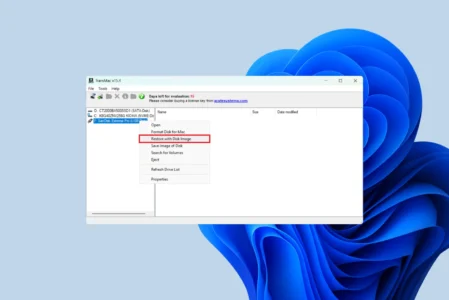
Read the articleCreate a bootable macOS USB on a Windows PC with TransMac. A step-by-step guide compatible with DMG and ISO files.
Read the article