

Microsoft’s official support ended in 2020. Yet Windows 7 refuses to disappear. Whether it is used to run an industrial machine that is difficult to upgrade or an old car diagnostic tool, this operating system still powers many computers.
The main everyday obstacle is no longer just security, but software compatibility. Publishers are cutting ties one after another, the main browsers restrict access to modern websites, Steam has permanently ended support and recent applications simply refuse to install.
To keep using this setup, you have to work around its limitations. We tested and listed the applications that still launch, the specific versions to install to avoid failures and the lightweight alternatives that can keep an old Windows 7 PC useful.
In this article
- The essential update pack for Windows 7
- The best web browsers for Windows 7 in 2025
- The best antivirus programs for Windows 7 in 2025
- The best office suites for working on Windows 7
- Microsoft Office 2016: the last version compatible with Windows 7
- VLC Media Player: the best media player for Windows 7
- WinRAR: the best compression software for Windows 7
- Thunderbird ESR 115: the last version compatible with Windows 7
- The end of the road for an operating system still used by 70 million people
The essential update pack for Windows 7
To use Windows 7 in good conditions in 2025, installing Service Pack 1 is not enough. In 2016, Microsoft released a cumulative pack called KB3125574, which gathers in one file all updates released between 2011 (SP1) and April 2016. This patch, often nicknamed “Service Pack 2”, is essential for quickly bringing a freshly reinstalled copy of Windows 7 up to the latest available updates.
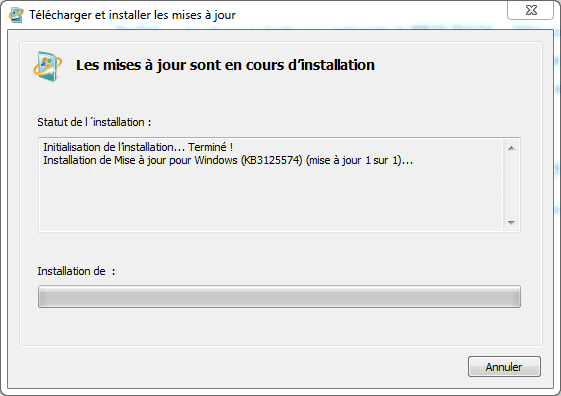
Before applying this rollup, you must install a servicing stack update (SSU). Two versions exist: KB3020369 (2015) and its newer replacement, KB3177467 (2018). Once this prerequisite is installed, simply apply KB3125574 to get a consolidated system that remains compatible with software still maintained in 2025.
| Update | Purpose | Required for |
|---|---|---|
| SP1 (KB976932) | Required base | Every modern Windows 7 installation |
| KB3177467 (2018 SSU) | Windows Update engine update | Preparing rollup installation |
| KB3125574 (Convenience Rollup) | 2011–2016 cumulative pack | Bringing Windows 7 up to the latest official updates |
In addition to system updates, some software components are needed to ensure compatibility with newer applications:
- Microsoft Visual C++ Redistributable: many programs, including games, utilities and professional software, need the C++ libraries to run. Installing all versions from 2005 through 2015–2019 (x86 and x64) is recommended to cover every requirement.
- .NET Framework 4.8: the last version officially supported on Windows 7, it remains essential for running modern applications built with Microsoft technologies. This framework also improves the system’s overall stability and compatibility.
With these two components installed, your Windows 7 setup is complete and ready to run most software that remains compatible in 2025.
The best web browsers for Windows 7 in 2025
Windows 7 is still popular for its speed and stability, but one of the biggest challenges for its users is web browsing. In 2025, only a few browsers remain genuinely usable.
Firefox ESR 115: the last browser compatible with Windows 7 until 2026
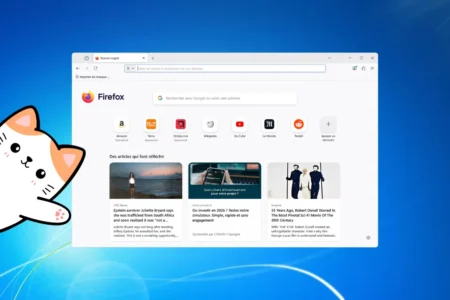
Firefox ESR 115 is the last Mozilla browser version compatible with Windows 7, Windows 8 and 8.1. Based on the Extended Support Release branch, it receives regular security fixes but no longer gets the new features introduced in standard Firefox releases. It was originally scheduled to end in September 2024, but its maintenance was extended several times. Mozilla confirmed that security updates would continue until March 2026 to support users who have not yet moved to a newer system.
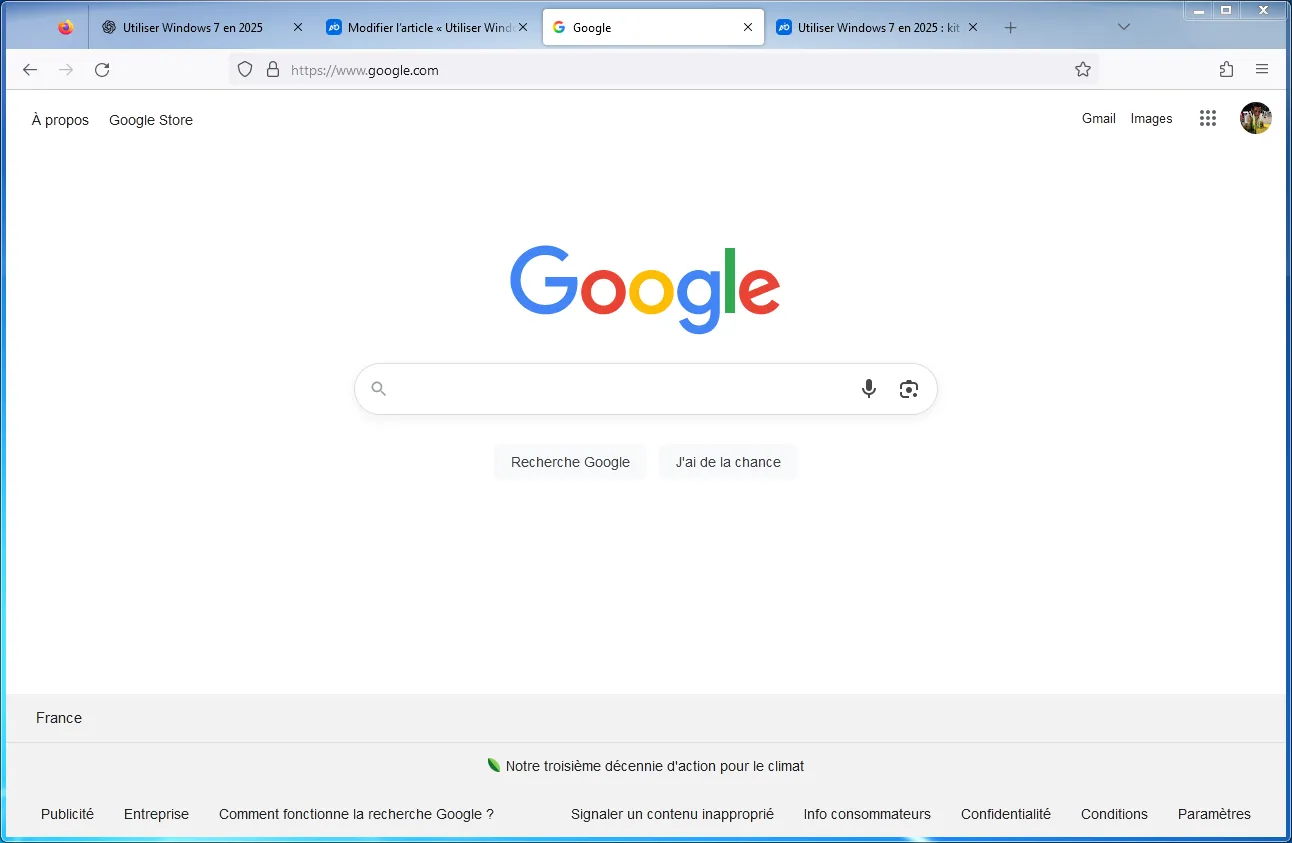
While Chrome and Edge abandoned Windows 7 as early as 2023, Mozilla continues to offer a secure option for an operating system that has officially been obsolete since 2020. With Firefox ESR 115, Windows 7 users still have a browser compatible with most current websites, but they should remember that this is a temporary solution. After March 2026, the abandonment may become definitive, making a move to Windows 10, Windows 11 or a Linux distribution essential for a secure and compatible environment.
 assistouest.fr
360 Extreme Browser: the Chrome fork that works on Windows 7
360 Extreme Browser is a direct Chromium derivative that continues to support Windows 7 in 2025. Unlike Google Chrome or Microsoft Edge, it remains installable and fully functional on a system that has officially been abandoned for five years. The browser includes all modern web technologies (HTML5, WebRTC, online applications and Chrome Web Store extensions) and provides full compatibility with most current websites.
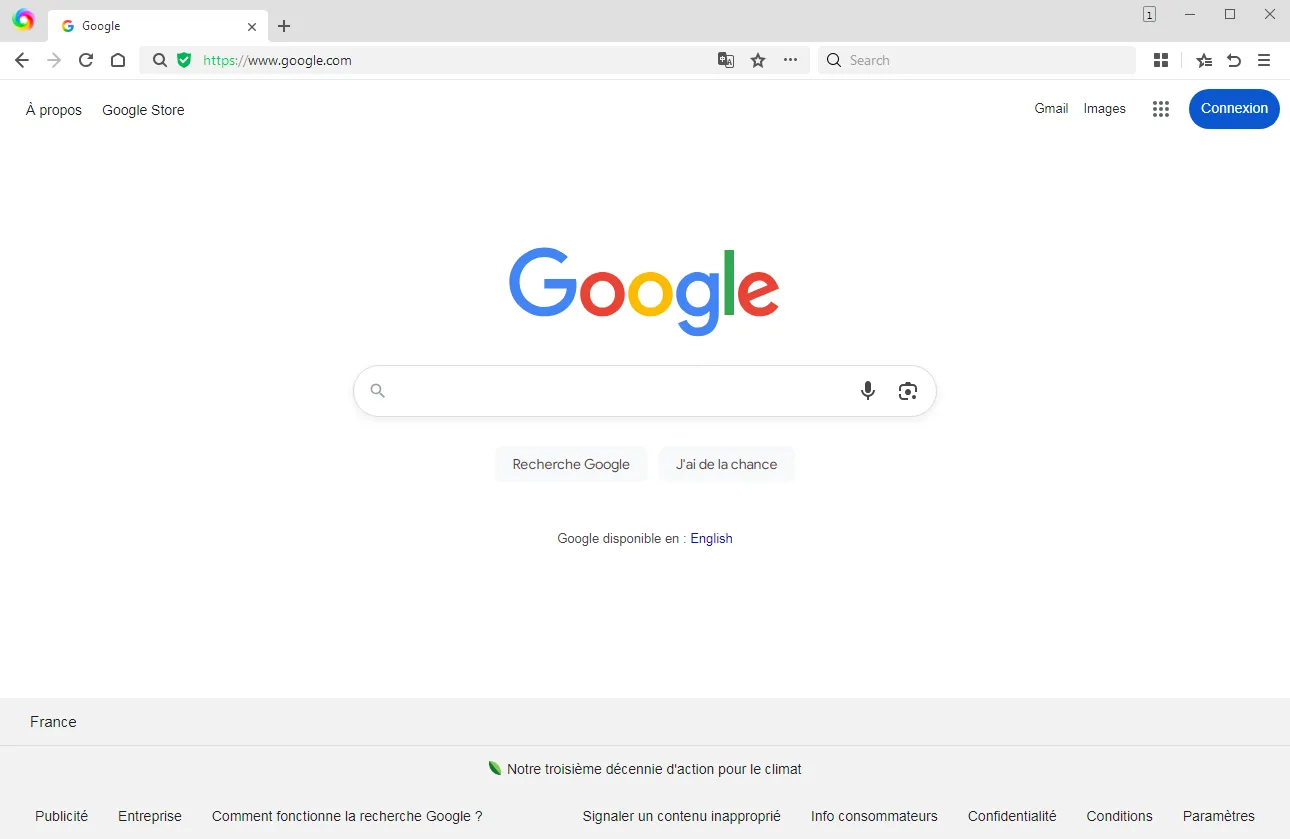
Designed as an alternative to Chrome, it keeps the same interface and habits while adding protective features such as an ad blocker, anti-phishing protection and a sandbox mode. For users who have not moved to Windows 10 or 11, 360 Extreme Browser is therefore a credible way to stay on Windows 7 without giving up basic security or web compatibility.
⚠️ 360 Extreme Browser is published by Qihoo 360, a Chinese cybersecurity company. Although the browser is effective for maintaining web compatibility on Windows 7, its origin raises privacy concerns.
The best antivirus programs for Windows 7 in 2025
Although Microsoft ended Windows 7 support in January 2020, millions of PCs still use this operating system in 2025. Browsing or working on an unmaintained system remains risky, but security solutions adapted to it are still available. Some publishers continue to offer compatible antivirus products capable of providing real-time protection and regular updates.
Bitdefender Free: an antivirus compatible with Windows 7 in 2025
Bitdefender Free Antivirus remains one of the few security solutions fully compatible with Windows 7 SP1. Unlike other publishers that have abandoned the operating system, Bitdefender continues to provide virus-signature updates and extended antimalware support until January 2026. The software can be installed on both 32-bit and 64-bit versions, provided the system is properly updated (Service Pack 1 and essential patches). It also requires at least 2 GB of RAM and 2.5 GB of disk space.
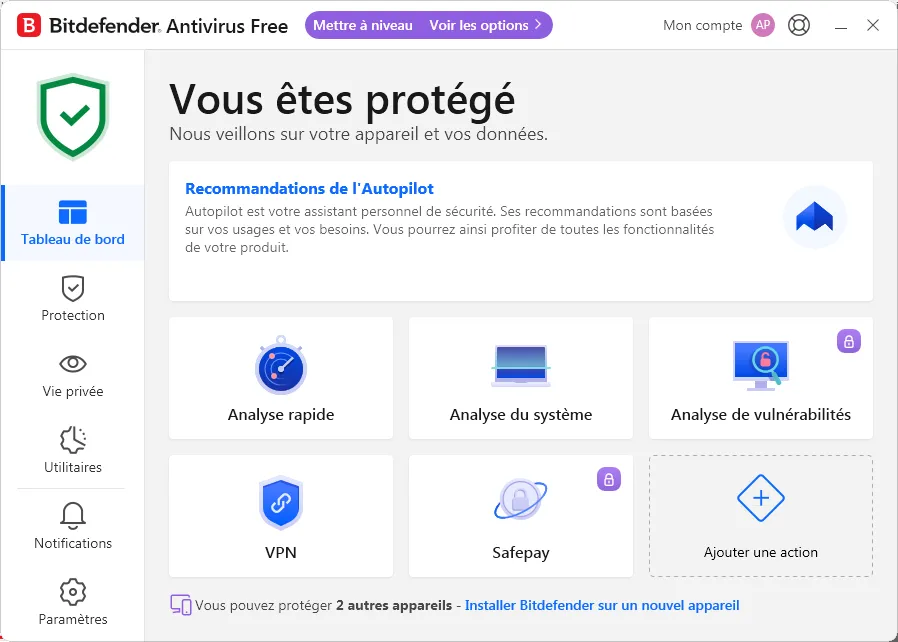
For users who persist with Windows 7, Bitdefender Free offers reliable and lightweight real-time protection covering both web browsing and local files. Activation simply requires creating a Bitdefender account, while all basic features are available at no cost. It is one of the safest choices for maintaining an acceptable level of security on an abandoned system. Continued support still helps secure a Windows 7 PC despite Microsoft’s official support ending in 2020.
Kaspersky Free: real-time protection for Windows 7
Kaspersky Free Antivirus continues to work on Windows 7 SP1 in 2025 and remains one of the most reliable free options. Thanks to its well-known detection engine, it provides real-time protection and regular updates, even on a system Microsoft abandoned in 2020. The free version covers the basic functions but omits some advanced protections (Safe Money, parental controls and unlimited VPN). The only drawback is that the brand is subject to restrictions in some countries for digital sovereignty reasons, which calls for caution regarding privacy.
Avast Free: a free antivirus still compatible with Windows 7
Avast Free Antivirus is also compatible with Windows 7 in 2025 and stands out for its wide range of features. Alongside traditional antivirus protection, it includes a network analysis module, a password manager and a gaming mode. Its protection is adequate, although slightly behind Bitdefender or Kaspersky in specialist tests. Avast nevertheless carries a privacy record after being sanctioned for collecting and reselling browsing data through its Jumpshot subsidiary. Despite this drawback, it remains a practical and accessible solution for extending the security of a Windows 7 PC.
The best office suites for working on Windows 7
Working on Windows 7 in 2025 requires choosing an office suite that is compatible and complete enough to cover everyday needs: word processing, spreadsheets and presentations. Between classic Microsoft Office releases and free alternatives such as LibreOffice, several solutions remain available to loyal Windows 7 users.
LibreOffice 25.2: the last version compatible with Windows 7
LibreOffice 25.2 is the last official version of the free office suite compatible with Windows 7 and 8/8.1. Released in February 2025, this update improves stability and compatibility while retaining full support for Microsoft’s older platforms. Windows 7 users can therefore still enjoy a modern word processor, spreadsheet and presentation tool without moving to a newer operating system.
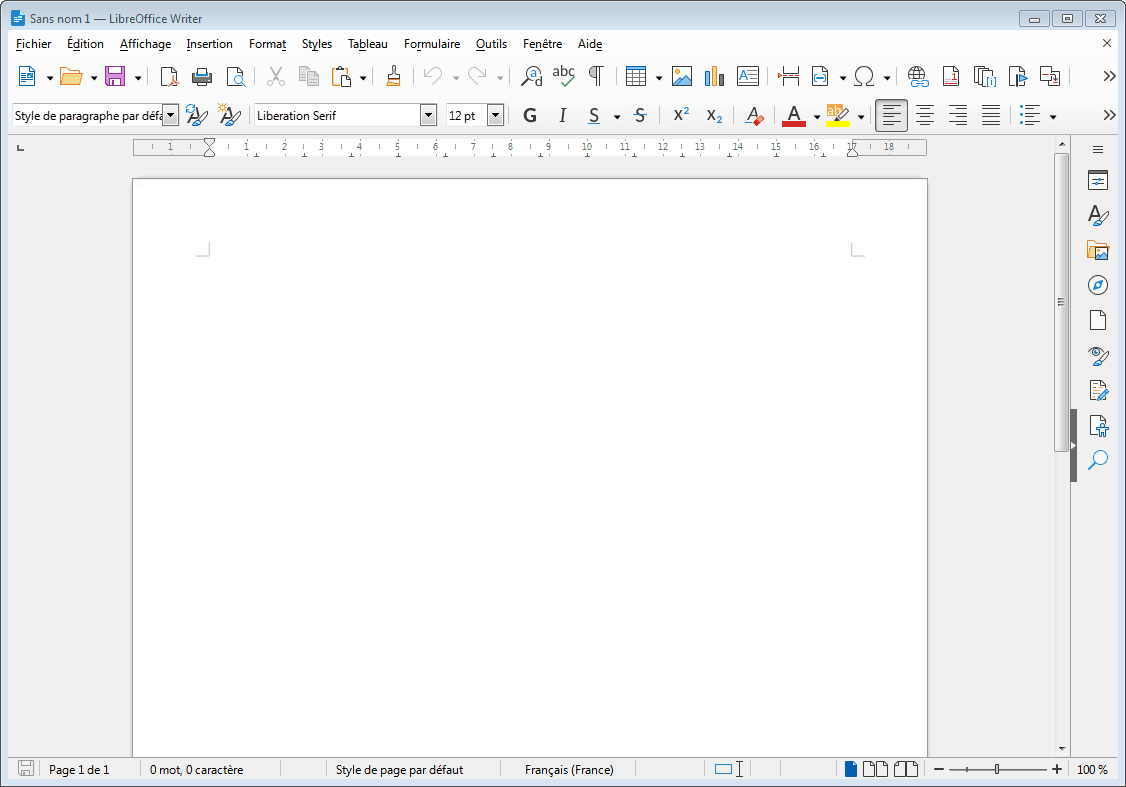
Starting with version 25.8, The Document Foundation will end support for Windows 7, making the 25.2.x branch an important milestone for users who refuse to leave this operating system. LibreOffice 25.2 is the last official refuge for keeping office productivity up to date on Windows 7, with free software that remains secure and regularly updated before support is finally abandoned.
Microsoft Office 2016: the last version compatible with Windows 7
Despite Windows 7 support ending in January 2020, Microsoft Office can still be used on this system in 2025. The most suitable release is Office 2016, which is fully compatible with Windows 7 SP1. It offers all the classic office applications (Word, Excel, PowerPoint, Outlook and more) and remains modern enough for essential word processing, spreadsheet and presentation needs. Thanks to this compatibility, loyal Windows 7 users can keep working in a familiar environment with a capable and complete suite.
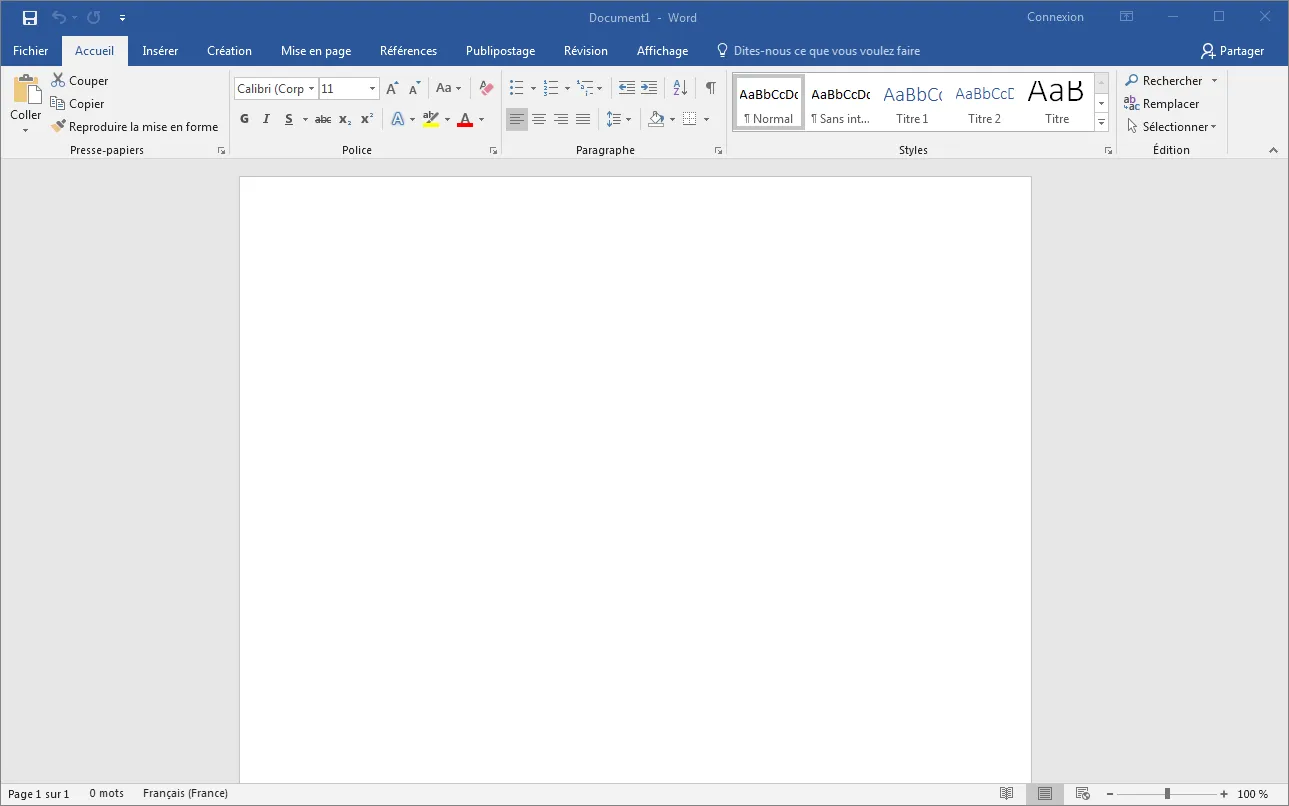
However, remember that Office 2016 extended support ends in October 2025 and that no security updates or fixes will be provided after that date. The software will continue to work, but will gradually become vulnerable and less compatible with recent formats and services. For everyday use on Windows 7, Office 2016 is therefore still viable in 2025, but in the medium term it will be better to choose alternatives such as LibreOffice or OnlyOffice, or move to a newer operating system to keep a secure environment.
VLC Media Player: the best media player for Windows 7
VLC Media Player is a free, open-source media player developed by the VideoLAN project. It is known for playing almost every audio and video format without requiring additional codecs. Compatible with Windows 7, it offers a simple yet complete interface that handles local files as well as DVDs, CDs and streaming. Its light footprint and stability make it an ideal way to extend the life of a Windows 7 PC in 2025.

Still actively maintained, VLC is available in the 3.0.x branch, regularly updated by the VideoLAN community. Beyond standard playback, it offers advanced features such as file conversion, network stream capture and automatic repair of damaged videos. Thanks to its compatibility, free licence and lack of advertising, VLC remains the essential media player for Windows 7, even after Microsoft ended official support for the system.
WinRAR: the best compression software for Windows 7
WinRAR is a widely used file compression and decompression program, recognised for its speed and compatibility with many formats (RAR, ZIP, 7Z, ISO, TAR and more). Available in 32-bit and 64-bit versions, it remains fully compatible with Windows 7, even in 2025. Its integration with Windows Explorer lets you compress or extract archives with one click, making it a practical and essential tool for managing files efficiently.
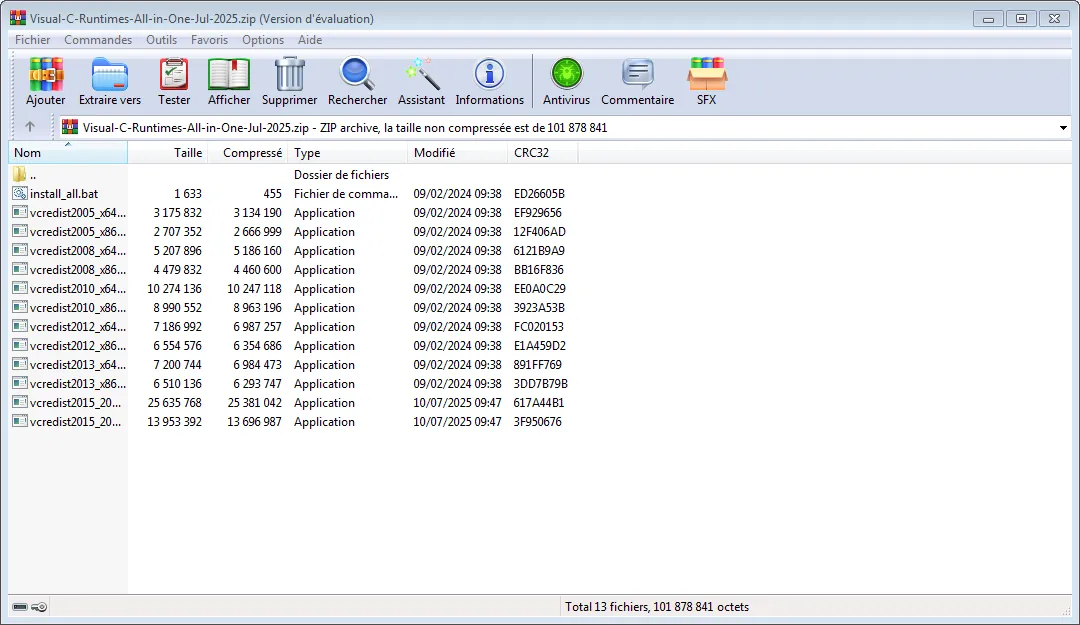
Although it is paid software, WinRAR offers an unlimited trial that makes it accessible to everyone. Alongside standard compression, it provides advanced options such as AES-256 encryption, corrupted archive repair and splitting large files into several parts. Thanks to its light footprint and reliability, WinRAR remains a reference tool for Windows 7 users who want to continue working with compressed files simply.
Don’t let the algorithm decide for you
Add Assistouest to your preferred sources on Google so you can find our guides faster when you search for an IT solution.
Thunderbird ESR 115: the last version compatible with Windows 7
Mozilla Thunderbird is a popular open-source email client, appreciated for its ease of use and many features, including multi-account management, message filters, extension-based encryption and compatibility with most email services. For Windows 7 users, the most suitable version is Thunderbird 115 ESR (Extended Support Release). Released in July 2023, this edition was designed to offer long-term stability and security without imposing overly frequent updates.
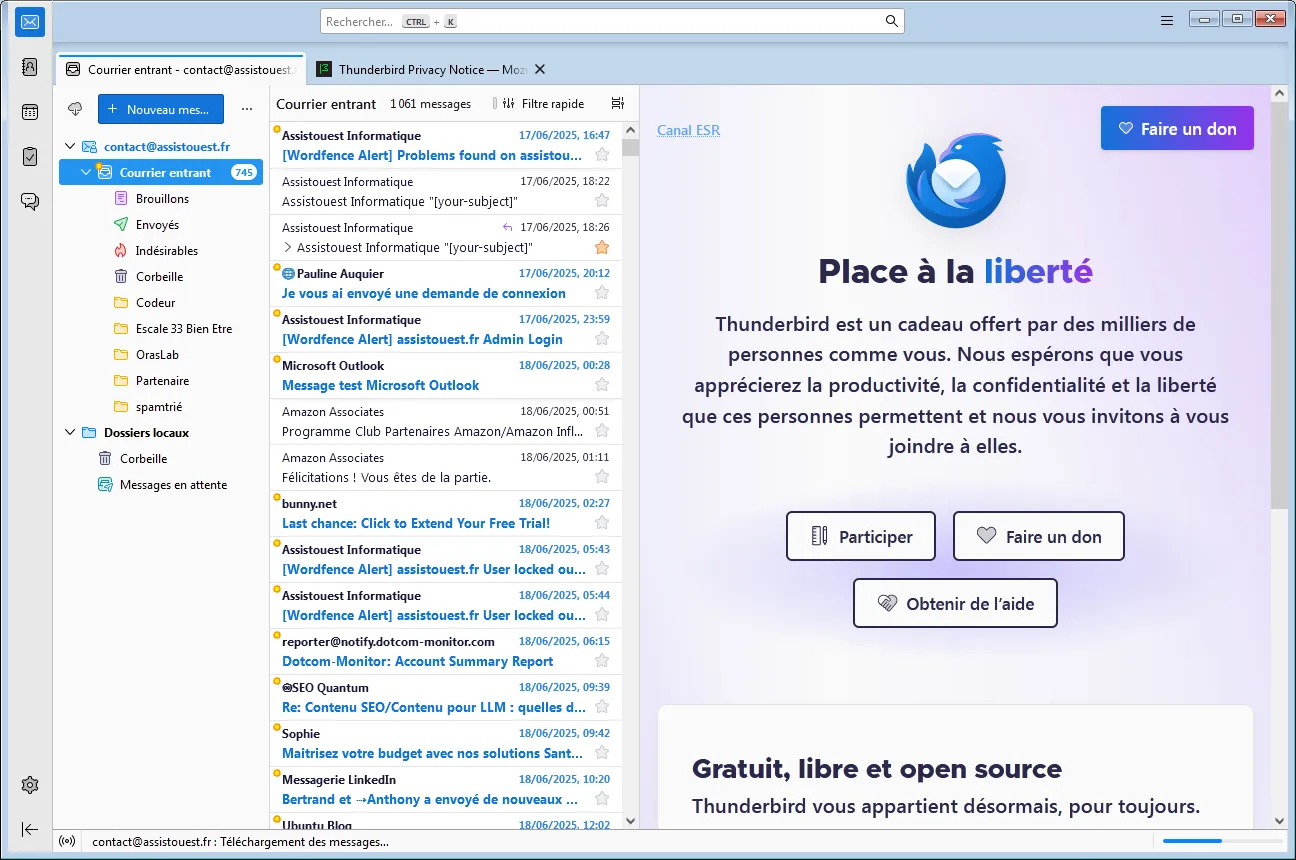
Official Thunderbird support on Windows 7 ended with this branch. Version 115 ESR received security fixes until September 2024, but since then it has not benefited from further updates. It remains fully functional on Windows 7, but is becoming increasingly vulnerable to new threats. To continue using email safely, it is therefore recommended either to move to a newer system or to use webmail.
How can you continue using Windows 7 in 2025?
For people who want to keep using Windows 7 without taking unnecessary risks, several hybrid approaches can balance software compatibility and security. The first is to install Windows 7 in a virtual machine using VMware, VirtualBox or Hyper-V. This isolates the old system while allowing you to benefit from a newer and more secure host environment such as Windows 10, Windows 11 or Linux.
Another solution is a dual boot with a lightweight Linux distribution, using Linux for daily tasks such as web browsing, office work and multimedia while keeping Windows 7 for specific needs. Some people also keep Windows 7 only offline or for older software that is incompatible with recent systems. This approach greatly limits the risks while preserving occasional access to essential applications.
The end of the road for an operating system still used by 70 million people
In 2025, Windows 7 is still used by more than 70 million people worldwide, proof of the longevity and popularity of an operating system Microsoft abandoned in 2020. Daily use carries real risks, but they can be partly contained with compatible tools such as the 360 Extreme Explorer browser, maintained antivirus programs (Bitdefender Free, Kaspersky Free and Avast Free) and good security practices (software updates, offline isolation and caution on the web).
These solutions are only temporary. In the long term, the future lies in moving to a supported system. Users who want to extend the life of their hardware can choose a lightweight Linux distribution, while those looking for a familiar environment and full support should consider moving to Windows 10 or Windows 11. Windows 7 has made its mark on computing history through its stability and popularity, but in 2025 it is time to prepare for what comes next.
The content will unlock automatically after verification.