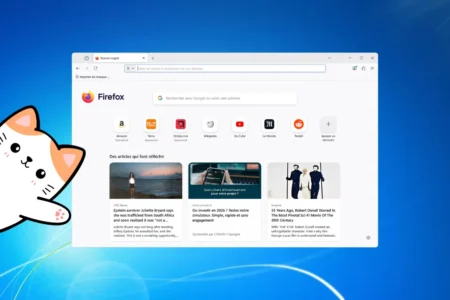
The decision is now official: Firefox 115 ESR is ending support for Windows 7, Windows 8 and Windows 8.1. This announcement is not surprising. Above all, it marks the end of a technical reprieve granted to operating systems that have already left the long-term support cycle. For years, Mozilla maintained a fragile balance between compatibility, security and technical debt. Today, the logic of the ecosystem has prevailed over the exception.
In this article
Firefox was the last modern browser still maintained on these operating systems
While Chrome, Edge and the others had already moved on from Windows 7, 8 and 8.1, Firefox remained the last modern browser maintained on these systems. Modern in the full sense of the word, with security updates and proper web compatibility. Mozilla did not want to abruptly abandon the millions of users who still depended on these ageing environments.
What exactly is Firefox ESR?
Firefox 115 ESR was not a frozen or degraded version of the browser. It was an edition designed to last, built on a stable and proven foundation and intended to be maintained over the long term. Unlike consumer versions, which evolve quickly with new features introduced at a fast pace, ESR prioritised continuity. Visible changes were uncommon, while security fixes remained regular. This stability is precisely what allowed Firefox to keep working on systems that the industry had already pushed into the background.
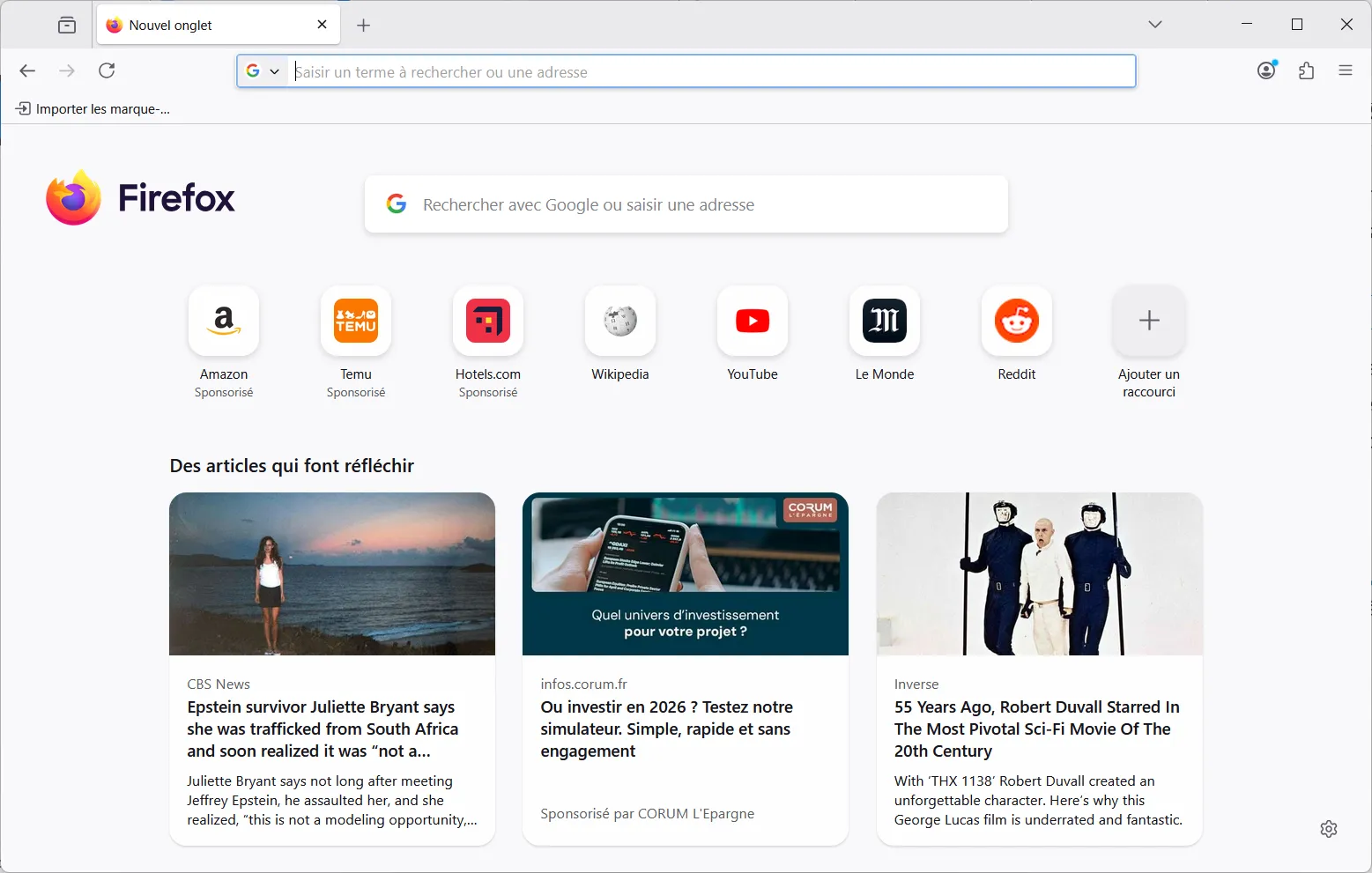
Keeping these systems on the standard browser release would have slowed Firefox’s overall development and added to an already substantial technical debt. By relying on ESR, Mozilla isolated this compatibility requirement within a controlled framework without compromising browser development for modern systems. It was a way to buy time without blocking the future.
The logical end of an exception in the browser ecosystem
If Mozilla is ending support now, it is primarily because the foundation on which Windows 7, 8 and 8.1 relied can no longer evolve without dangerous compromises. Since Microsoft ended support for these systems, they have received no structural fixes. Every new web API, every change in encryption and every advance in memory security widens the gap between what the modern web requires and what these operating systems can provide. Keeping a secure browser under these conditions means piling up workarounds, accepting growing limitations and adding to a technical debt that eventually has to be paid.
In reality, this decision had been coming for a long time. Google Chrome and Microsoft Edge had abandoned Windows 7 and 8 much earlier, mechanically accelerating the degradation of the web experience on these platforms. More and more websites rely on technologies unsupported by these operating systems, resulting in broken layouts, missing features or degraded performance. Firefox 115 ESR was never designed as a lasting solution, but as a reprieve: a transitional tool meant to accompany an inevitable ending, not postpone it indefinitely.
Staying on an old version of Windows is no longer an option
With Firefox support ending on Windows 7, 8 and 8.1, the viable options are ultimately limited. Continuing to use Windows 7 is possible on paper, but it is more an illusion of continuity than a lasting solution. For everyday web use, two paths stand out, with real constraints that are better faced directly.
The first is to migrate to a supported operating system: Windows 10 or Windows 11 if you want to keep a familiar environment while continuing to receive up-to-date browsers and security fixes. When the hardware allows it, this is the simplest option from a functional perspective. The problem affects a large part of the existing installed base, however. Many usable PCs are incompatible with Windows 11 because of technical requirements such as missing modules or newer hardware features.

 assistouest.fr
The other option is to turn to Linux to extend the life of older machines. Browsers remain up to date, security is maintained and performance is better on ageing hardware. There are now many distributions designed to run properly on modest configurations. This choice requires a change of habits and sometimes an adjustment period, but it makes it possible to escape a technical dead end without immediately replacing the hardware.
The dilemma facing organisations still running Windows 7
For businesses and public administrations, the situation is more complex than a simple user choice. Many fleets still run Windows 7 because of critical business applications that cannot be replaced quickly. In this context, Firefox ESR long played the role of a technical patch, keeping web access available without immediately challenging the entire infrastructure. That solution is now reaching its limit. Without security updates, the risk becomes structural and can no longer be offset by simple adjustments. It is therefore essential to move away from a permanent emergency mindset and begin planning a gradual migration to supported environments, or to apply strict hardening to the remaining workstations with tightly controlled and isolated uses.
We allow some readers to view our articles for free with an ad blocker. However, their number is currently too high for us to keep this access available to everyone.
You can disable your ad blocker to continue reading immediately, subscribe to enjoy all our content without ads, or come back a little later when the pressure has eased.
Access will be restored automatically as soon as the situation allows.