Set Chrome, Firefox or Brave as your default browser on Windows 11
Want to replace Microsoft Edge with Chrome, Firefox or another browser on Windows 11? Follow our step-by-step tutorial to change your default browser.
Read the articleThe browser you choose directly affects your privacy and your security online. Our guides explain how to set Chrome, Firefox or Brave as default on Windows 11, why private browsing does not guarantee real anonymity and how to limit the fingerprinting that still tracks you. We also compare the best ad blockers and detail how to use Tor Browser to browse the dark web. Find our other browser guides on the Assistouest blog.
Want to replace Microsoft Edge with Chrome, Firefox or another browser on Windows 11? Follow our step-by-step tutorial to change your default browser.
Read the articleHow to install and configure Tor Browser on Windows, macOS, Linux and Android, understand its limits, use VPN + Tor correctly and choose tools for stronger anonymity.
Read the articleDiscover the best free ad blockers, filtering DNS services and VPN tools to remove advertising and trackers across your devices.
Read the articleFirefox 115 ESR ends support for Windows 7, 8 and 8.1. Find out what this means and which alternatives remain for older PCs.
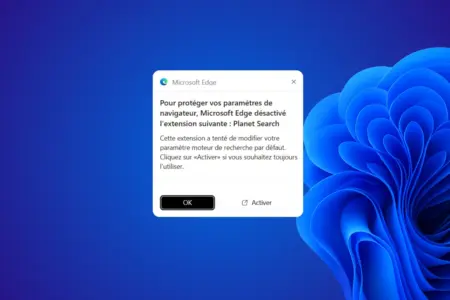
Read the articlePlanet Search routes your searches through third-party services before Yahoo. Learn how to remove it from Chrome and restore your preferred search engine.
Read the article