Freeing up space on your Windows 11 PC with the Storage Assistant
Never run out of space again! The Storage Assistant analyzes your Windows 11 PC and safely removes unnecessary files.
Read the articleIs your computer running slowly, displaying an error or refusing to install a Windows update? Our tutorials show you how to repair the system, free up space, speed up start-up and recover a drive that has become invisible. You can also prepare a USB stick to reinstall Windows 10 or Windows 11, boost your PC’s security and customise settings without accidentally deleting your files. Find our other computer troubleshooting tips on the Assistouest blog.
Never run out of space again! The Storage Assistant analyzes your Windows 11 PC and safely removes unnecessary files.
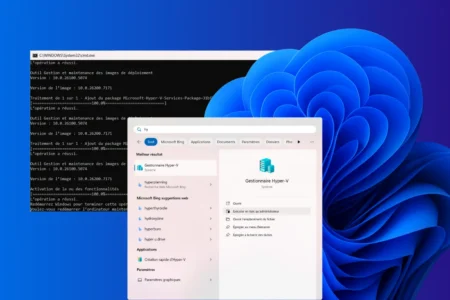
Read the articleFind out how to activate Hyper-V on Windows 11/10 Home with PowerShell. Follow our guide to using virtualization without upgrading to Windows Pro.
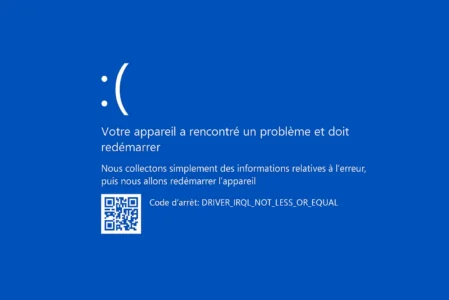
Read the articleAre you experiencing the DRIVER_IRQL_NOT_LESS_OR_EQUAL error on your Windows PC? Driver problem, defective RAM, overheating... Follow our guide to identify and solve the problem.
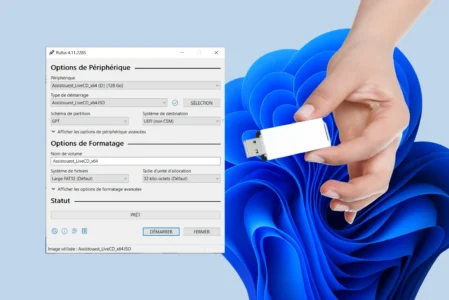
Read the articleCreate a bootable Windows USB installation key in just a few minutes and prepare your PC for a new Windows installation.
Read the articleIs your PC infected or behaving strangely? Here are 5 free tools to detect and effectively remove malware from Windows.
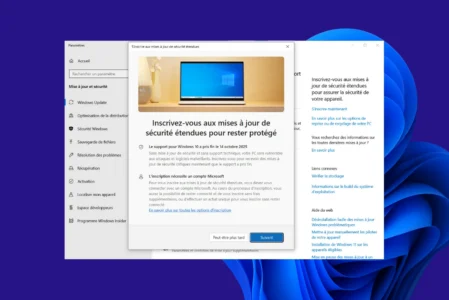
Read the articleIs your PC not displaying the ESU registration button? Find out how to force access to the registration page in Windows 10 and extend security updates.
Read the articleNo built-in card reader? Learn how to read an SD or microSD card on any PC with an external reader, USB, Wi-Fi, Bluetooth, cloud storage or a NAS.
Read the articleCan’t turn off aeroplane mode on Windows? Follow these steps to switch it off and get your Wi-Fi back if the connection doesn’t return.
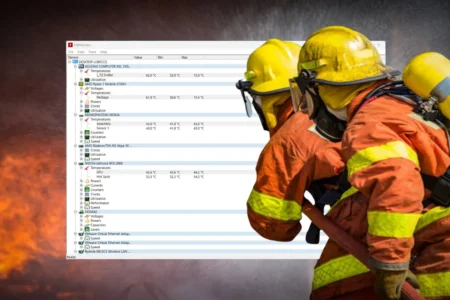
Read the articleCompare the best free software for monitoring CPU, GPU, SSD and fan temperatures on Windows 11.
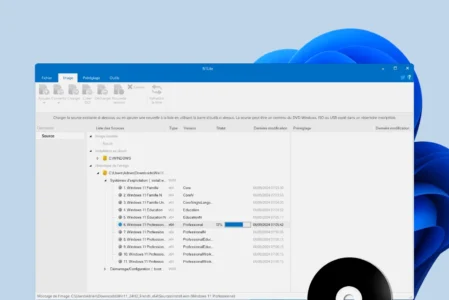
Read the articleCreate a custom Windows 11 ISO with NTLite: remove unwanted components, add drivers and automate installation for a lighter PC.
Read the articleDiscover the complete list of generic Windows 11 product keys. Official codes to install or upgrade the Pro, Home and Enterprise editions in one click. A practical guide to a successful installation without errors.
Read the articleHyper-V is often mistaken for a type 2 hypervisor. Find out why it is actually a type 1, integrated into Windows but running on hardware.
Read the article