Enable VT-x and AMD-V virtualisation in the BIOS, depending on the PC make
Can't find VT-x, AMD-V, or SVM Mode in your BIOS? Here's where to enable virtualization on ASUS, MSI, HP, Lenovo, Dell, and other PCs.
Read the articleIs your computer running slowly, displaying an error or refusing to install a Windows update? Our tutorials show you how to repair the system, free up space, speed up start-up and recover a drive that has become invisible. You can also prepare a USB stick to reinstall Windows 10 or Windows 11, boost your PC’s security and customise settings without accidentally deleting your files. Find our other computer troubleshooting tips on the Assistouest blog.
Can't find VT-x, AMD-V, or SVM Mode in your BIOS? Here's where to enable virtualization on ASUS, MSI, HP, Lenovo, Dell, and other PCs.
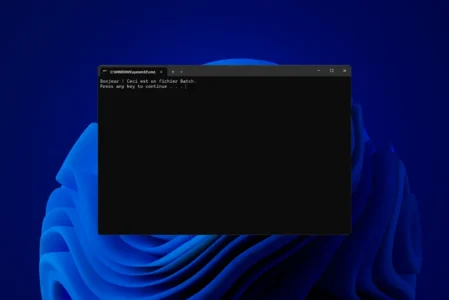
Read the articleLearn how to create a Windows batch file (.bat or .cmd) to automate tasks. Complete guide with explanations and practical examples.
Read the articleFind out how to disable geolocation on Windows to protect your privacy. Follow our guide to block access to your location for the whole system or just for certain applications.
Read the articleMalwarebytes efficiently detects and removes malware, adware and PUPs on Windows. A free, reliable tool for deep cleaning your PC.
Read the articleHave you lost access to your Windows session? Find out how to reset or delete an administrator or Microsoft password, without formatting.
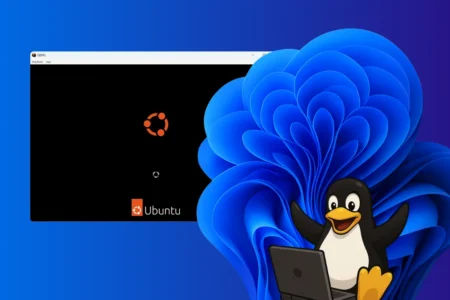
Read the articleInstall WSL2 on Windows automatically or manually, choose a Linux distribution and manage it from PowerShell.
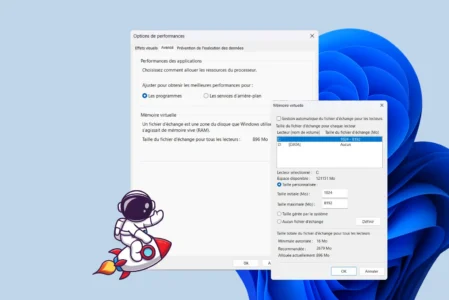
Read the articleLearn how to increase virtual memory in Windows 11 to optimize RAM, prevent slowdowns and make your PC faster and more stable every day.
Read the articleDiscover the complete list of BIOS/UEFI access keys by brand: Dell, HP, Lenovo, ASUS, Acer... Quickly find the right key for your PC.
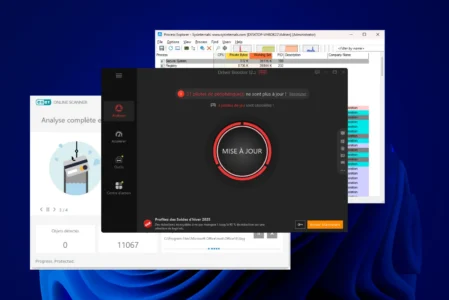
Read the articleDiscover the best Windows troubleshooting and maintenance software to resolve system errors, clean up your disk and boost your computer's performance.
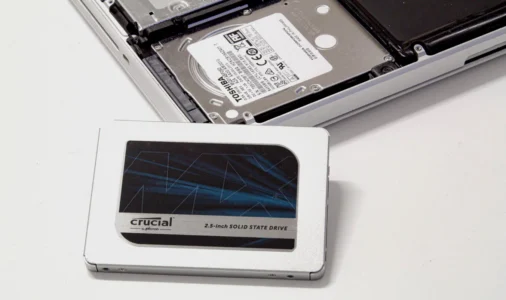
Read the articleDiscover the best ways to migrate your system and files without reinstalling.
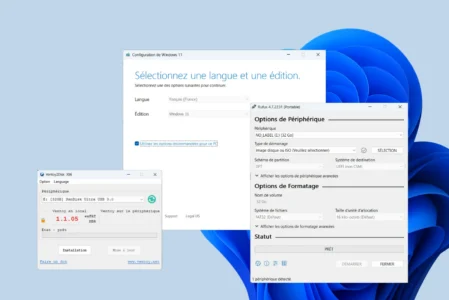
Read the articleNeed to create a bootable Windows USB flash drive? Discover the best free tools for installing Windows in just a few clicks.
Read the articleCompare Hyper-V, VirtualBox, VMware Workstation and QEMU to choose the right virtualization software for Windows.
Read the article