No more Wi-Fi on your PC – the Wi-Fi card is disabled in Windows
No Wi-Fi on your PC? Find out how to diagnose the problem, reactivate the network card or use an alternative solution.
Read the articleIs your computer running slowly, displaying an error or refusing to install a Windows update? Our tutorials show you how to repair the system, free up space, speed up start-up and recover a drive that has become invisible. You can also prepare a USB stick to reinstall Windows 10 or Windows 11, boost your PC’s security and customise settings without accidentally deleting your files. Find our other computer troubleshooting tips on the Assistouest blog.
No Wi-Fi on your PC? Find out how to diagnose the problem, reactivate the network card or use an alternative solution.
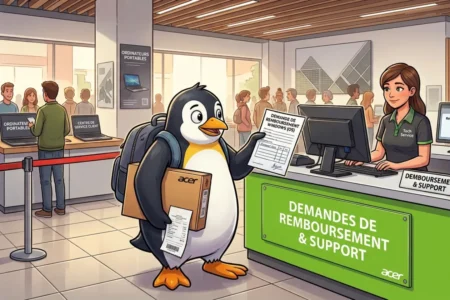
Read the articleFind out whether you can get a Windows refund after buying a new PC and installing Linux, including Acer’s procedure and its conditions.
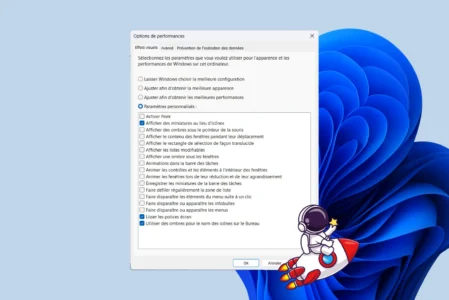
Read the articleDeactivate visual effects that can slow down your Windows computer and enjoy better performance.
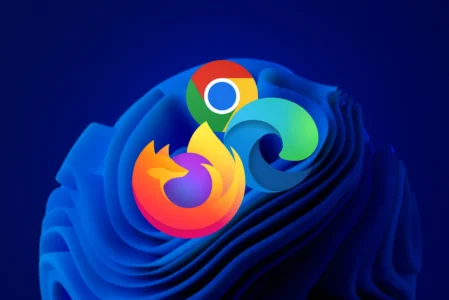
Read the articleWant to replace Microsoft Edge with Chrome, Firefox or another browser on Windows 11? Follow our step-by-step tutorial to change your default browser.
Read the articleWant to remove news from Windows 11 widgets? Disable the Microsoft Start feed or remove the panel completely if you do not use it.
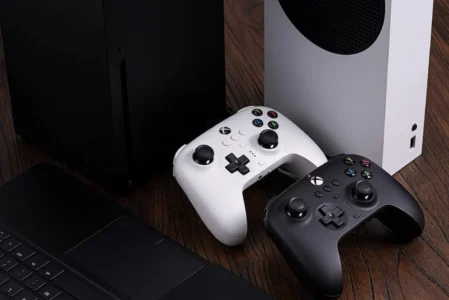
Read the articleFind out how to connect an Xbox controller to your PC: wired, Bluetooth or with the official wireless adapter.
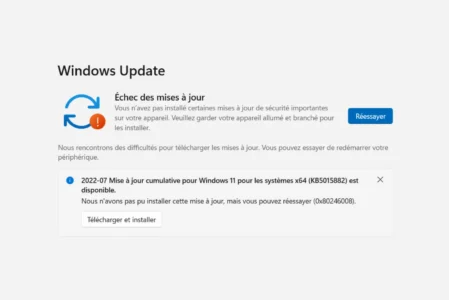
Read the articleHaving trouble installing update KB5062553 on Windows 11? Here's how to resolve common errors and force the update.
Read the articleFind out how to easily test the battery status of your Windows laptop with the built-in batteryreport.
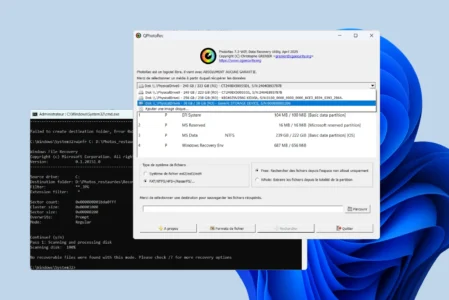
Read the articleCompare the best free data-recovery tools for Windows: PhotoRec, R-Studio, EaseUS, Disk Drill, Recuva, Puran, iCare and Windows File Recovery.
Read the articlePermanently erase all data from a hard disk or USB stick before selling your computer, thanks to free Windows software.
Read the articleDo you prefer Google or Bing? Find out how to change the default search engine on Chrome, Edge, Firefox, Brave and Opera in just a few simple steps.
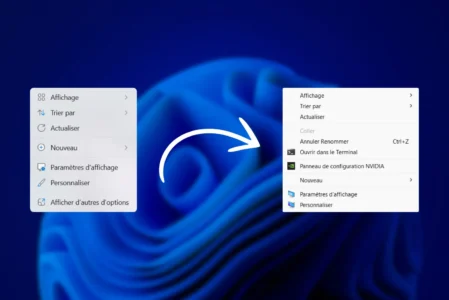
Read the articleDo you find Windows 11's new context menu a little inconvenient? Find out how to restore the old classic right-click menu in just a few simple steps.
Read the article