

The best mini PCs and desktop computers en 2026
Discover the best desktop mini PCs: compact, fast and quiet, suitable for everyday tasks, multimedia and working from home.
Discover our tutorials and buying guides for tips and good deals in the world of computing, learn how to solve your problems, and make better choices when selecting your components.
Discover the best desktop mini PCs: compact, fast and quiet, suitable for everyday tasks, multimedia and working from home.

Find out how to choose the ideal capacity for your SSD depending on your use: office, gaming, multimedia creation or development. Our advice on how to avoid running out of space.

Having trouble installing update KB5062553 on Windows 11? Here's how to resolve common errors and force the update.

Visual fatigue, blue light, sleep disorders? Discover the best Windows software to protect your eyes and work more comfortably.

Don't miss any more critical updates. This tutorial shows you how to configure Ubuntu to automatically apply security and stability patches.

Discover Privazer, the tool that goes way beyond simple cleaning to permanently erase all traces of your private life. I've tested it for you.
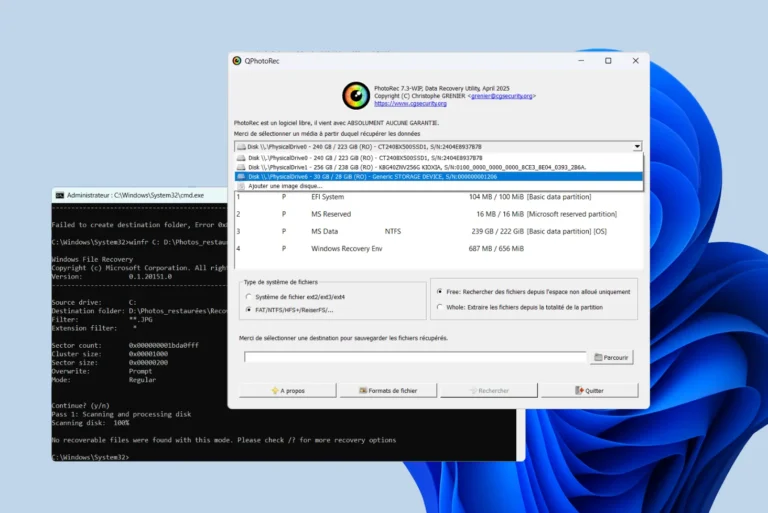
Compare the best free data-recovery tools for Windows: PhotoRec, R-Studio, EaseUS, Disk Drill, Recuva, Puran, iCare and Windows File Recovery.

Learn how to self-host a secure WordPress site at home with Ubuntu Server, CyberPanel and OpenLiteSpeed.
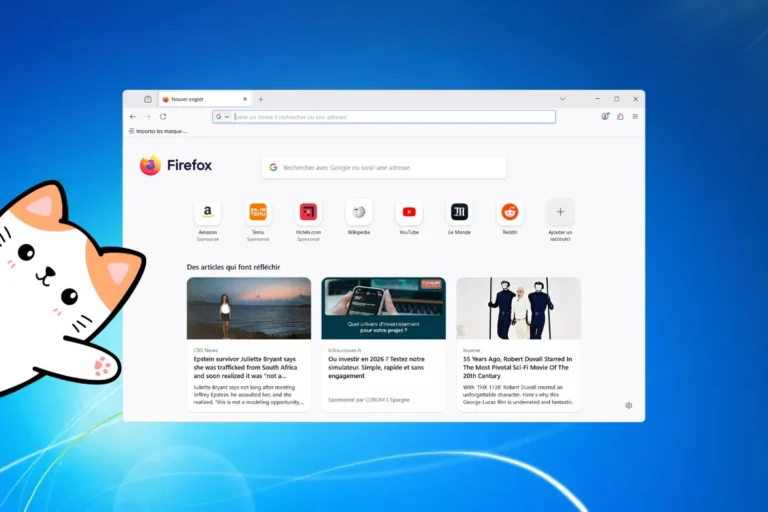
Firefox 115 ESR ends support for Windows 7, 8 and 8.1. Find out what this means and which alternatives remain for older PCs.

Discover Ventoy for a hassle-free experience in creating bootable USB flash drives. Choose from a range of OSes and get them up and running fast!

Microsoft is preparing for the future by adding support for the USB 4.2 standard, capable of transfer speeds of up to 80 Gb/s.

Tired of spam calls and cold callers? Learn how to use the best apps and tips to block and identify unwanted calls on Android.