

13 tips for securing your WordPress site for free in 2026
Discover 13 practical ways to protect a WordPress site, from updates and HTTPS to security headers, CrowdSec and an application firewall.
Discover our tutorials and buying guides for tips and good deals in the world of computing, learn how to solve your problems, and make better choices when selecting your components.
Discover 13 practical ways to protect a WordPress site, from updates and HTTPS to security headers, CrowdSec and an application firewall.
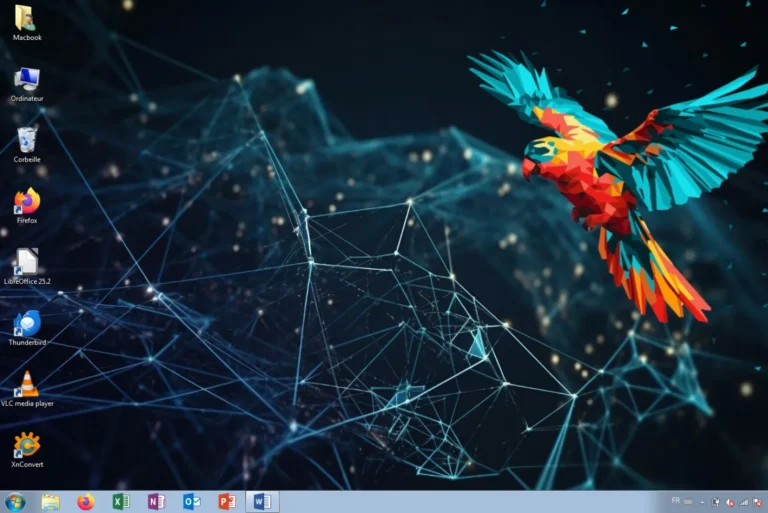
Which software still works with Windows 7 in 2025? Find compatible browsers, antivirus programs, media tools and office alternatives.

Your digital identity is more than just your name. Find out what it includes, what traces you leave online and the risks you should know about.

How do experts analyze a hard drive without altering the evidence? Find out about forensic images, FTK Imager, Autopsy and the traces they can recover.

Why do you keep seeing certain content on social media? Find out how algorithms influence your choices, attention and behaviour.

A digital twin is much more than a 3D-modeled city. Discover how BIM and data make it possible to simulate and better plan cities.
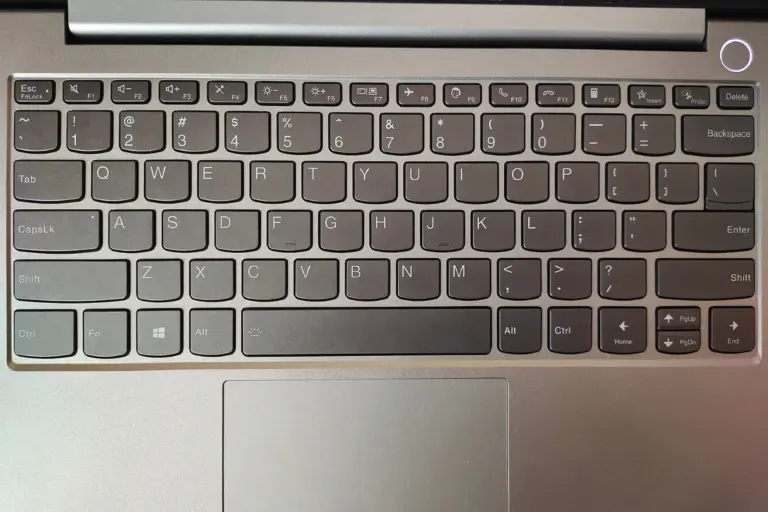
Can’t turn off aeroplane mode on Windows? Follow these steps to switch it off and get your Wi-Fi back if the connection doesn’t return.

Discover four of the most secure operating systems for PC and how Qubes OS, Tails, OpenBSD and Whonix protect your data and privacy.

Create RSS feeds from Google News topics or searches and use them in your monitoring tools.

Compare the best free software for monitoring CPU, GPU, SSD and fan temperatures on Windows 11.

Raspberry Pi, ZimaBlade or ZimaBoard: compare the best single-board computers for DIY, NAS, self-hosting and homelab projects.
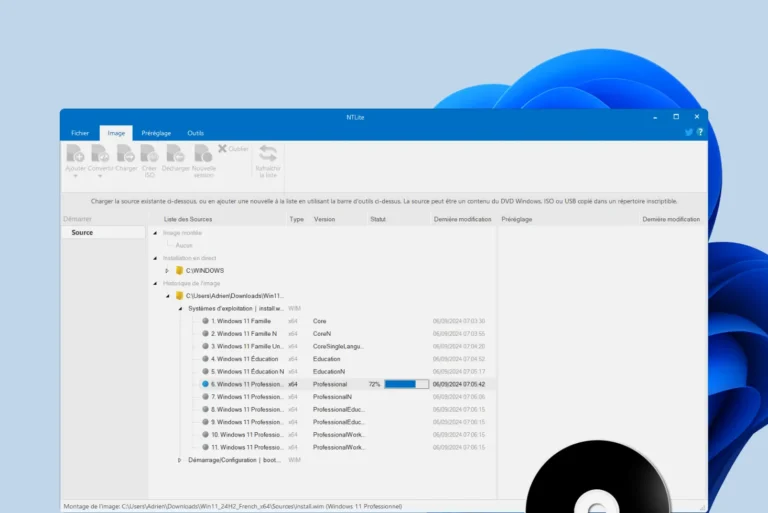
Create a custom Windows 11 ISO with NTLite: remove unwanted components, add drivers and automate installation for a lighter PC.