Testing a laptop battery on Windows
Find out how to easily test the battery status of your Windows laptop with the built-in batteryreport.
Read the articleChoosing the right power supply or battery determines the longevity and safety of your computer equipment. Our comparisons help you pick a reliable PC power supply, a USB C power bank or a surge protector to keep your devices safe. We also explain how to test and limit the charge of a laptop battery on Windows, or extend its runtime on Linux with TLP. Find our other tips on power and energy for your devices on the Assistouest blog.
Find out how to easily test the battery status of your Windows laptop with the built-in batteryreport.
Read the articleActivating a partial charge mode extends the life of your notebook's battery, especially if you often work on mains power.
Read the articleDiscover how to charge a laptop while camping, travelling by car or living in a van: 12V inverter, portable power station, solar kit and generator.
Read the articleIs an unused cable hanging inside your PC? That is normal with a non-modular power supply. Here is what to do and why going modular can make a difference.
Read the articleWhat is 80 PLUS Ruby, and why does it go beyond Titanium? Discover what this certification changes for data centers, cloud infrastructure, and AI.
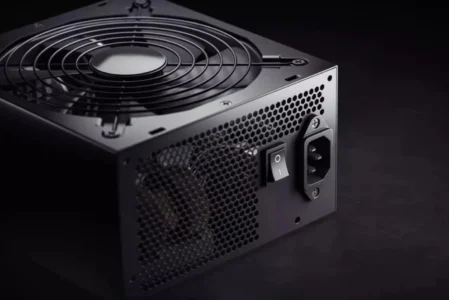
Read the articleLearn how to test your ATX power supply. Learn how to diagnose your PSU with a paper clip or multimeter.
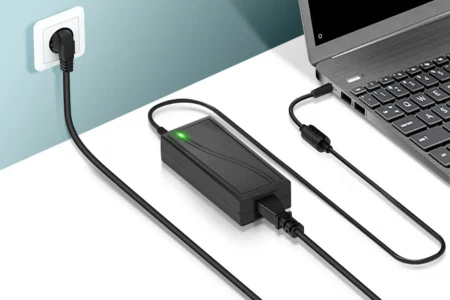
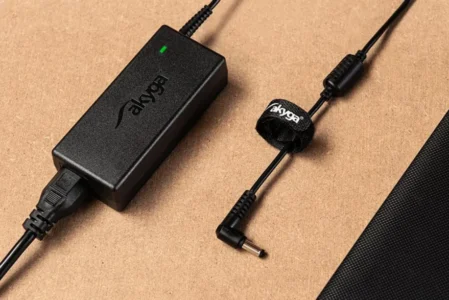
Read the articleLooking for a universal charger for your laptop? Follow our advice to avoid mistakes: power, suitable tips and safety standards.
Read the articleFind the ideal power supply for your gaming or professional configuration! Selection of the most powerful power supplies with certification and cooling.
Read the articleComputer charger problem? Learn how to detect the source of the problem and choose the best solution between repair and replacement.
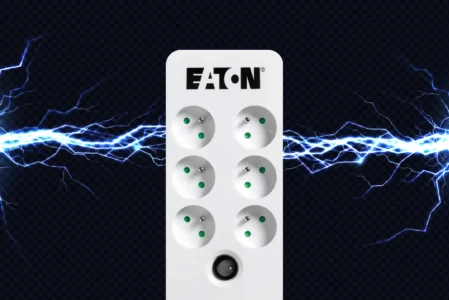
Read the articleWhich surge protector should you choose? Our top three brings together the best options for protecting a home or professional setup.
Read the article