Enable VT-x and AMD-V virtualisation in the BIOS, depending on the PC make
Can't find VT-x, AMD-V, or SVM Mode in your BIOS? Here's where to enable virtualization on ASUS, MSI, HP, Lenovo, Dell, and other PCs.
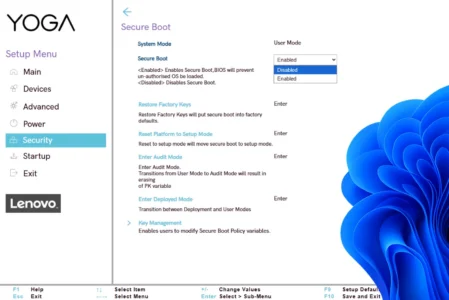
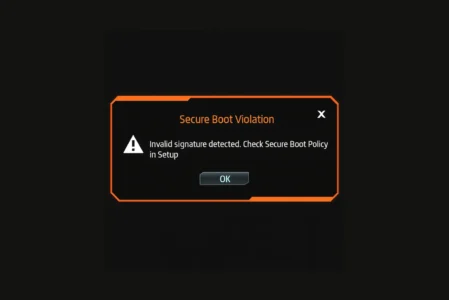
Read the articleThe UEFI BIOS remains the first step in configuring a PC, even before Windows or Linux starts up. Our guides detail how to access the settings depending on your PC’s brand, disable Secure Boot when necessary and fix a Secure Boot violation error. We also follow the news around Secure Boot certificates reaching end of life and explain how to enable the XMP or EXPO profile to make the most of your memory. Find our other BIOS and UEFI guides on the Assistouest blog.
Can't find VT-x, AMD-V, or SVM Mode in your BIOS? Here's where to enable virtualization on ASUS, MSI, HP, Lenovo, Dell, and other PCs.
Read the articleDiscover the complete list of BIOS/UEFI access keys by brand: Dell, HP, Lenovo, ASUS, Acer... Quickly find the right key for your PC.
Read the articleFind out how to disable Secure Boot in your PC's BIOS/UEFI. An all-brand guide to installing Linux, using a Live CD or unlocking a boot.
Read the articleHow to fix the Secure Boot Violation error? Discover the steps to repair the boot process and secure your system.
Read the articleYour RAM is running below its rated speed without XMP. Learn how to enable the BIOS profile that unlocks its performance in a few clicks.
Read the article