

Operating systems have long been designed as flexible environments that can be modified continuously, patch after patch. That flexibility has now become one of their main weaknesses. As attacks become more sophisticated and infrastructures grow more complex, keeping a system stable, predictable and secure is an ongoing challenge. This is the context in which the immutable system emerges, a characteristic that prevents drift from the outset.
In this article
What is an immutable system?
An immutable system is an operating system designed to remain identical over time once it has been deployed. The term immutable means that the system core cannot be persistently modified during normal operation. The base system is mounted as read-only, and any attempt to modify critical files directly is blocked. Unlike simple hardening, which restricts certain access while leaving the OS modifiable, immutability is stricter. The system is not patched or adjusted in production. It is replaced as a whole with a new version whenever an evolution is needed.
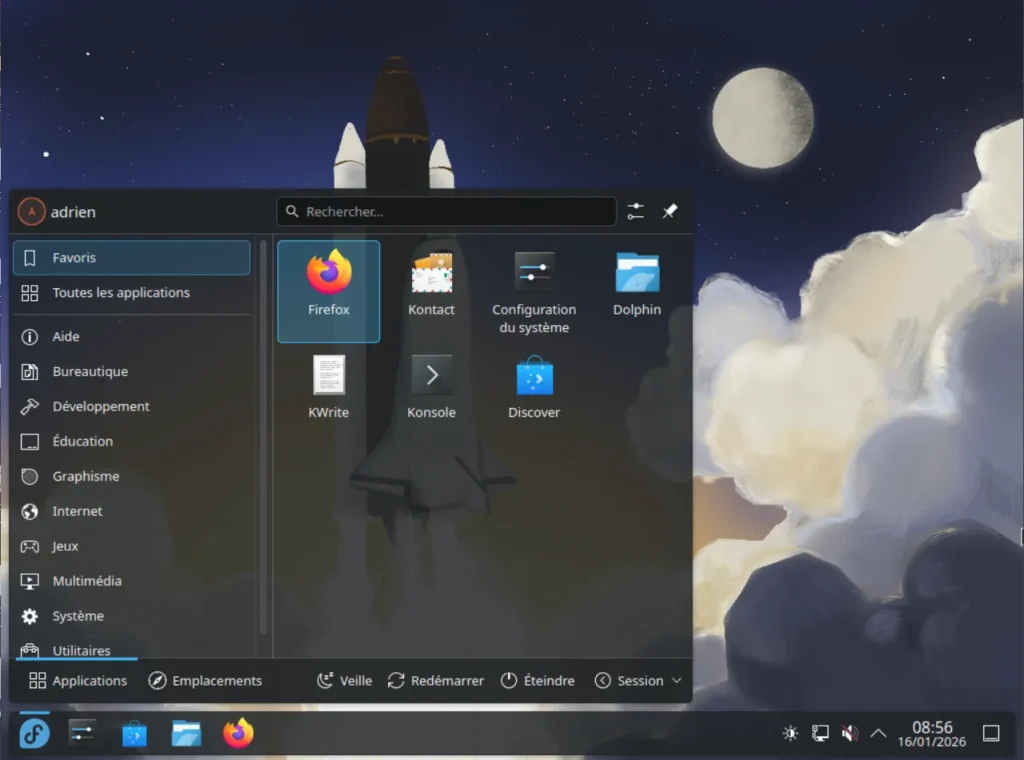
For users and administrators, this means a fundamental change in logic. It is no longer possible to install packages on the fly or modify the system configuration directly. Changes are made by building and deploying a complete new version of the system, followed by a restart.
An immutable system is neither frozen nor limited. It continues to receive updates, run applications and adapt to different uses. The difference is that applications are isolated from the base system and stability is guaranteed by design, whereas a locked-down system remains modifiable and therefore exposed to drift and alteration.
Different levels of partial and total immutability
In a first approach, immutability mainly applies to critical files. The kernel, system binaries and key components are protected as read-only, while some areas remain modifiable to adapt the configuration or add services. This model limits deep alterations to the system and prevents many persistent compromises, while retaining a degree of operational flexibility.
Permissions on a normal operating system
/usr  ─────────────── read / write
/etc  ─────────────── read / write
/var  ─────────────── read / write
Complete immutability: an approach with no possible modification
At the other end of the spectrum is total immutability. The operating system is designed to never be modified in production, either in its files or in its global configuration. Every change requires the creation and deployment of a complete new version of the system. This approach almost entirely eliminates drift and guarantees a very high level of security. In return, it requires stricter discipline and greater automation, and is mainly adopted in the cloud, critical infrastructures and industrial or military environments.
Permissions on a semi-immutable operating system
/usr  ─────────────── read-only
/etc  ─────────────── read / write
/var  ─────────────── read / write
How does an immutable operating system work?
In an immutable system, the key system components are mounted as read-only to prevent any persistent modification, whether deliberate or accidental. Some areas may remain writable, such as user data, logs and application-specific configuration.
The principle of image-based updates
Updates do not modify the system in place; they replace it. When an evolution is required, a complete new image is deployed alongside the old one, downloaded and then activated after a restart. This mechanism removes transitional states and makes rollback possible. If a problem occurs, simply restart using the previous version. This rollback capability is central to the immutable model and largely explains its adoption in environments where stability and availability are non-negotiable.
Permissions on a completely frozen operating system
/usr  ─────────────── read-only
/etc  ─────────────── read-only
/var  ─────────────── temporary and limited
The immutable base is built upstream as an image, like a snapshot of the operating system. This image may be intended for a bare-metal server or an embedded environment, but it always follows the same logic of securing the system and making it predictable. It is versioned, checked and validated before deployment. This technical choice ensures that the system running in production matches what was tested.
Immutable operating systems with a read-only base
Secure Linux operating systems are now widely used in industry as immutable, read-only operating systems. They can be found in the cloud, critical infrastructures, industrial embedded systems, telecommunications and environments where service continuity cannot tolerate drift or improvisation. In these contexts, the ability to modify a system in production is less an advantage than a risk, both for security and reliability.
ChromeOS, a consumer read-only system
ChromeOS is the operating system developed by Google for consumer and professional laptops, with a strong focus on simplicity, security and automated maintenance.
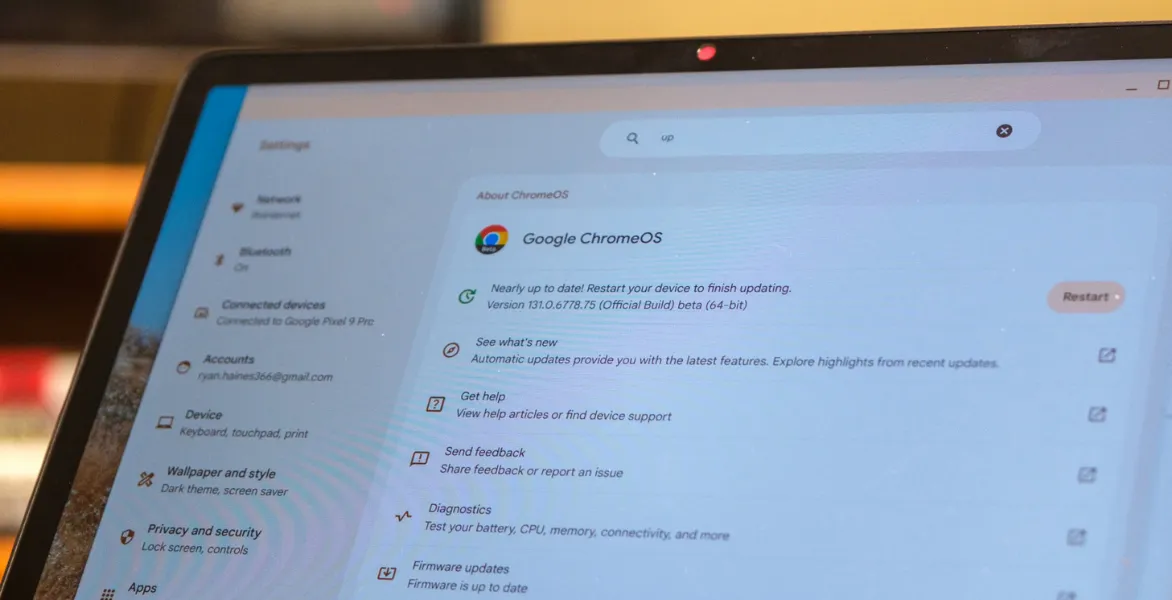
It is one of the most successful examples. The system relies on two alternating root partitions, both mounted as read-only during execution. No persistent modification of the system is possible. Updates completely replace the inactive partition, which becomes active after a restart. Integrity is verified at every boot. It is a strict immutability model deployed at scale across millions of machines.
Fedora CoreOS, an immutable container-focused server
Fedora CoreOS is a minimal Linux system developed by the Fedora project and designed as a foundation for running containers and modern automated infrastructures.
Fedora CoreOS uses rpm-ostree with a read-only root filesystem. System binaries and libraries cannot be modified in production. Every change goes through a new system deployment. There is no conventional package manager available on the running OS. Containers and data live outside the base.
Fedora Atomic Desktops, read-only Linux workstations
Fedora Atomic Desktops brings together several Fedora editions for workstations that apply the principles of immutability to everyday use on a personal computer.
Silverblue, Kinoite and the other Atomic variants follow the same principle. The root filesystem is mounted as read-only and versioned. It is possible to add layers through rpm-ostree, but these never modify the active system. They produce a new image that will be used after a restart. During operation, the base remains untouched.
Bottlerocket, a cloud system that prevents persistent modification
Bottlerocket is a Linux system developed by Amazon and designed specifically to run containers in cloud and orchestrated environments.
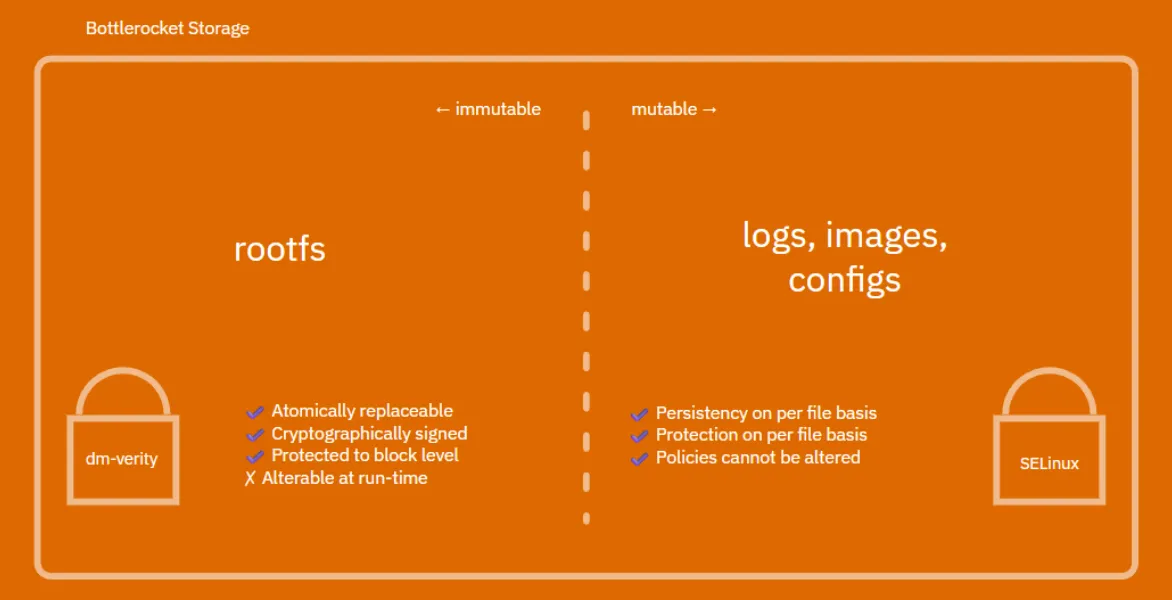
It is built with a strictly read-only root protected by dm-verity. There is no conventional shell access for modifying the system. Updates replace the complete image. Any attempt to persistently modify the system is blocked by design. It is one of the most radical models in the cloud.
Talos Linux, a frozen Kubernetes system managed through an API
Talos Linux is a minimalist distribution designed exclusively for Kubernetes clusters, with a radical approach to security and system management.
It takes the principle even further. The system is not only read-only, but also has no interactive shell. Administration is performed exclusively through an API. The root filesystem is frozen and no production modification is possible. This is very close to total immutability applied to Kubernetes servers.
Flatcar Container Linux, a read-only container host with atomic updates
Flatcar Container Linux is a server- and container-oriented system, inheriting CoreOS principles and designed for distributed infrastructures.
It mounts the base system as read-only. Updates are atomic and completely replace the OS. Users cannot persistently modify system components. Any lasting customisation goes through external configuration or the provisioning of a new image.
Ubuntu Core, a read-only embedded system based on signed components
Ubuntu Core is an Ubuntu variant designed for connected objects, embedded systems and industrial environments that require strong resilience.
It is based on a fully read-only foundation made up of signed system snaps. The system cannot be modified directly. Updates replace components by version. This is a strict immutability model aimed at IoT and embedded systems.
A system that limits persistent modifications
An immutable operating system guarantees that the system running in production exactly matches a version built and validated in advance. Updates do not modify the environment in place; they replace it with a complete new version activated after a restart. This approach removes intermediate states and ensures that every machine runs on a controlled and known foundation.
Rollback is possible if a problem occurs, and the system’s behaviour remains consistent over time. Manual interventions on the base disappear and greatly reduce incidents caused by handling errors. Security improves at the same time because persistent modifications and unplanned alterations to the system are blocked by design.
Immutability is now establishing itself as a secure model in many contexts, from the cloud to modern workstations. It naturally supports automation and today’s infrastructures without making them more complex to operate.
We allow some readers to view our articles for free with an ad blocker. However, their number is currently too high for us to keep this access available to everyone.
You can disable your ad blocker to continue reading immediately, subscribe to enjoy all our content without ads, or come back a little later when the pressure has eased.
Access will be restored automatically as soon as the situation allows.