
GPT-5 is faster and more advanced in some areas, but GPT-4 still has fans because of its stability, thoughtful style and consistency in long conversations. If you want to keep using it, simply enable an option in ChatGPT. Here is how.
In this article
The hidden ChatGPT setting to reactivate GPT-4
Open ChatGPT and click your profile avatar (bottom left on a computer or in the side menu on mobile). A navigation panel opens: select Settings to enter the configuration interface.
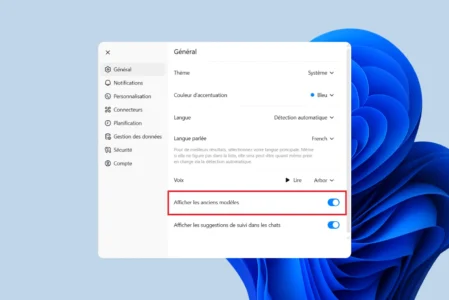
In the settings column, choose the General tab. This is where you will find the options related to the service’s interface and display settings.
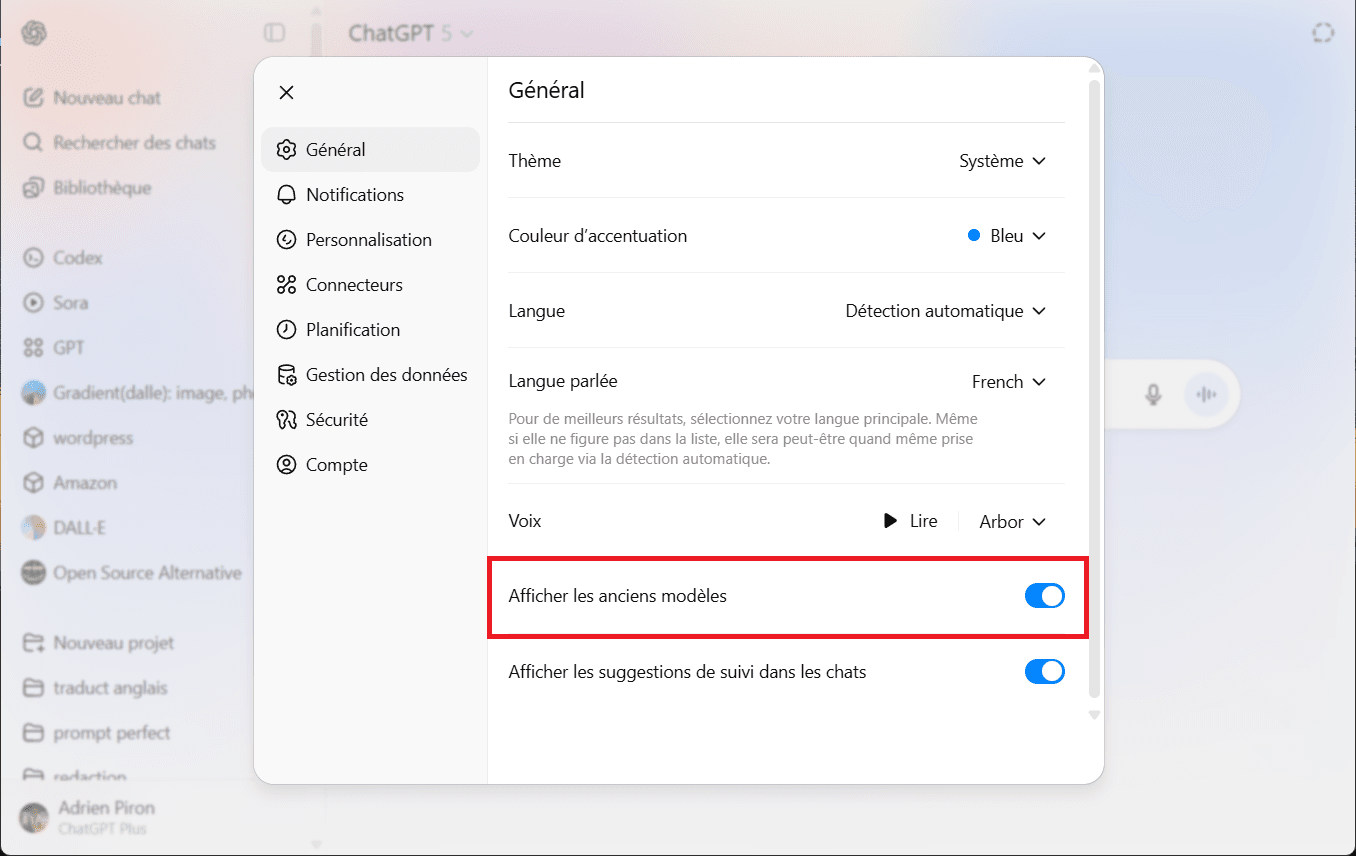
Find the Show legacy models switch and turn it on. This adds GPT-4 to the list of models available in the selector, allowing you to use it instead of or alongside GPT-5.
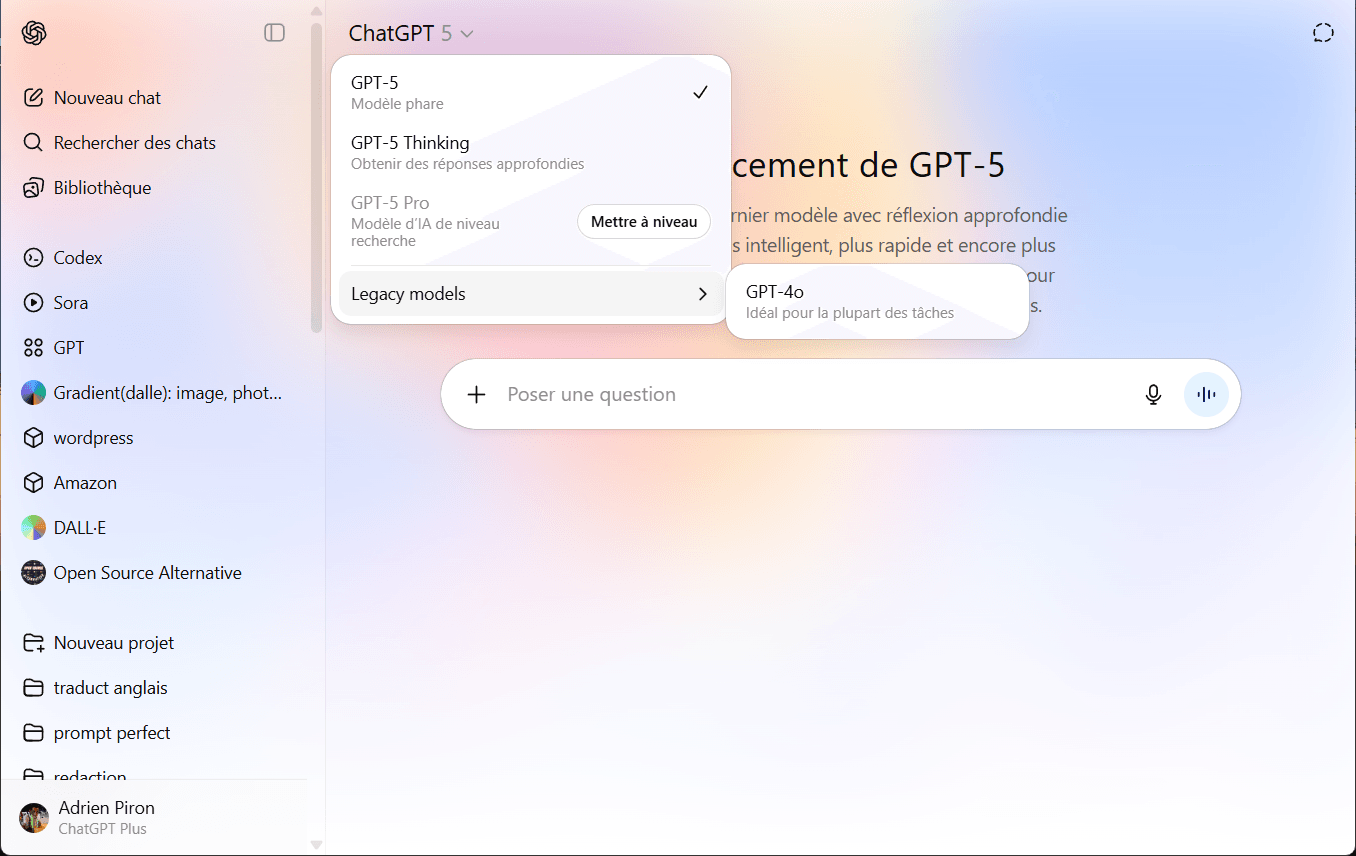
Once Show legacy models is enabled, return to the ChatGPT home screen. Click the name of the current model (for example, GPT-5) at the top of the conversation window. A drop-down menu opens and lists all available models.
 assistouest.fr
When should you choose GPT-4 over GPT-5?
GPT-4 is not just a relic: it remains relevant for specific use cases. For long-form writing, articles, reports and scripts, many users find that GPT-4 produces a more balanced style and is less likely to over-explain. Its consistency of context is also appreciated in technical conversations that last several exchanges.
GPT-5 has the advantage for complex reasoning tasks, mathematics or logic questions and subjects that require a quick synthesis of many sources. In practice, switching between the two models according to the task often produces better results than choosing only one.
We allow some readers to view our articles for free with an ad blocker. However, their number is currently too high for us to keep this access available to everyone.
You can disable your ad blocker to continue reading immediately, subscribe to enjoy all our content without ads, or come back a little later when the pressure has eased.
Access will be restored automatically as soon as the situation allows.