Tiny11 is a lightweight version of Windows 11 developed by NTDEV. Unlike some modified editions that remove many security features to minimize memory usage, standard Tiny11 keeps Microsoft Defender, Windows Update and the recovery features.
I installed Tiny11 25H2 in a virtual machine to see whether the difference was noticeable and check what remains of Windows 11 after it has been slimmed down. A lightweight Windows that uses very little memory but no longer receives security updates is not very useful for a computer used every day.
Tested version: Tiny11 25H2
ISO size: 5.3 GB
URL: https://archive.org/details/tiny11_25H2
On the same topic, you can create a customized ISO with NTLite.
In this article
- The installation is very similar to Windows 11
- French can be installed, but not everything is translated
- Standard Tiny11 keeps Microsoft Defender and Windows protections
- Tiny11 continues to receive Windows 11 updates
- Tiny11 keeps UAC working normally
- Tiny11 runs smoothly with low memory usage
- Tiny11 keeps the essentials of Windows 11 despite being lightweight
- Tiny11 keeps Windows activation working
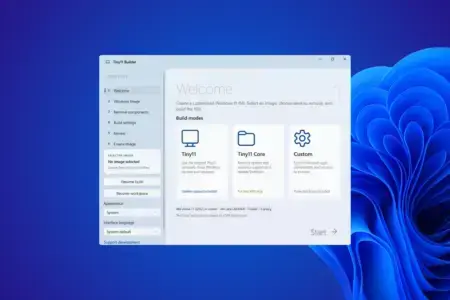
- Tiny11 Builder creates a lightweight ISO from Windows 11
The installation is very similar to Windows 11
Installing Tiny11 barely changes the procedure familiar to anyone who has used an official Windows 11 ISO. Once the machine starts from the installation image, the process is the same: files are copied, the computer restarts several times and Microsoft’s first-run setup assistant appears.
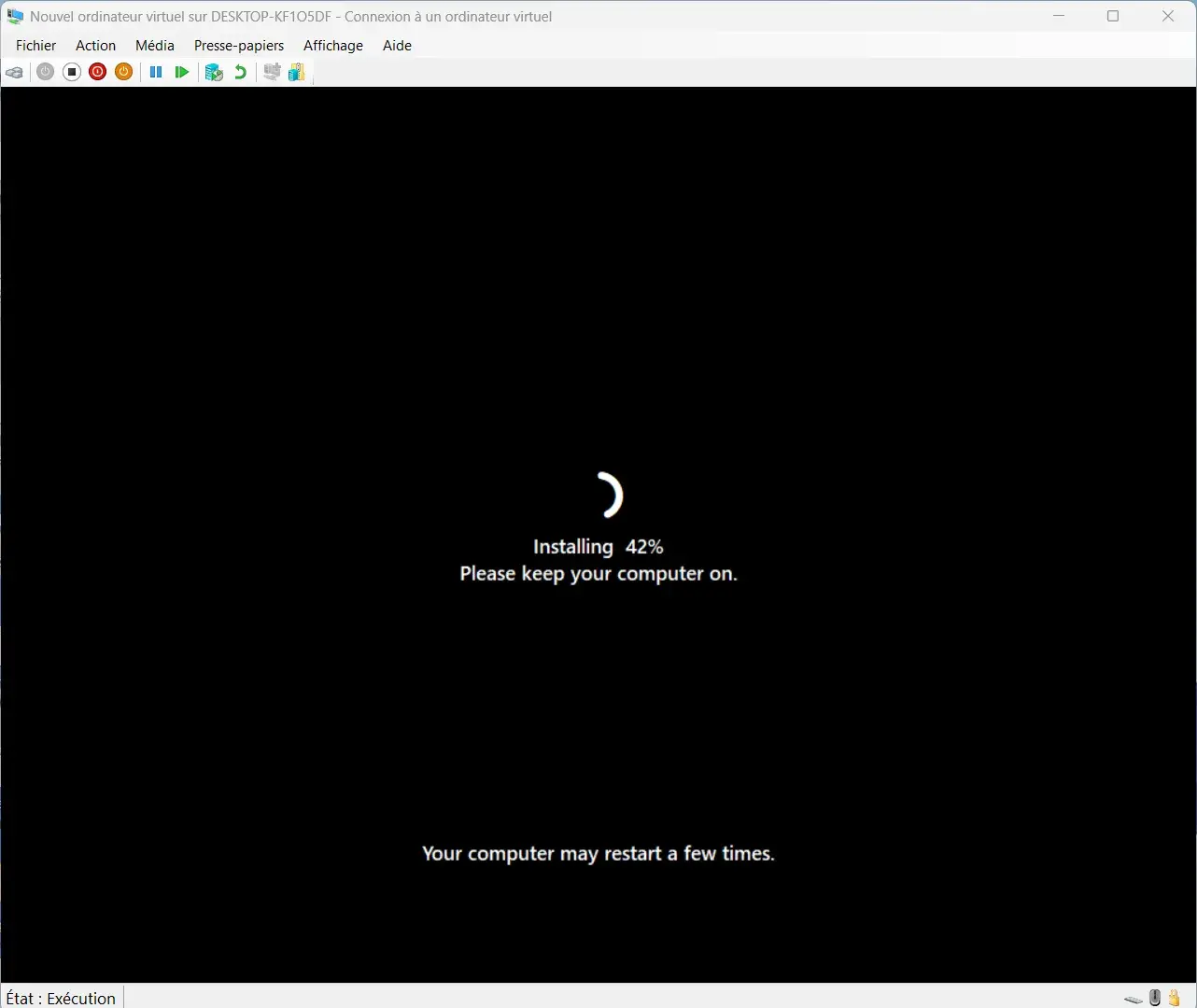
Tiny11 does not replace the Windows installation with a completely different assistant. The project mainly removes parts of the system that will be installed while keeping an experience very close to standard Windows 11.
The country selection is also available during setup, and France can be selected normally. In my case, the tested ISO was in English, which explains why the first-run assistant remained in that language until I added the French language pack.
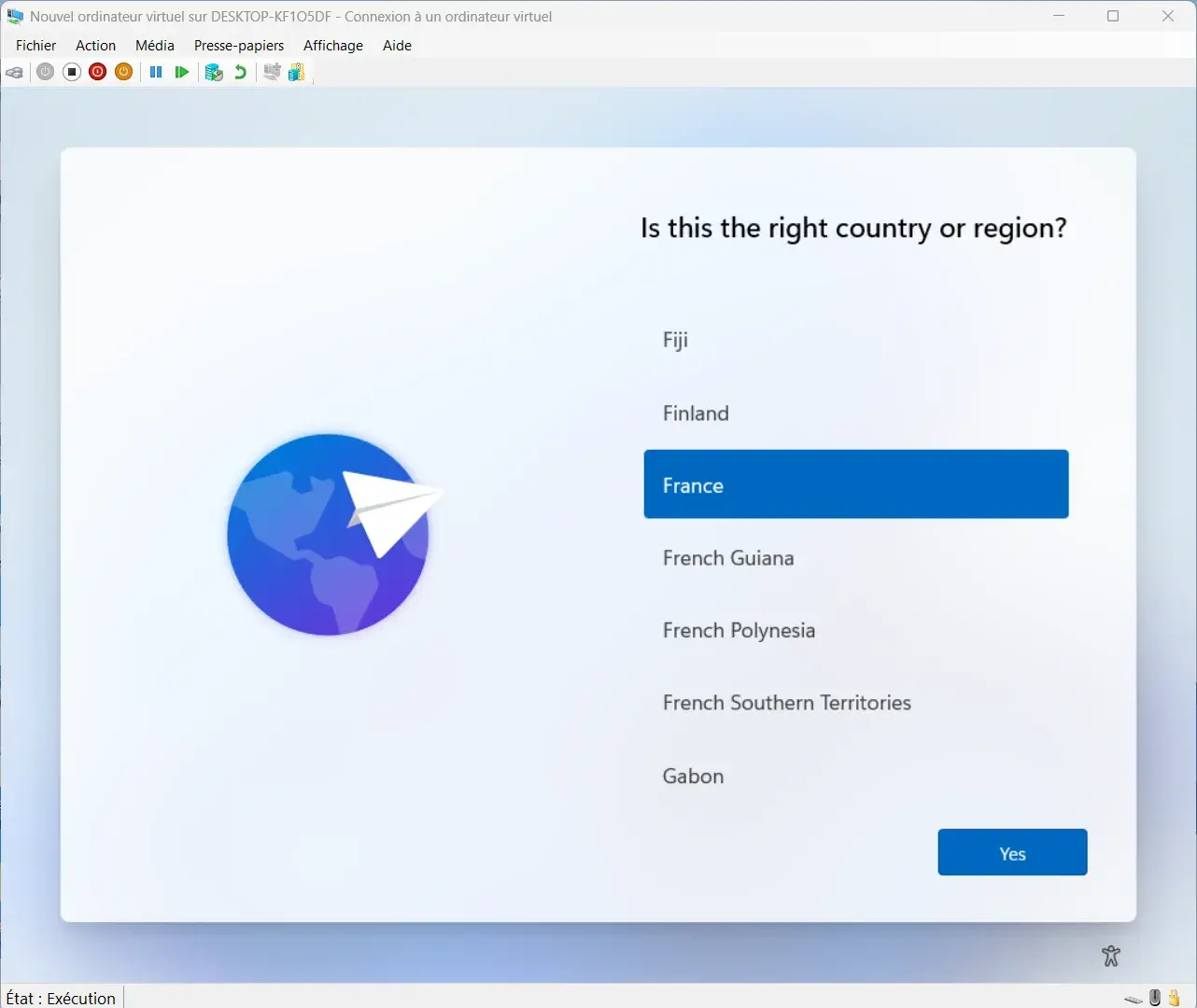
For anyone who has already installed Windows 11, Tiny11 therefore does not require learning the procedure again. The differences mainly become visible once you reach the desktop, with fewer preinstalled applications and a lighter system.
French can be installed, but not everything is translated
The Tiny11 ISO I tested was in English, but French can be added once you reach the desktop. In Windows Settings, simply add French (France) and download the corresponding language pack.
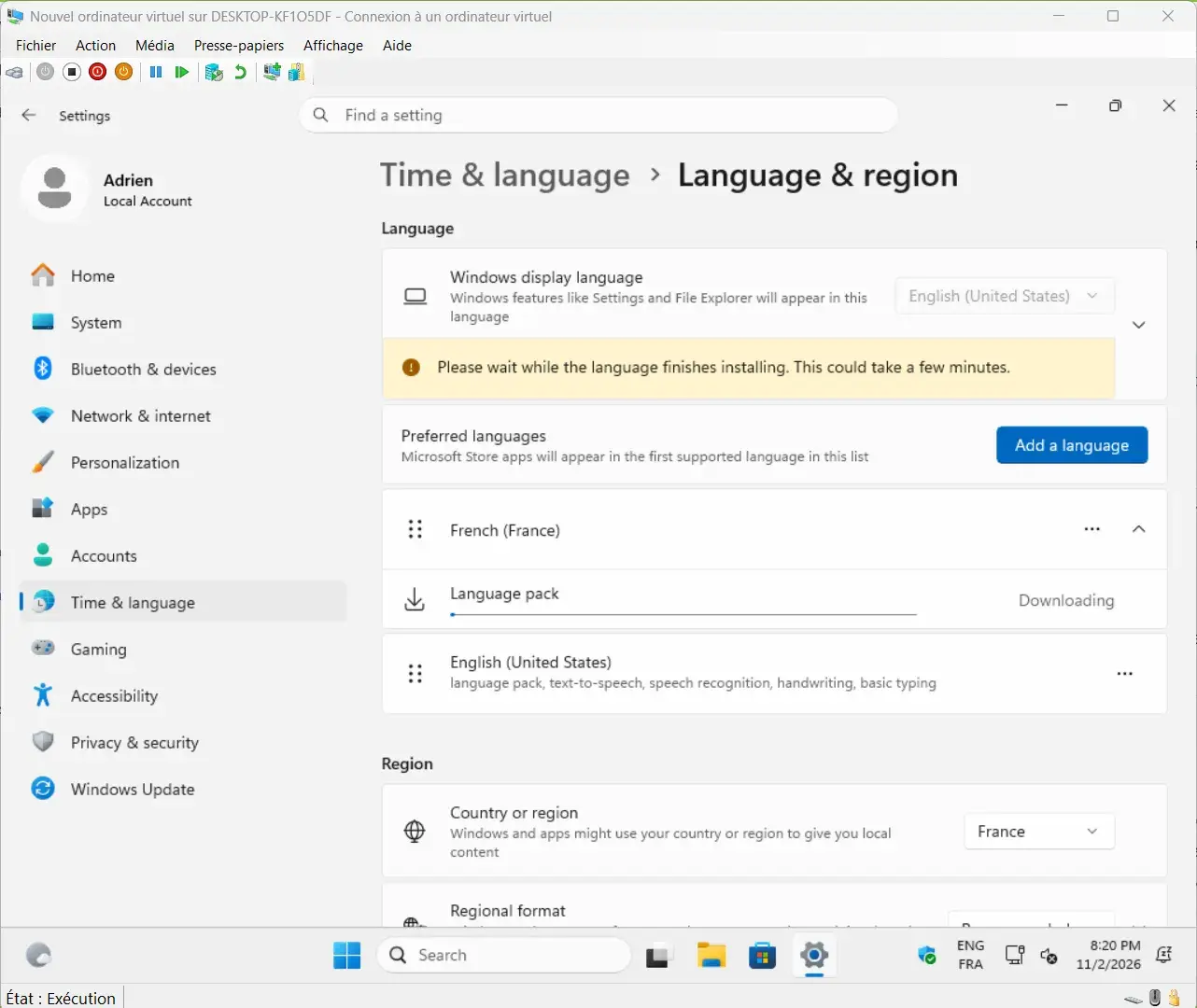
After installing the pack and signing back in, much of Windows switches correctly to French. The main menus, Windows Security and many Settings pages are translated properly, which makes the system usable in French.
The translation is not complete, however. Some elements remain in English, making the interface less consistent than an official Windows 11 ISO installed directly in French. This is not really a problem in daily use, but it is one of the visible compromises of the Tiny11 ISO I tested.
Standard Tiny11 keeps Microsoft Defender and Windows protections
Microsoft Defender is present in standard Tiny11 and the Windows Security app remains functional. On the machine I tested, virus and threat protection, the Windows firewall, account protection, app and browser control and device security were all available, just as they are in a standard Windows 11 installation.
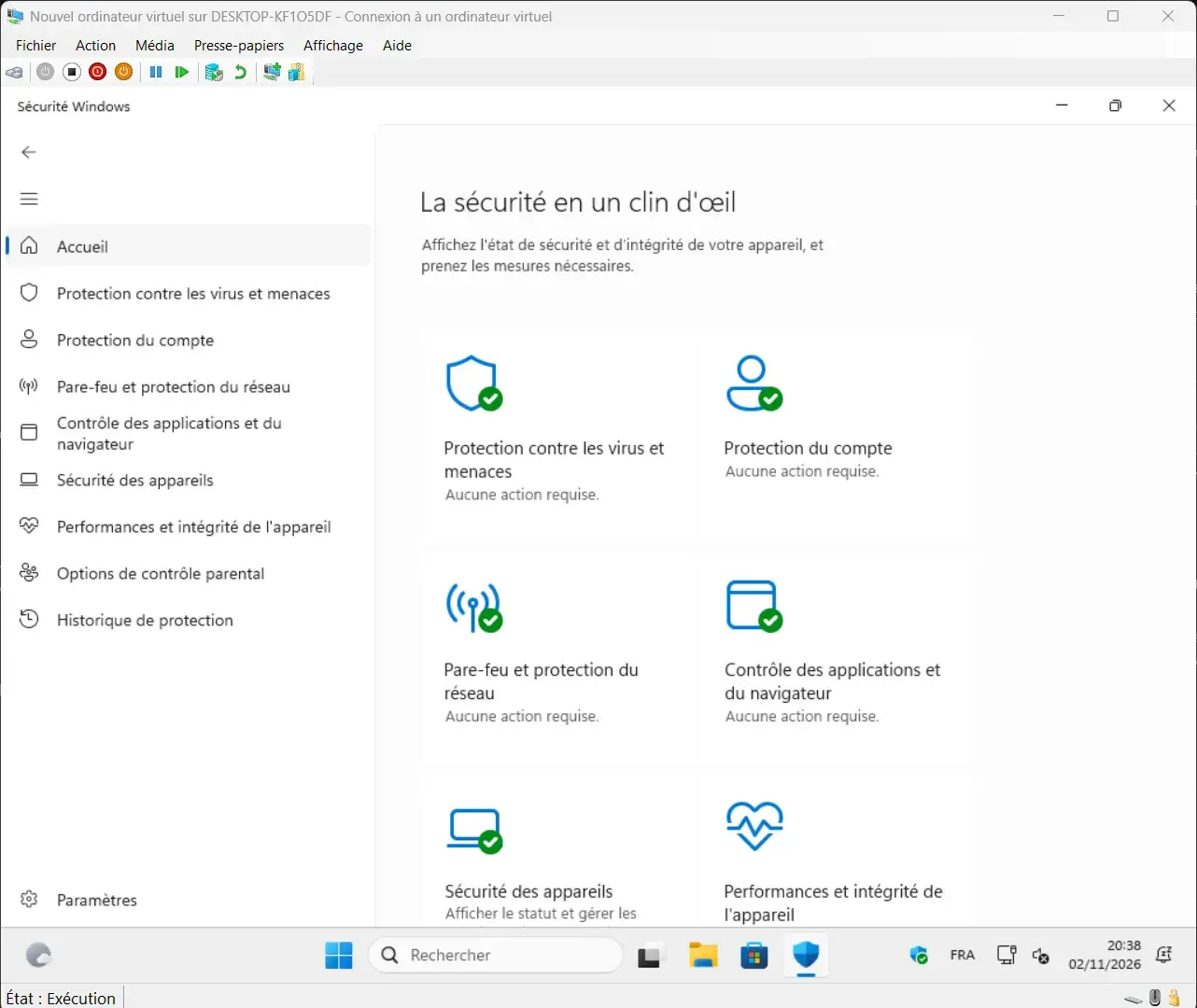
Windows also indicated that the main protections were active and that no special action was required. Standard Tiny11 keeps the built-in protection mechanisms, so the system can be used without installing a third-party security solution.
Tiny11 Core removes more security components
The standard profile keeps Microsoft Defender, Windows Update and the recovery environment for everyday use, while Tiny11 Core goes much further with its removals and deletes Defender along with some features needed to maintain Windows.
Tiny11 continues to receive Windows 11 updates
Windows Update works normally on standard Tiny11. A few minutes after installation, the system started looking for available updates and several fixes from Microsoft were already offered.
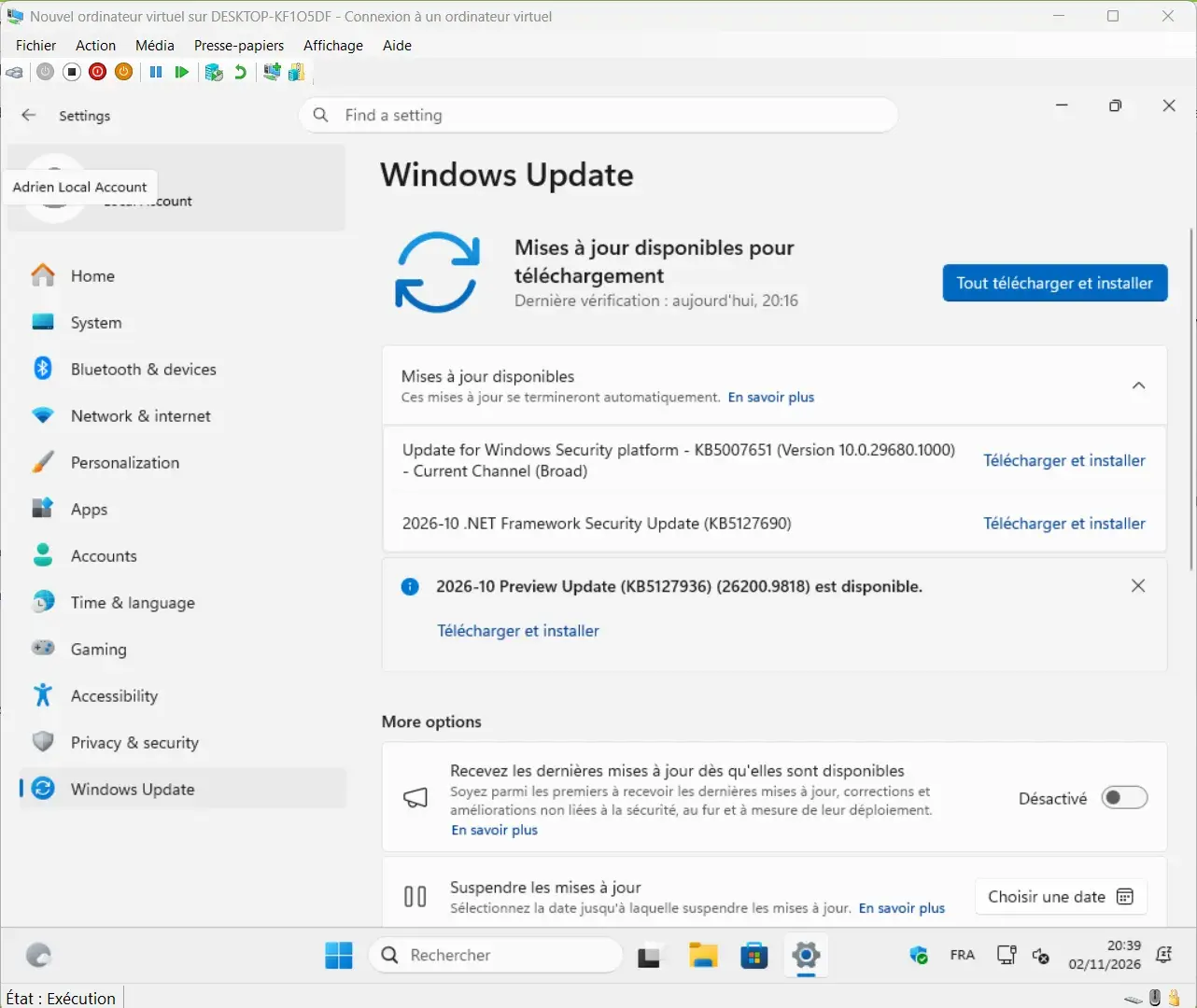
During my test, Windows Update offered a Windows Security platform update and a .NET Framework security update released in October 2026. Tiny11 therefore does not merely preserve the Windows Update interface: it can contact Microsoft’s servers and download the fixes intended for the Windows 11 version on which it is based.
Reducing the number of installed applications or components can be useful, but it quickly loses its value if the system can no longer receive security updates. On the standard version I tested, this functionality is preserved.
Tiny11 keeps UAC working normally
User Account Control is still present in Tiny11 and was not disabled on the machine I tested. UAC used the level recommended by Windows, matching the behavior found in a standard Windows 11 installation.
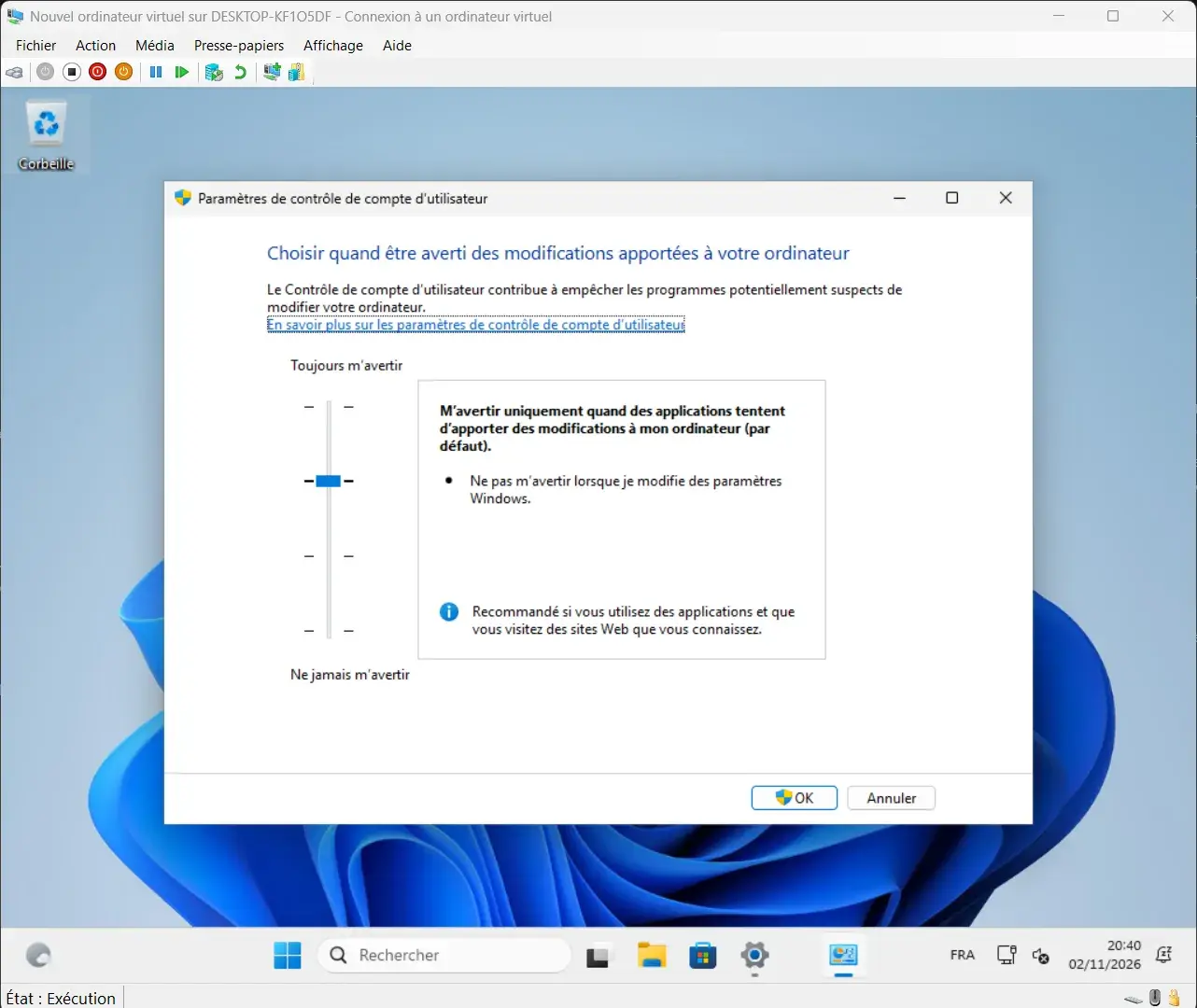
Windows therefore continues to ask for confirmation when an application tries to make an important change to the system. Tiny11 does not try to save a few extra resources by removing this security mechanism.
Some very lightweight Windows versions disable or modify this type of protection to reduce the number of active components even further. Tiny11 is much closer to normal Windows 11 behavior here, with the same safeguards for operations that require elevated privileges.
Tiny11 runs smoothly with low memory usage
For this test, I used a Hyper-V virtual machine configured with 4 GB of expandable RAM and 4 virtual processors. Tiny11 could therefore use more memory if necessary, but the system naturally stabilized at around 2.7 GB of RAM during normal use.
In my test, Tiny11 did not need all the available memory to remain responsive. Settings opened quickly, the desktop reacted immediately and browsing through Windows remained smooth, without feeling like a system under particularly heavy resource constraints.
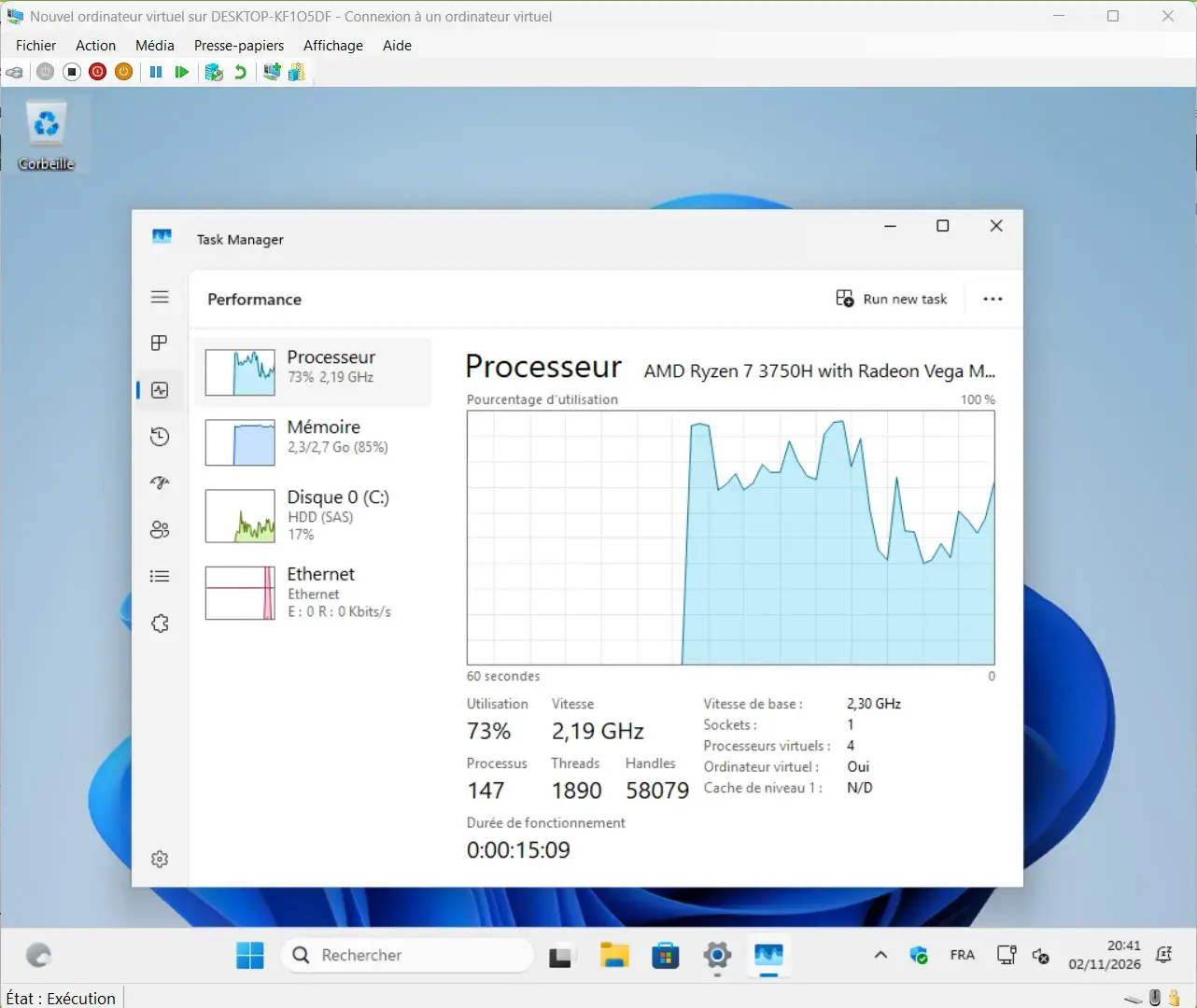
Task Manager showed around 2.3 GB of memory in use at some points during the test. The system has little room compared with current Windows 11 recommendations, but the reduced footprint leaves more memory available for the software being used.
Tiny11 keeps the essentials of Windows 11 despite being lightweight
The standard version of Tiny11 keeps many of the components needed to use Windows every day, including Microsoft Defender, Windows Update, the firewall, UAC, the recovery environment and the Microsoft Store.
The system is mainly slimmed down by removing preinstalled applications and some secondary components, without deleting features related to Windows security or maintenance.
| Feature | Tiny11 | Windows 11 |
|---|---|---|
| Microsoft Defender | Yes | Yes |
| Windows Update | Yes | Yes |
| Security updates | Yes | Yes |
| Windows firewall | Yes | Yes |
| UAC | Yes | Yes |
| Recovery environment | Yes | Yes |
| Microsoft Store | Yes | Yes |
| Preinstalled applications | Limited | More numerous |
| Installation directly in French | EN-US | French ISO |
| Complete translation | No | Yes |
| Works with 4 GB of RAM | Yes | Limited |
| Activation with a Windows license | Yes | Yes |
| Builder for creating your own ISO | Yes | No |
| Official Microsoft support | No | Yes |
Tiny11 is ultimately much closer to Windows 11 than you might expect. The most visible differences concern the number of preinstalled applications, resource usage and a few compromises specific to the tested ISO, such as an incomplete French translation.
The system does not feel like Windows 11 has been stripped of everything just to save a few resources. It feels more like an installation cleared of some non-essential elements while keeping the features expected from a PC used every day.
Tiny11 keeps Windows activation working
Tiny11 does not bypass Windows activation and does not include a system designed to activate Windows automatically. It is a lightweight version of Windows 11, not a nulled version of Windows. On my virtual machine, which had no digital license, Windows remained unactivated after installation.
 assistouest.fr
The process is the same as with an official Microsoft ISO. To activate Windows, you need a valid product key or a digital license already associated with the machine. On an older PC sold with Windows and already carrying a compatible license, activation may happen automatically once the system connects to the Internet.
Tiny11 removes applications and some Windows components to slim down the system, but the project does not use these changes to include an activator or bypass Microsoft’s licensing system.
Tiny11 Builder creates a lightweight ISO from Windows 11
Instead of downloading an ISO that has already been modified, you can start with an official Windows 11 ISO obtained from Microsoft and then apply the changes provided by the project yourself.
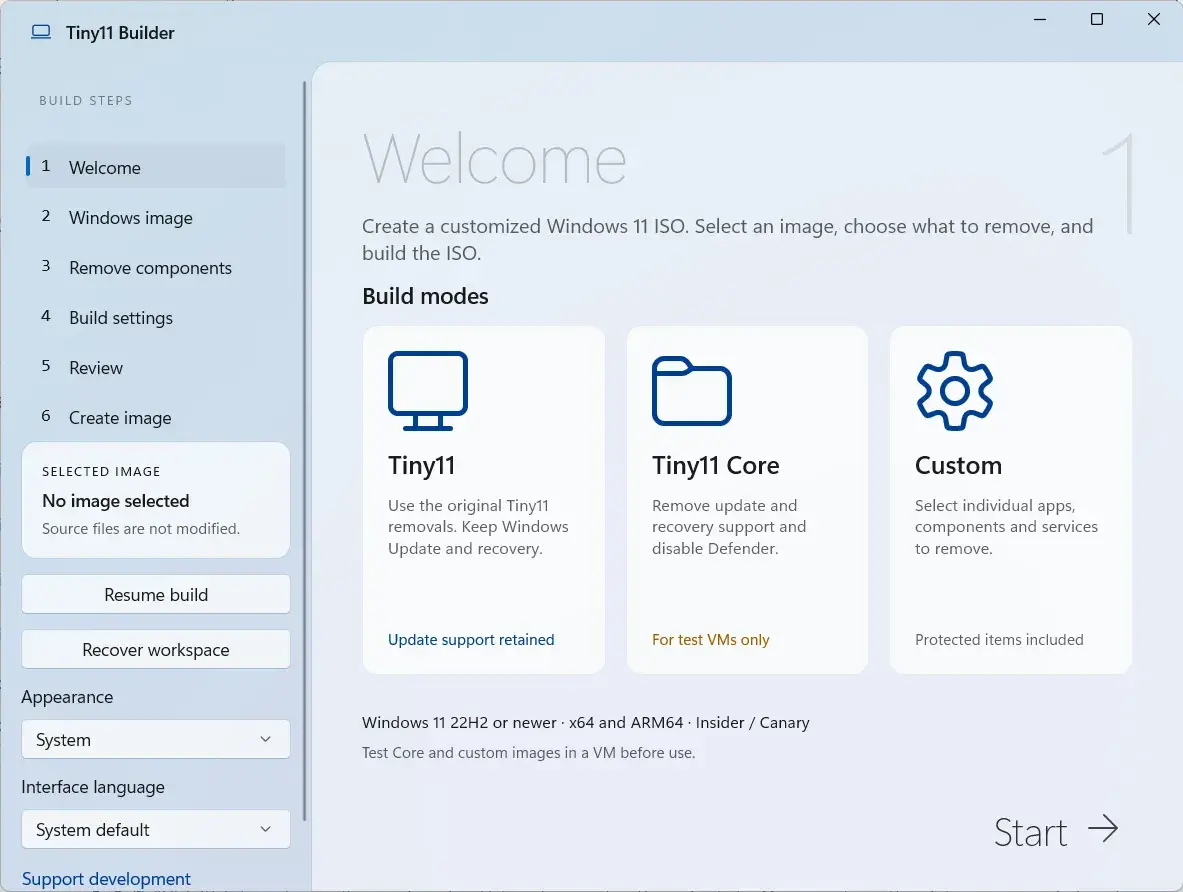
The Tiny11 profile removes the applications and components selected by NTDEV while keeping the elements important for everyday use, including Microsoft Defender, Windows Update and the recovery environment. A custom mode also lets you choose more precisely what should be kept or removed.
You start with an official Windows file and build the lightweight image yourself, giving you better control over the system’s origin.
Tiny11 Builder also offers a Tiny11 Core profile, which is much more aggressive with its removals. This version removes Microsoft Defender and several components useful for maintaining Windows.
We allow some readers to view our articles for free with an ad blocker. However, their number is currently too high for us to keep this access available to everyone.
You can disable your ad blocker to continue reading immediately, subscribe to enjoy all our content without ads, or come back a little later when the pressure has eased.
Access will be restored automatically as soon as the situation allows.