How to find the maximum RAM capacity supported by your PC
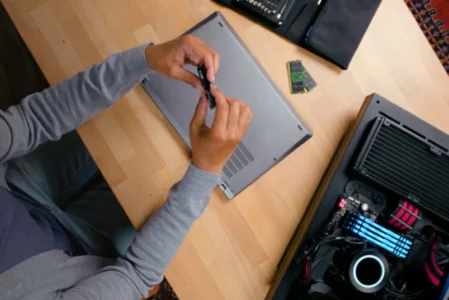
Want to add more RAM to your PC? Find out how to check the maximum supported capacity, the number of slots and the compatible memory type.
Read the articleLearn everything about RAM, from DDR4 and DDR5 to frequency, dual channel and ways to improve PC performance.
Want to add more RAM to your PC? Find out how to check the maximum supported capacity, the number of slots and the compatible memory type.
Read the articleYour RAM is running below its rated speed without XMP. Learn how to enable the BIOS profile that unlocks its performance in a few clicks.
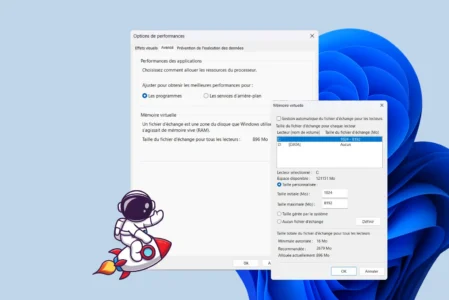
Read the articleLearn how to increase virtual memory in Windows 11 to optimize RAM, prevent slowdowns and make your PC faster and more stable every day.
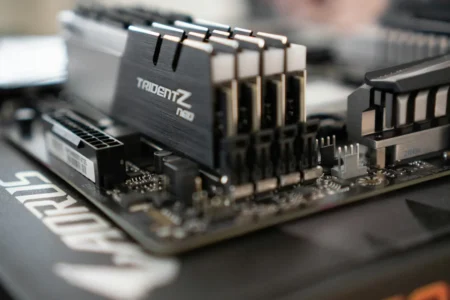
Read the articleChoosing the best RAM to boost your PC's performance: capacity, frequency, compatibility... Our tips for making the right choice.
Read the articleMore power for gamers and creators! Discover GDDR7, the new ultra-fast memory that will revolutionize the performance of next-generation graphics cards.
Read the article