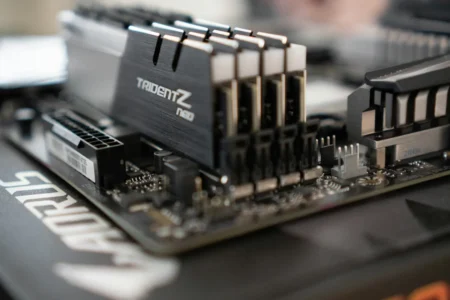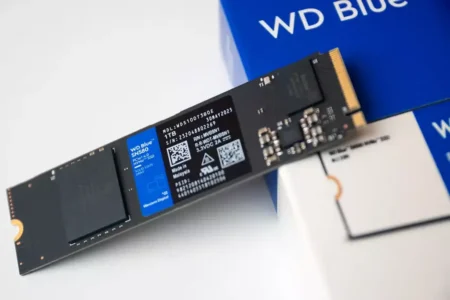
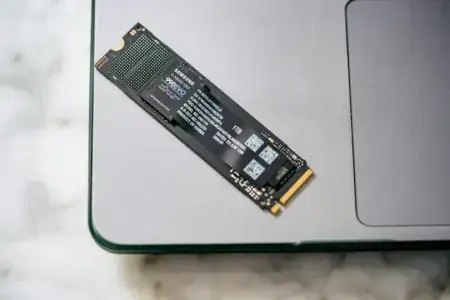
Installing more RAM makes it more comfortable to run several applications at the same time. However, having enough RAM also has a less well-known benefit: it can limit writes to your SSD and therefore help preserve some of its TBW endurance.
When your computer runs out of RAM, Windows temporarily uses storage to keep some data. These exchanges between RAM and the storage drive are called paging or swapping. They keep applications running, but they also create additional writes on the SSD.
In this article
Your SSD works harder when you run out of RAM
When available RAM is insufficient, Windows moves the least-used data to the paging file, also called virtual memory. This file is usually called pagefile.sys and is stored on the SSD. On Linux, the same principle applies to the swap space, which can be a dedicated partition or a file. You can free unused RAM on Linux, but some applications will still need swap when physical memory is full.
Every time the system needs data that has been moved to the swap, it has to read it from the storage drive and may move other data back in the opposite direction. These repeated operations increase the amount of data written to the SSD, especially when the computer regularly operates close to its RAM limit.
How can you tell whether your computer is using swap?
With Assistools in portable mode, my computer maintenance software, you can check system activity without installing anything. You can also use Windows Performance Monitor and look at the MemoryPages Output/sec counter. A high value over a sustained period indicates that Windows is frequently moving data between RAM and the storage drive.
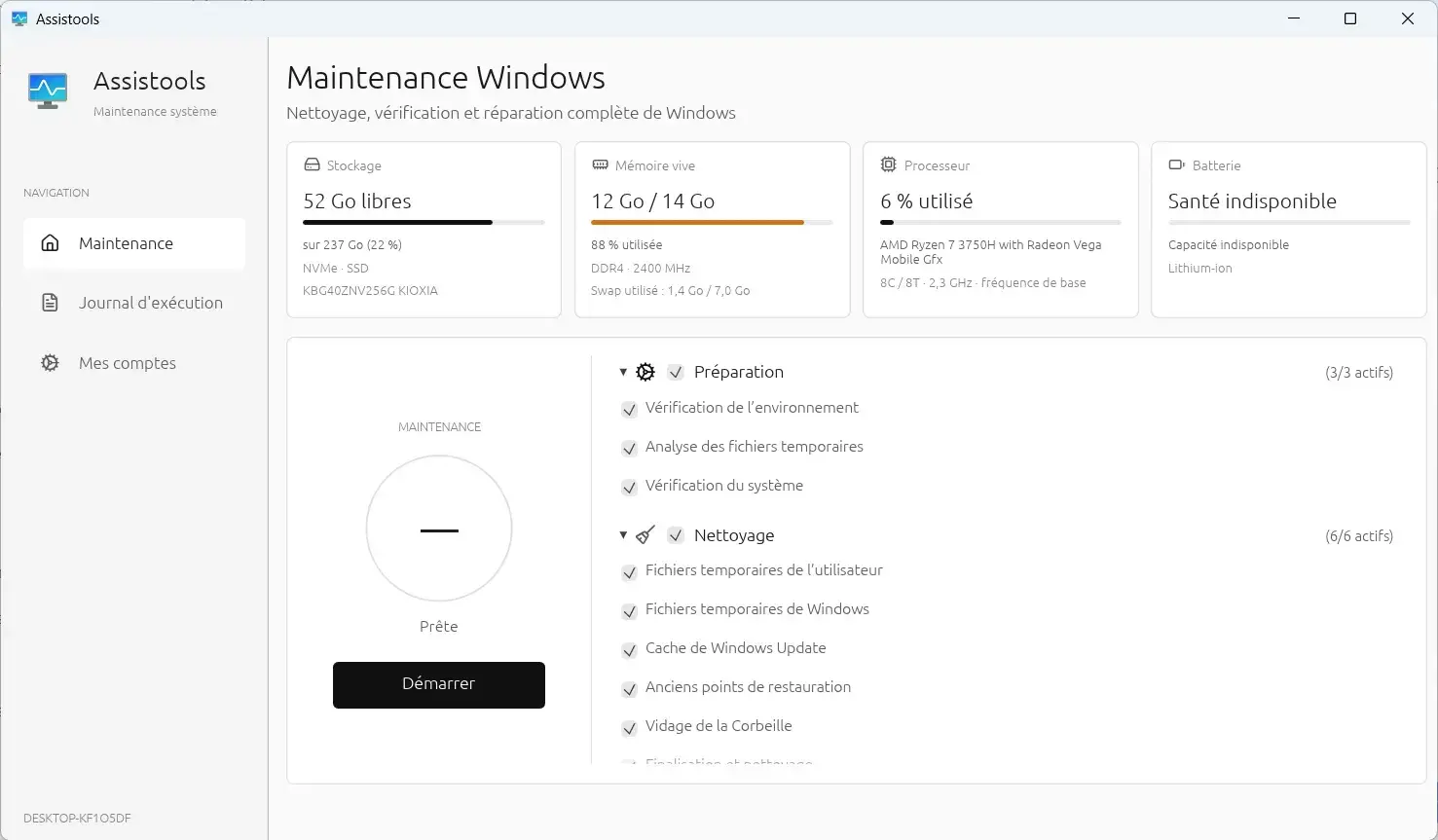
In the screenshot above, the computer is using 12 GB of RAM out of 14 GB available. It is also using 1.4 GB of swap out of 7 GB available, which shows that the system has already used storage to manage its memory.
Adding more RAM can reduce how often this happens. When the system can keep more data in physical memory, it needs to use the SSD less often for temporary storage.
How many SSD writes can you avoid with more RAM?
Let us compare a computer with 8 GB of RAM to one with 16 GB. If the first computer writes around 20 GB of swap data per day, while the second does not need to use swap, the difference adds up quickly.
Twenty gigabytes of writes per day represents around 7.3 TB after one year and 36.5 TB after five years. These figures are theoretical averages, but they show why adding RAM can make a meaningful difference for a heavily used SSD.
| Situation | With 8 GB of RAM | With 16 GB of RAM |
|---|---|---|
| Swap writes per day | 20 GB | 0 GB |
| After one year | 7.3 TB | 0 TB |
| After five years | 36.5 TB | 0 TB |
This is consistent with the experiment conducted by Tom’s Hardware in 2013. The publication showed that using an SSD as virtual memory could reduce its lifespan by 28% for light use and 45.4% for heavier use. In the most demanding scenario, the reduction was close to 64%.
The impact of swap writes on your SSD’s lifespan
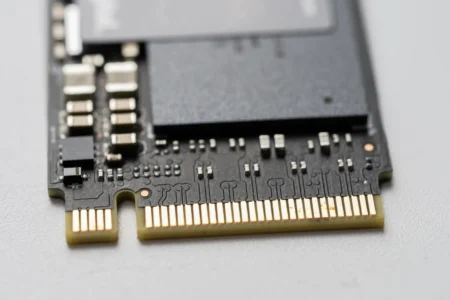
SSD endurance is commonly expressed as TBW, or Total Bytes Written. This value estimates the amount of data that can be written to a drive before its flash memory reaches the manufacturer’s specified endurance limit.
 assistouest.fr
With 36.5 TB of swap writes over five years, a computer with 8 GB of RAM could consume a significant share of the rated endurance of a small SSD. Larger models generally offer a higher TBW rating, but the writes still contribute to the total wear.
| SSD model | Endurance | TBW consumed by swap |
|---|---|---|
| Kingston A400 120 GB | 40 TBW | 91.3% |
| Crucial BX500 240 GB | 80 TBW | 45.6% |
| PNY CS900 240 GB | 100 TBW | 36.5% |
| Crucial BX500 480 GB | 120 TBW | 30.4% |
| TeamGroup GX2 1 TB | 200 TBW | 18.3% |
You can find a more detailed example in our Crucial BX500 review, including its rated endurance and performance in everyday use.
Should you disable the paging file to protect your SSD?
Disabling the paging file is generally a bad idea, even if your computer has a lot of RAM. Some Windows applications expect it to be available and may become unstable or refuse to start without it.
The safer approach is to leave the paging file size managed automatically by Windows. If your SSD receives too many swap writes, adding more RAM is usually a better solution than disabling virtual memory.
Enough RAM can also reduce the risk of data loss
NAND flash memory wears out gradually as data is written and erased. The SSD controller spreads writes across the available cells and uses error correction and spare blocks to maintain reliability.
As the memory cells wear, the drive may encounter bad blocks, read errors or data corruption. Reducing unnecessary swap writes slows this wear and gives the controller more room to manage the drive’s remaining endurance.
More RAM is therefore useful for both performance and storage longevity. It does not replace regular backups, which remain essential in case of hardware failure, accidental deletion or software problems.
We allow some readers to view our articles for free with an ad blocker. However, their number is currently too high for us to keep this access available to everyone.
You can disable your ad blocker to continue reading immediately, subscribe to enjoy all our content without ads, or come back a little later when the pressure has eased.
Access will be restored automatically as soon as the situation allows.